



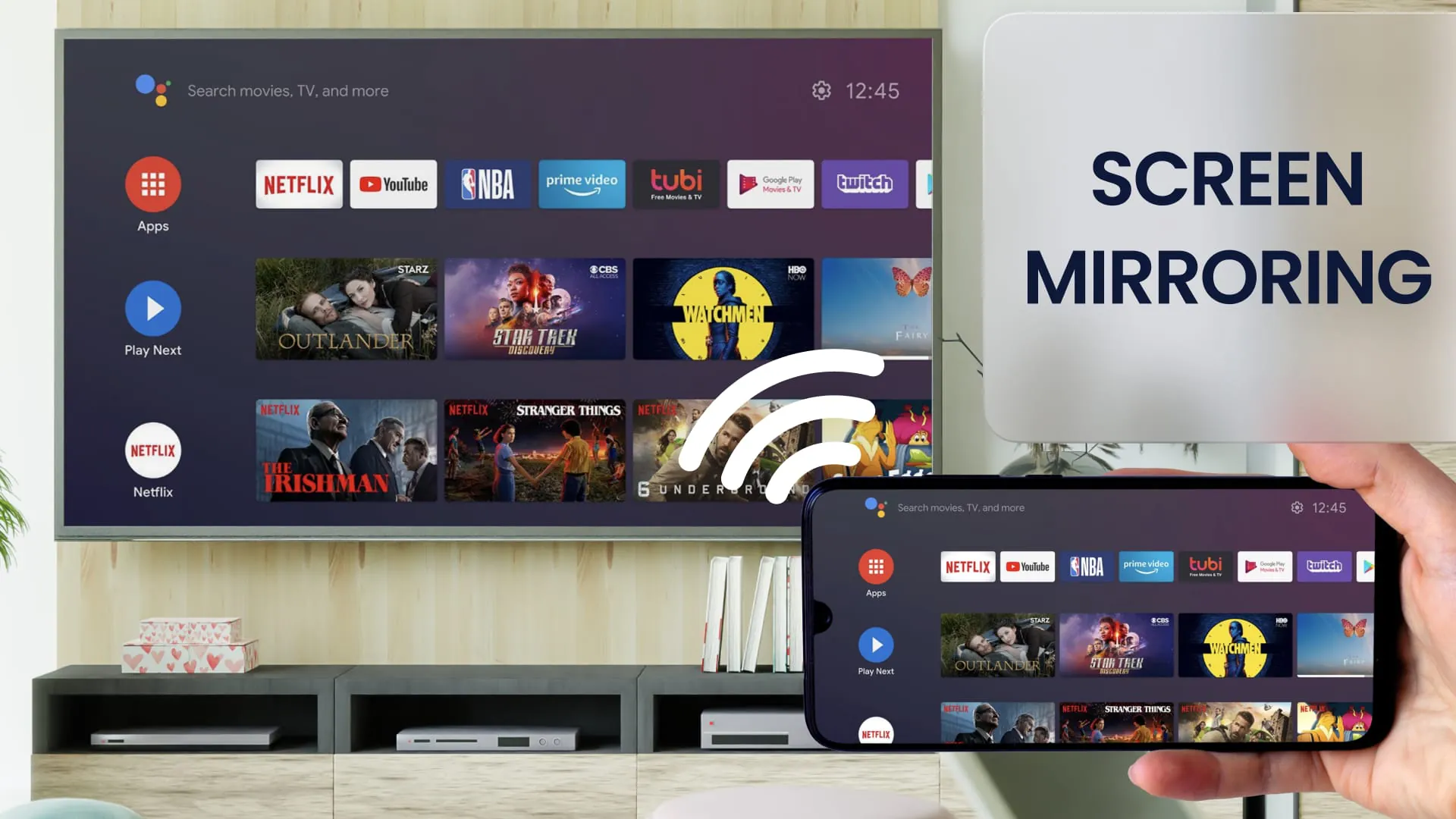
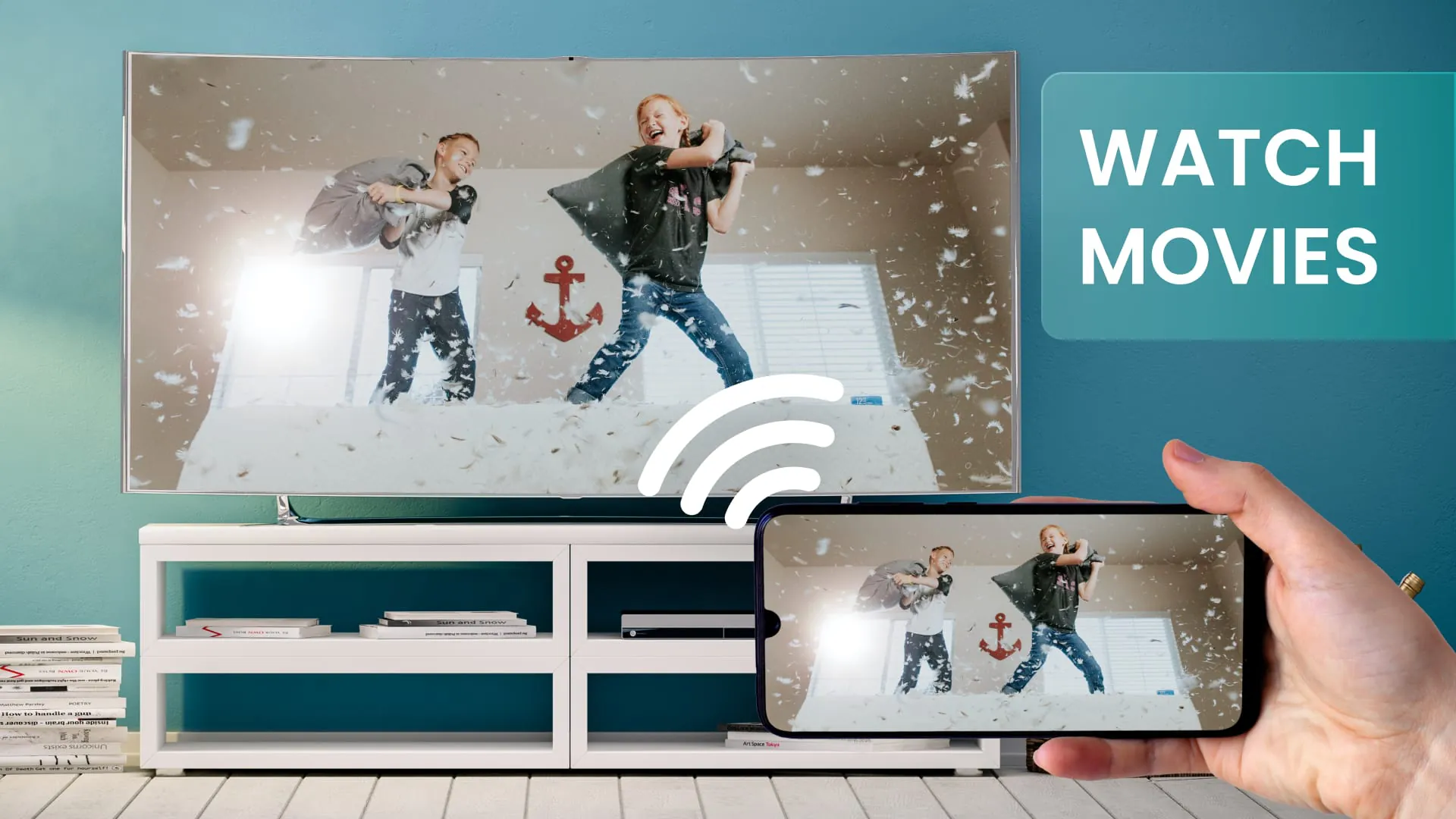
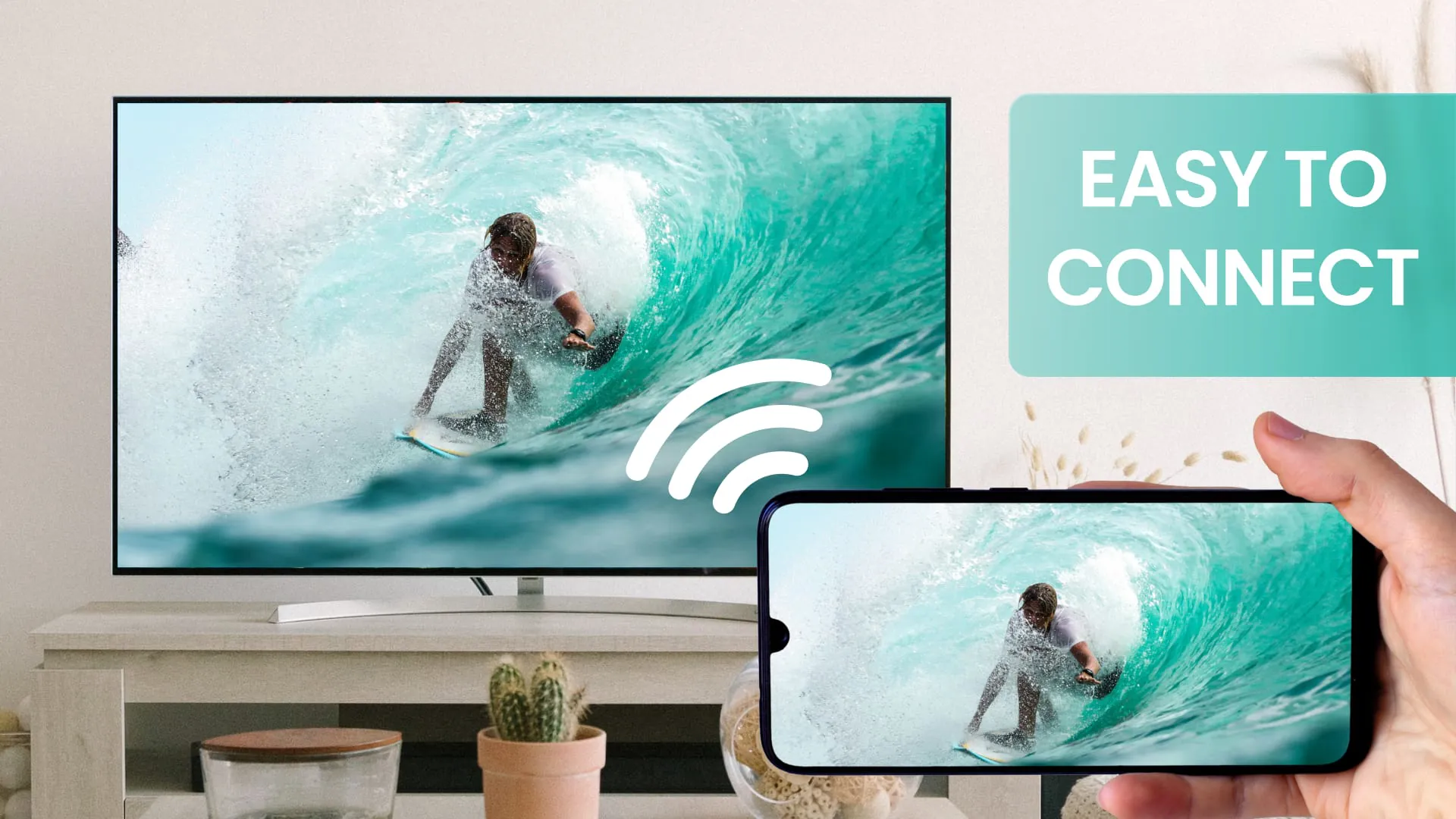
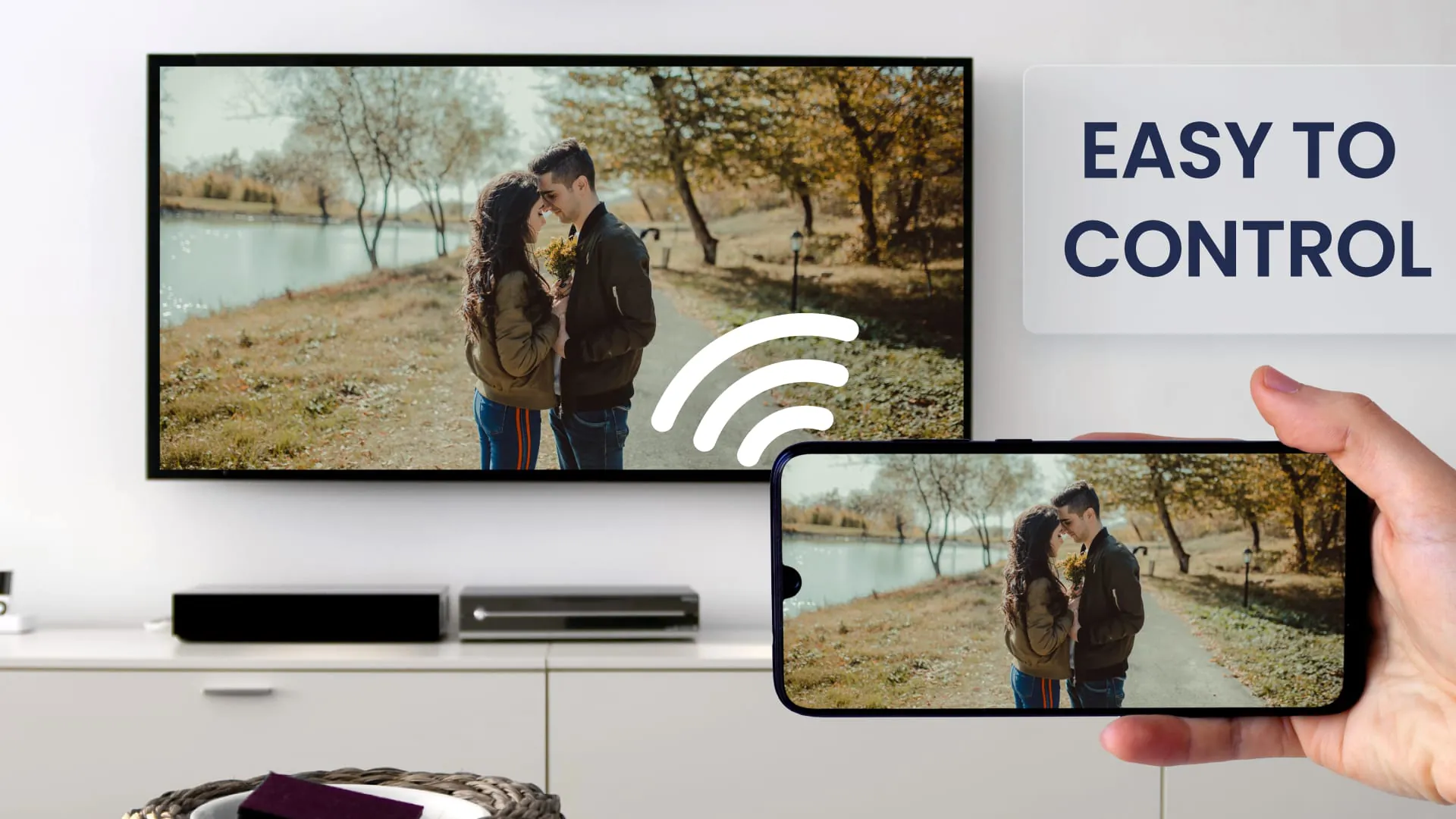
The Screen Mirror app is a helpful tool for screen sharing your phone or tablet to any device on your WiFi network. With this app, you can easily duplicate your phone or tablet screen to a TV or other android device with a screen mirroring feature. Screen mirroring is ideal for showing photos, videos, watching movies, or playing games. The app is stable, free, and provides flawless screen mirroring features. To use the Screen Mirror app, your Android device and target device must be on the same WiFi network. SmartTVs may not work since some of their browsers do not support the needed features for the Mirror app. An internet connection is also required for screen mirroring. The app works great with Google Chrome, Apple Safari, Firefox, and Samsung MU Series. For more information, you can watch the how-to video on YouTube. The Mirror Cast app is a free and easy-to-use tool for screen mirroring your mobile screen on your TV. It allows you to easily connect your device and your TV, providing you with a secure connection to protect your data, files, and applications. With this app, you can stream movies, music, and photos to your TV without any limitation. However, the transmission offset highly depends on your Android device's computation power and the speed of the WiFi connection. Screen sharing with the Screen Mirror app is simple and easy. You can start the screen mirror process on your Android device, scan the QR code, and screen sharing starts immediately. No additional software on your remote device is needed for screen mirroring. The app mirrors the entire mobile screen to your smart TV without any lag or buffering, allowing you to play videos, music, and photos very easily from your phone. With the Mirror Cast app, you can enjoy screen sharing and mirror cast phone to a TV or other devices instantly.
3.80









 Home
 Apps
 Games
 Topics
 Google Play
 App Store










