



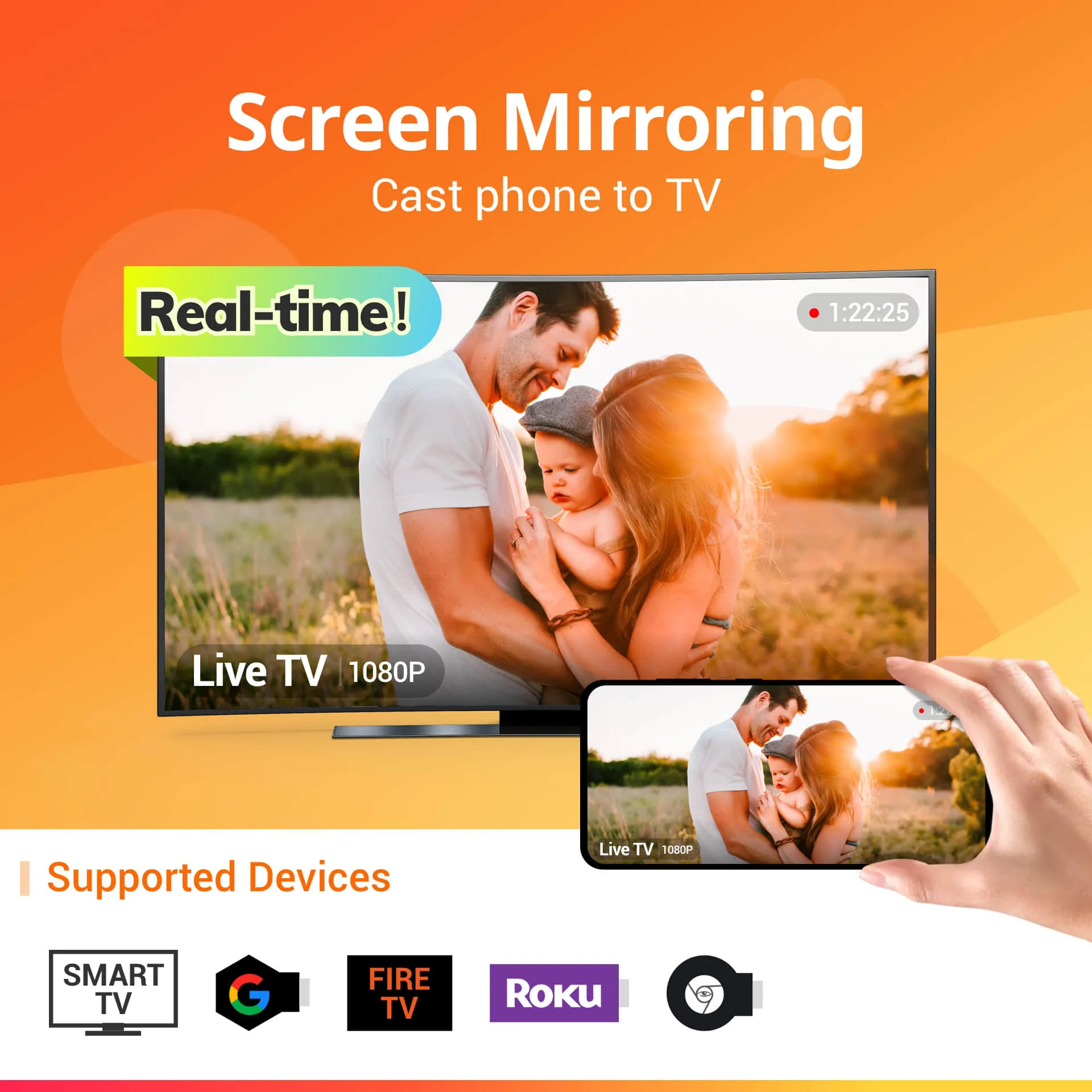
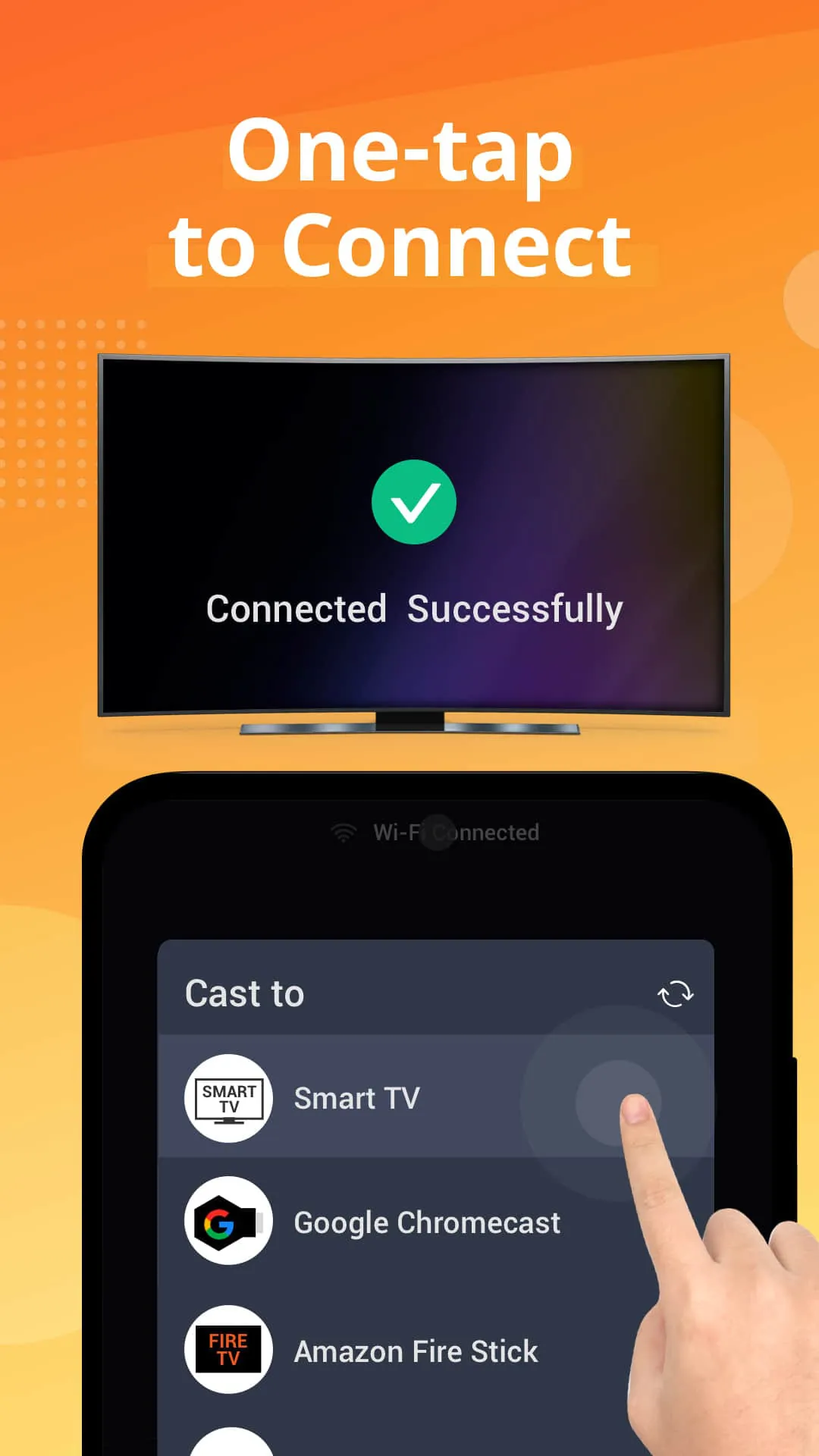
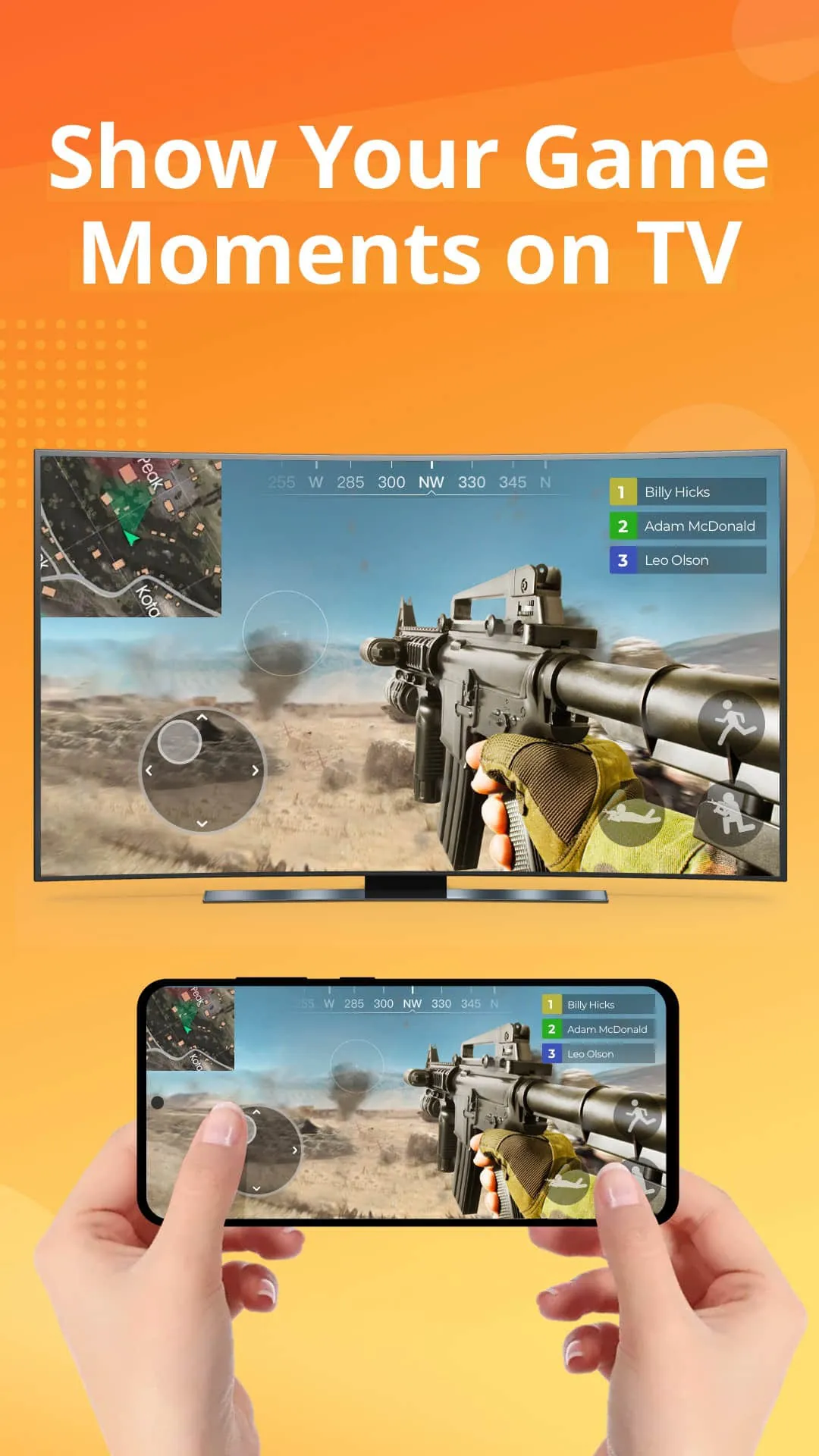
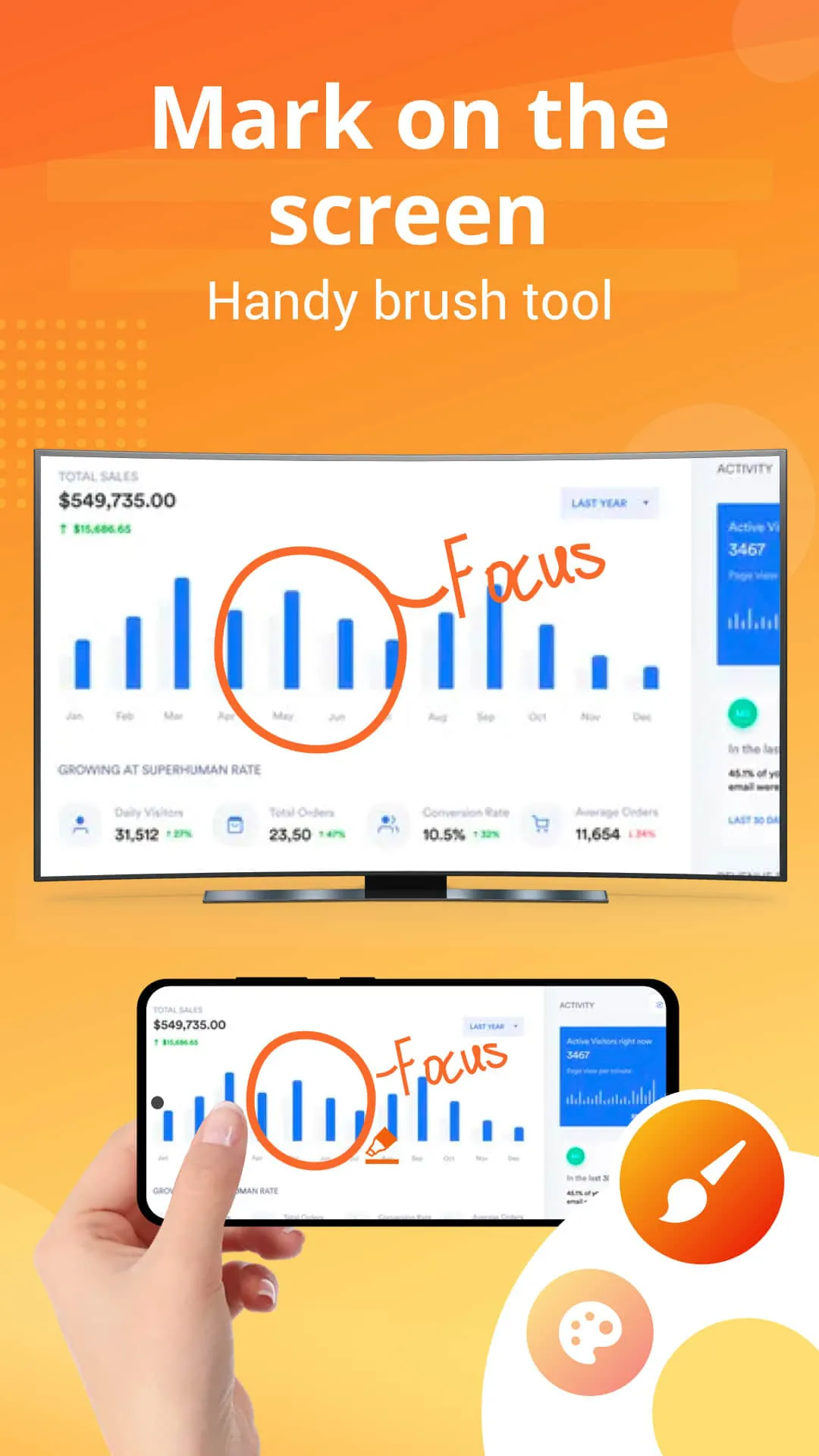
Screen Mirroring - All Mirror is a free app that allows users to cast their small phone screens to a larger TV screen in high quality and real-time speed. With this app, users can easily access all types of media files, including mobile games, photos, music, videos, and E-books on the big screen. The app supports multiple devices, including most smart TVs, Google Chromecast, Amazon Fire Stick & Fire TV, Roku Stick & Roku TV, AnyCast, and other wireless adapters. The app's key features include stable casting of smartphone screens to big TV screens, simple and fast connection with just a click, casting of mobile games to big-screen TVs, casting to TV live video on Twitch, YouTube, and BIGO LIVE, support for all media files, including photos, audios, E-books, and PDFs, and real-time speed screen sharing. The app also has a neat and clean user interface to create a good experience. Users can use Screen Mirroring - All Mirror to watch PPT in TV mirror, start a presentation in a business meeting, and show demonstrations and ideas with co-workers. They can also share movies in smart view and watch them with friends or family on big TV screens. However, users should note that their TV and Android device should both support wireless display/Miracast and screen mirroring function, and they should make sure their phone/tablet and smart TV mirror are connected to the same Wi-Fi network. In conclusion, Screen Mirroring - All Mirror is a stable and free app that provides users with an awesome screen sharing experience. Users can save their eyes from the small phone screen and enjoy big screen TV series shows in the family area. The app is based on Miracast TV mirror technology and is the best choice for those looking for a free and stable cast to TV app.
4.30









 Home
 Apps
 Games
 Topics
 Google Play
 App Store










