



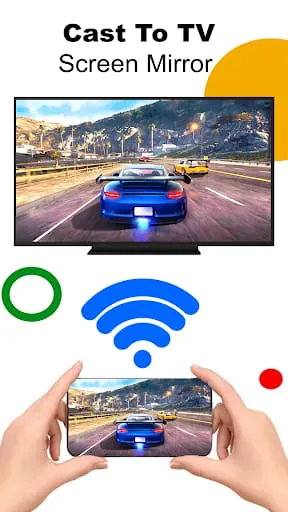
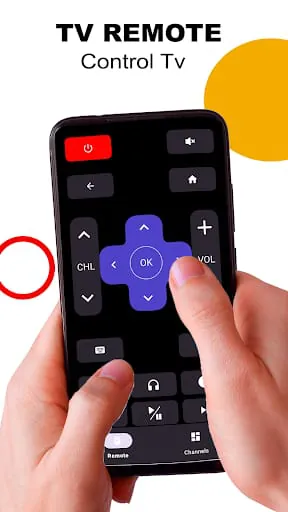
Screen Mirroring for Roku TV Cast is a mobile application that allows users to connect their Android phones to their TV. This app provides an easy way to mirror your mobile screen to your TV, allowing you to enjoy your mobile videos on a larger screen. The app is compatible with Roku, Samsung, LG, Sony, and TCL Android TV Screen casting app. It has an easy-to-use interface that makes it user-friendly. To use the app, you need to ensure that your TV and phone are connected to the same Wi-Fi network. Then, turn on the Mira cast Display function on the TV and the Wireless Display option on the phone. Click the Select TV button and choose your TV. Finally, screen mirroring cast your phone to the TV. The app has several features that make it stand out. It is easy to change your mobile into a Smart TV, and it supports Wireless Display or any sort of Display Dongles. No registration is required to use the app, and the TV and mobile should be connected to the same WIFI network. The app is easy to download and run, and it allows you to see videos, music, or view images. Screen share for Roku cast, screen mirroring for Roku TV is an all-in-one app for all Roku cast TVs, LCD, and devices. It is a powerful app for screen mirroring and video & TV casting. Roku smart view provides you Roku TV smart view, screen mirroring app, screen share, all cast, TV cast, Roku TV, chrome cast, connect mobile to TV, screen cast, with an awesome user-friendly interface.
3.90









 Home
 Apps
 Games
 Topics
 Google Play
 App Store










