




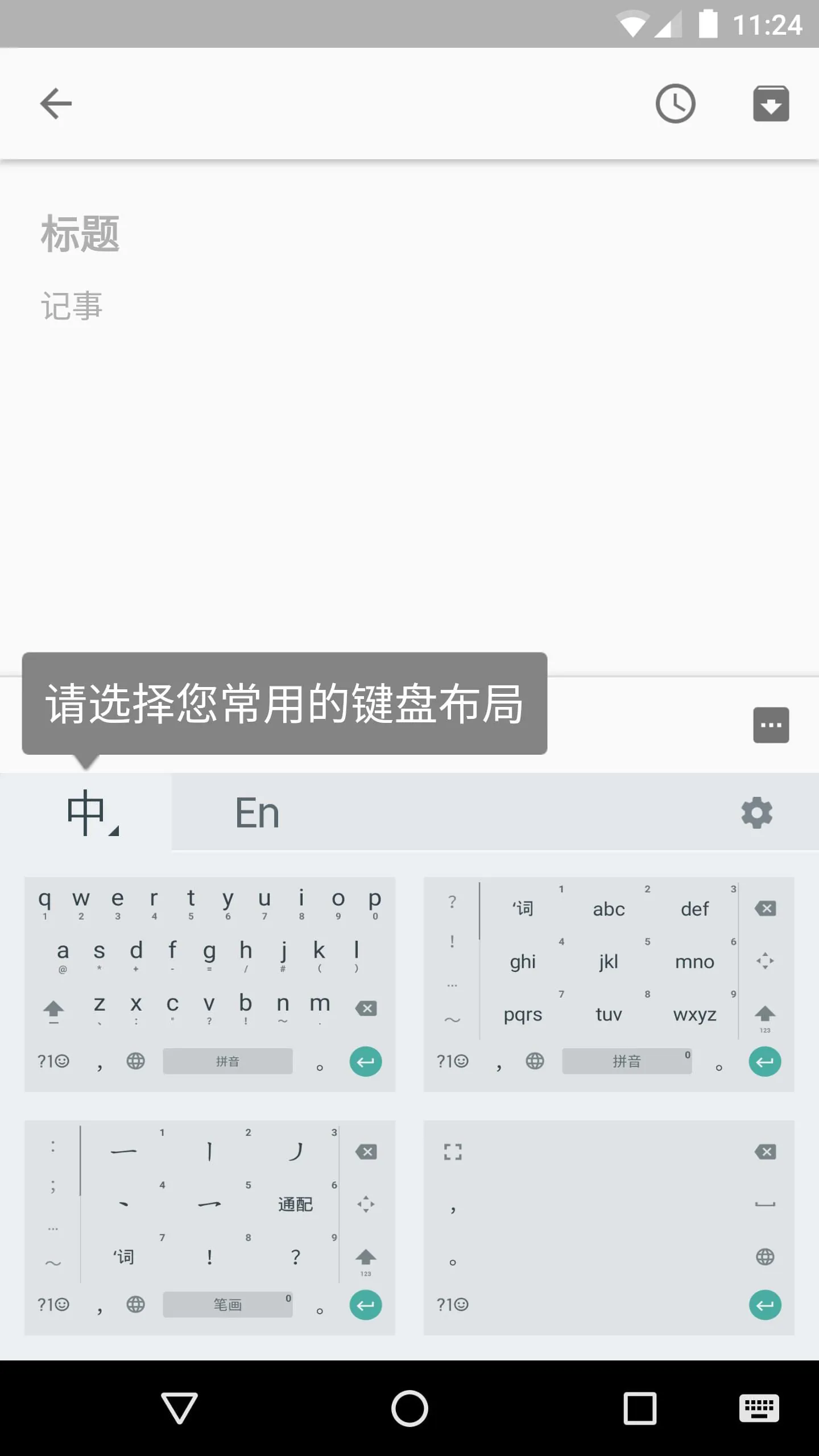
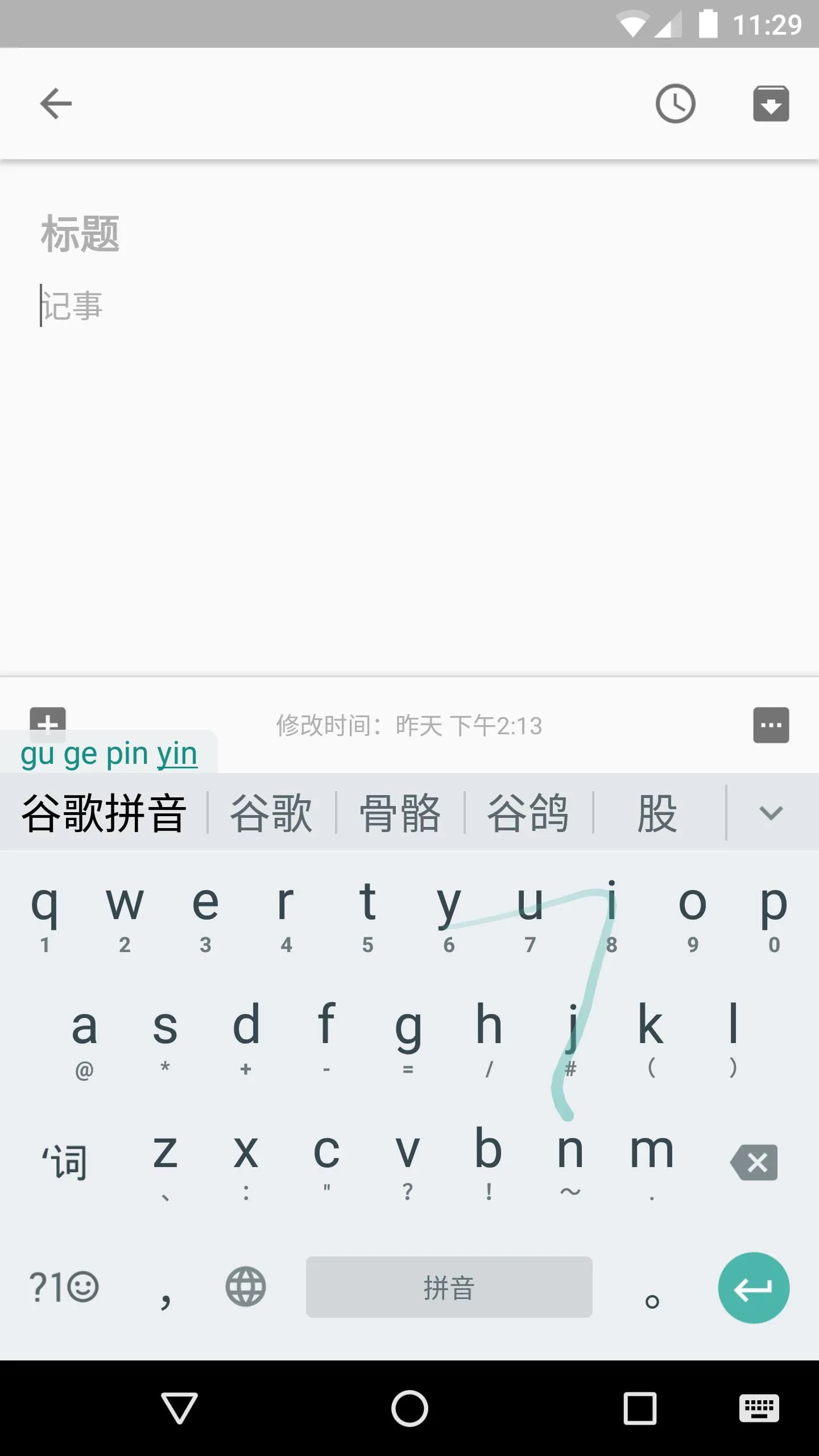
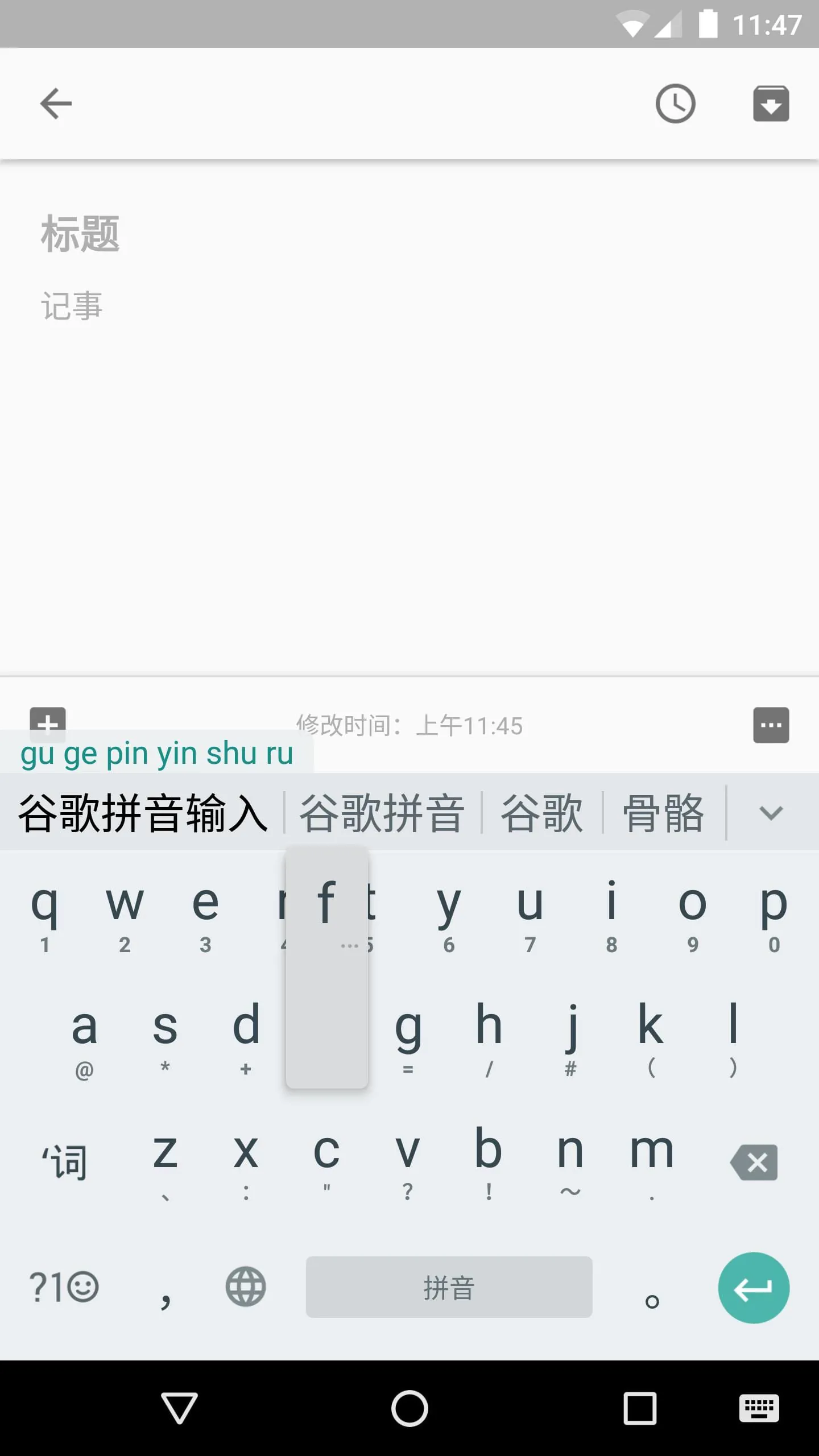
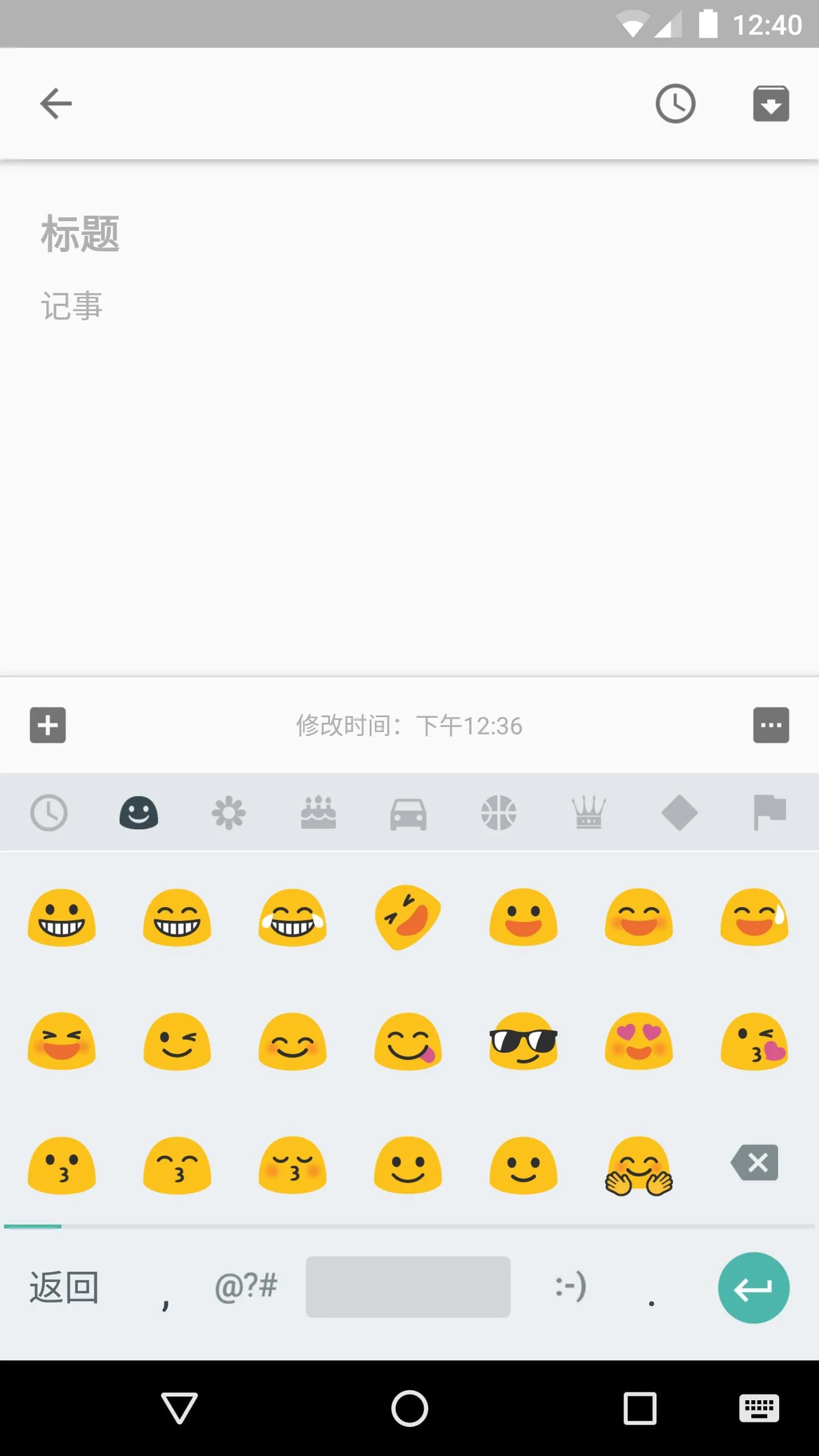
Pinyin Input is an Android app designed to make typing Chinese characters fast and easy. It offers a variety of input methods, including a QWERTY Pinyin keyboard with gesture typing and intelligent correction, a 9 key Pinyin keyboard with gesture typing, a stroke keyboard, and full screen and half screen handwriting keyboards. It also includes a Latin keyboard and supports fuzzy pinyin and double pinyin. The app has an optimized user interface for different screen sizes and offers voice input and various themes. It supports both simplified and traditional Chinese characters, as well as punctuation, emoticons, Latin characters, and digits. The voice input feature relies on network-based technology to provide highly accurate matches. Overall, Pinyin Input is a versatile and user-friendly app for typing Chinese characters on Android devices. It offers multiple input methods and features, such as gesture typing, intelligent correction, and voice input, to make the typing experience fast and accurate. The app supports both simplified and traditional Chinese characters, as well as punctuation, emoticons, Latin characters, and digits. With its optimized user interface and various themes, Pinyin Input provides a customizable and visually appealing experience for users. The voice input feature, which relies on network-based technology, ensures highly accurate matches for users who prefer voice input.
3.90









 Home
 Apps
 Games
 Topics
 Google Play
 App Store