



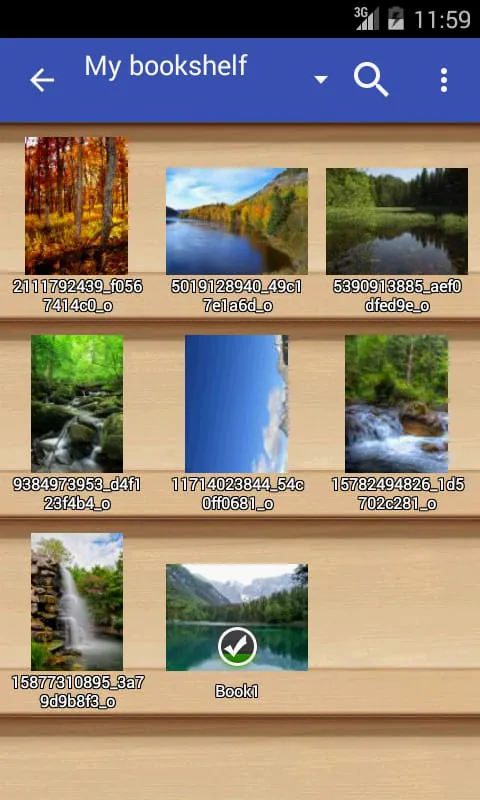
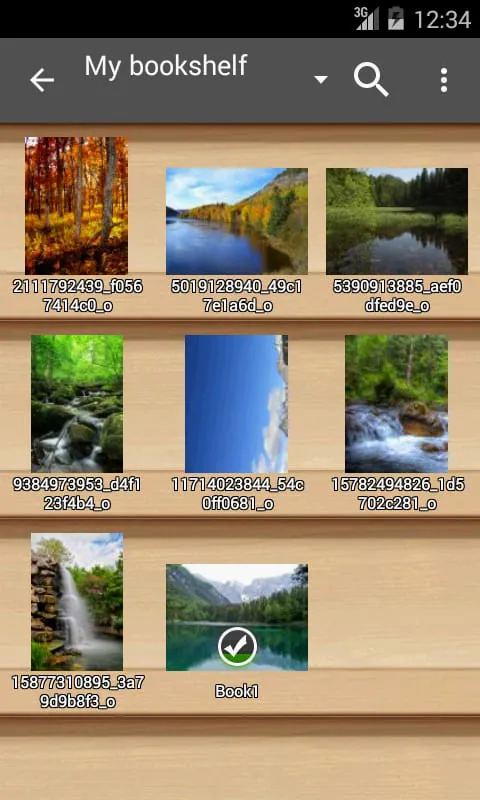
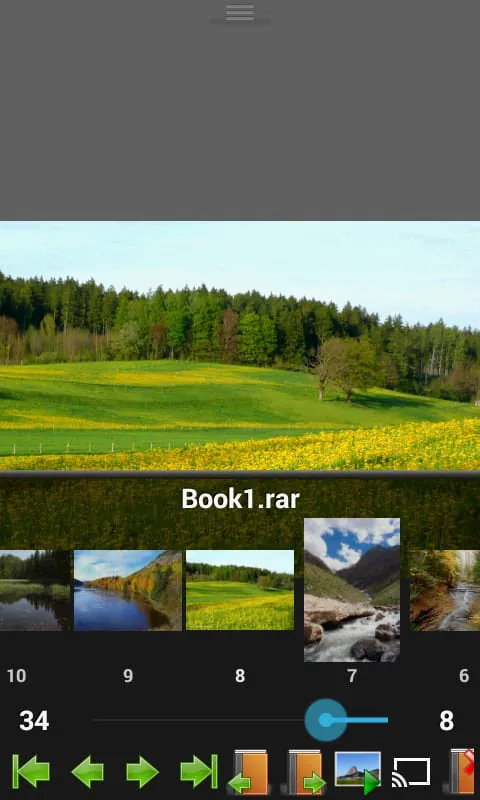
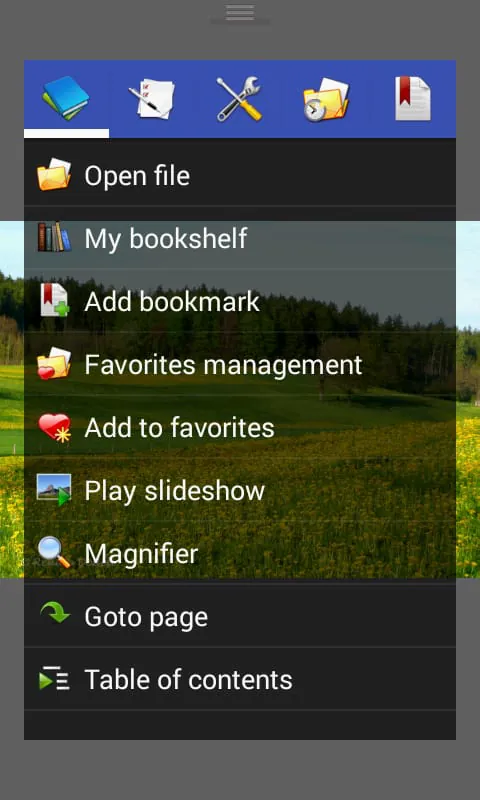
Perfect Viewer is a versatile and speedy viewer for images, comics, and ebooks. It offers a range of features to enhance the viewing experience. For example, users can turn black and white images into colorized versions, although this feature is only available for those who have donated and installed the Perfect Viewer donation application. The app also allows for different page layouts, such as auto single page, auto dual page, and auto switch by screen orientation. Perfect Viewer supports various file formats, including EPUB, HTML, TXT for ebooks, and JPEG, PNG, GIF, BMP, WebP, TIFF for images. It also supports archive file formats like CBZ/ZIP, CBR/RAR, 7Z/CB7, LZH, CBT/TAR. Additionally, users can view PDF, XPS, and DJVU files by installing the PDF plugin. The app enables users to open files from network file sharing platforms like CIFS/SAMBA, FTP, SFTP, FTPS, and OPDS. It also allows for opening files from cloud storage services like Google Drive, Dropbox, and OneDrive after installing the source plugin. Perfect Viewer offers three viewer modes: page mode, vertical scroll mode (similar to a webtoon), and horizontal scroll mode. Users can choose from various view modes, including full size, fit screen, fit width, fit height, fixed size, and stretch. The app supports left-to-right and right-to-left reading, and users can set images as wallpapers. Other features include browsing images as thumbnails, a bookshelf function, pinch-to-zoom and fling gestures, bookmarking, favorites management, cache for next and previous pages, file management options like deleting and renaming, slideshow mode, file extraction from archives, image adjustment options like brightness, contrast, and gamma, automatic removal of white borders, and support for Google Chromecast.
4.00







 Home
 Apps
 Games
 Topics
 Google Play
 App Store