


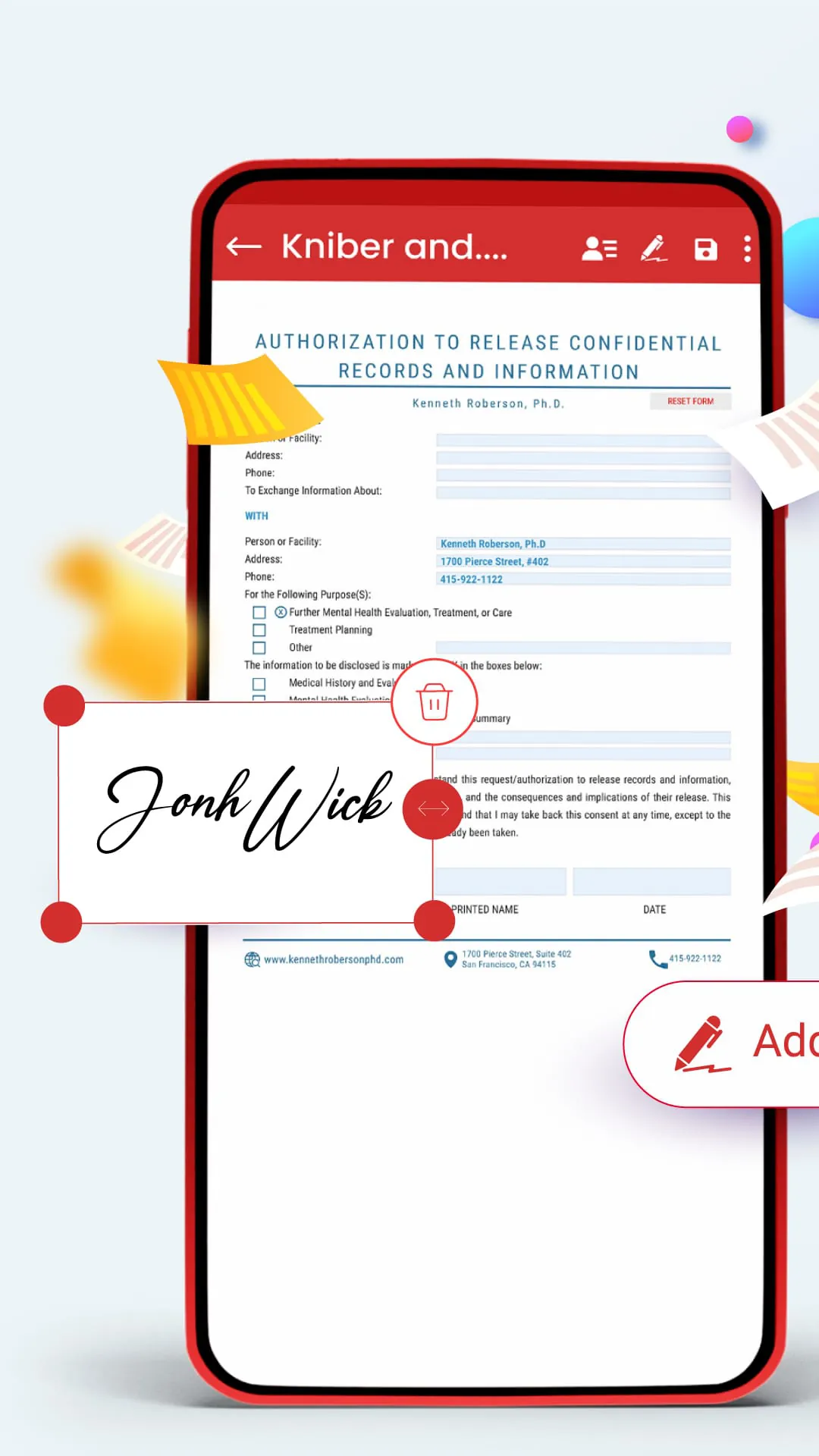
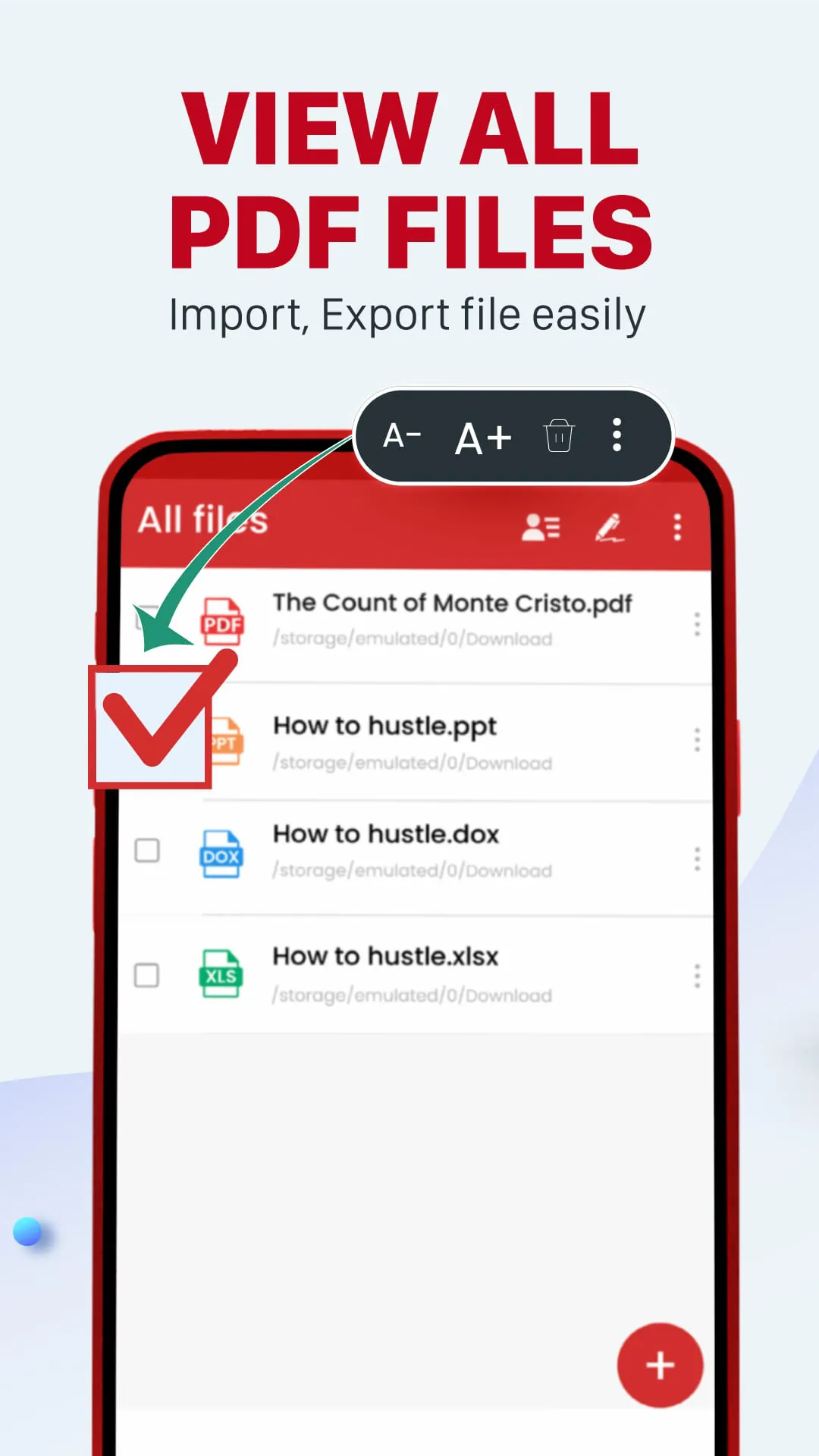
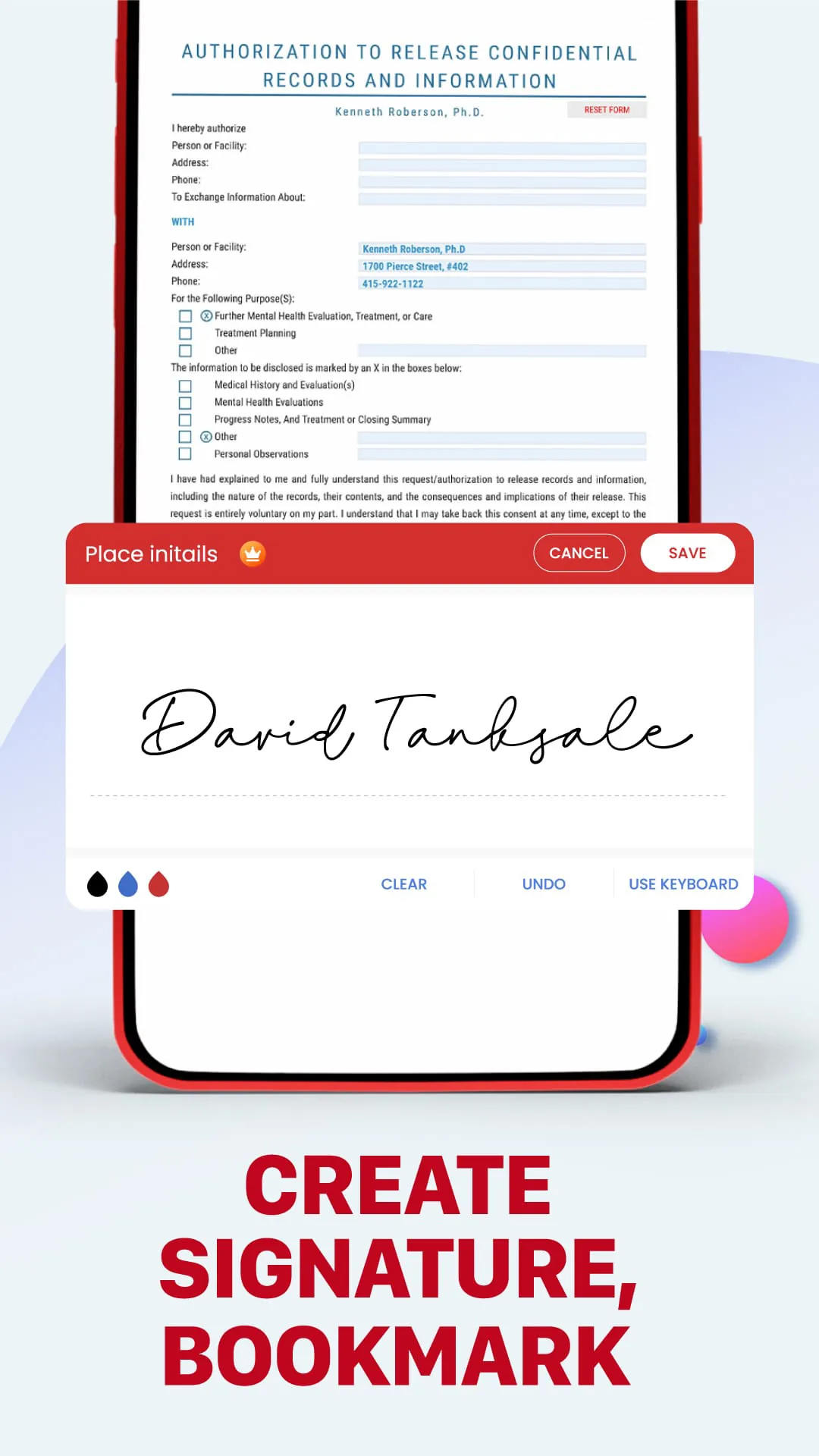
PDF Editor: PDF Fill And Sign is a versatile and powerful PDF editing app that offers a range of features to help you with your work and study. The app is not only a PDF reader and filler, but also a smart document editor tool that allows you to edit PDF files, draw and write on PDF files, and convert photos to PDF. With this app, you can easily sign documents, create electronic signatures, and fill in PDF forms. The app's main features include e-signature and form filling, PDF editing and file editing, PDF reading and viewing, and PDF scanning and document scanning. With the e-signature and form filling feature, you can draw or import your signature, fill in PDF forms by editing the text directly on the document, and identify and fill out multiple form field components. With the PDF editing and file editing feature, you can write on PDF files, add bookmarks, notes, and photos, and save and submit PDF forms. With the PDF reading and viewing feature, you can open and quickly view PDF documents, find PDF documents with a simple search option, and zoom in and out of PDF files. With the PDF scanning and document scanning feature, you can convert images to PDF, select images from the gallery or scan all kinds of documents with your camera, and resize, crop, and rotate images as you want. The PDF Editor: PDF Fill And Sign app helps to streamline the paperwork process and improve your work productivity. Signing electronic contracts and agreements will become easier than ever. You just need to create a PDF signature then submit the PDF form, send documents through other applications. It's easy to edit file PDF, edit documents. The app is still in development, so the developers welcome feedback from users. If you have any questions about the app, you can contact the support email: [email protected] . In conclusion, PDF Editor: PDF Fill And Sign is a powerful and versatile PDF editing app that offers a range of features to help you with your work and study. With this app, you can easily sign documents, create electronic signatures, and fill in PDF forms. The app's main features include e-signature and form filling, PDF editing and file editing, PDF reading and viewing, and PDF scanning and document scanning. The app helps to streamline the paperwork process and improve your work productivity.
4.30







 Home
 Apps
 Games
 Topics
 Google Play
 App Store