



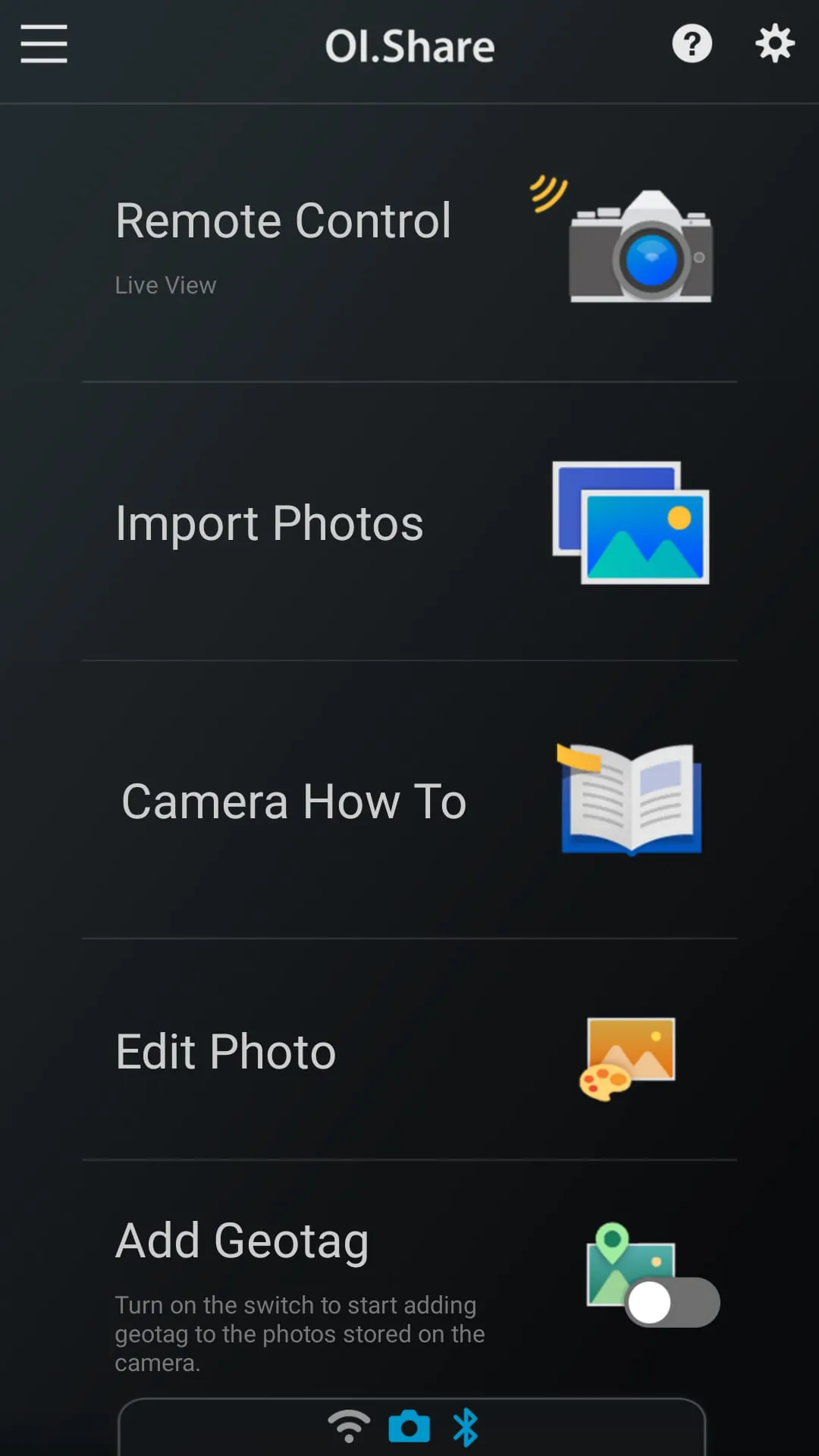
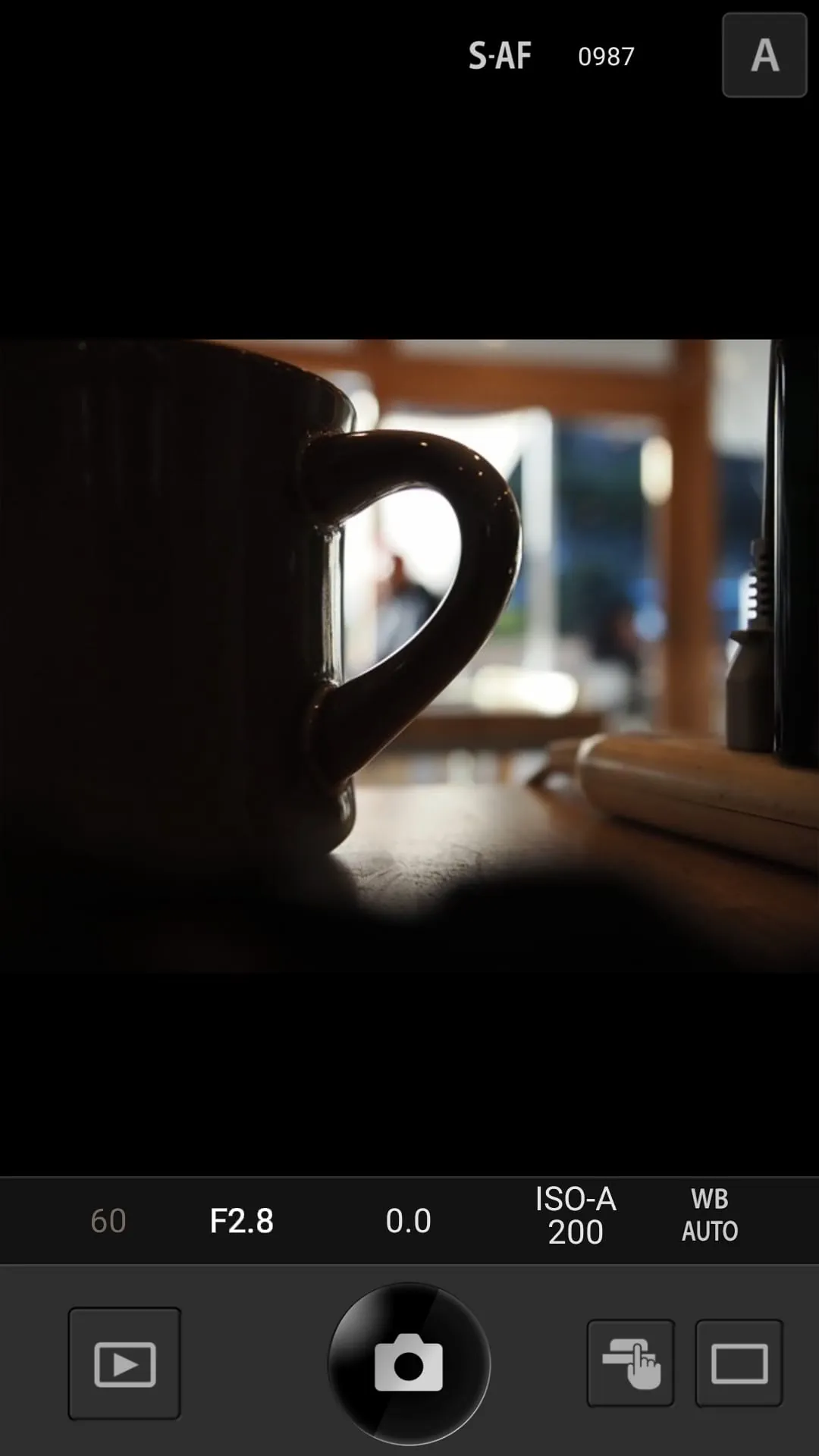
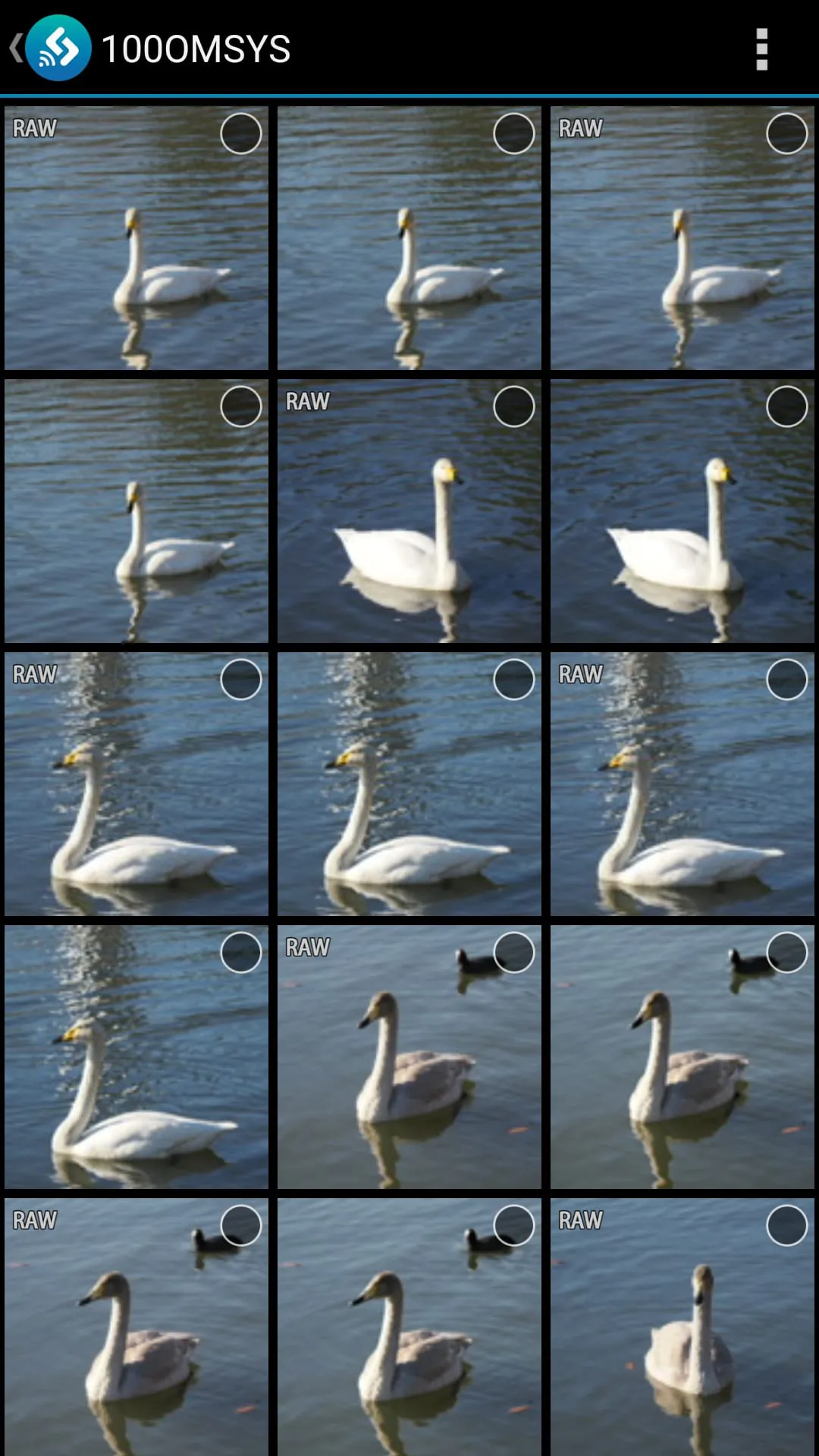
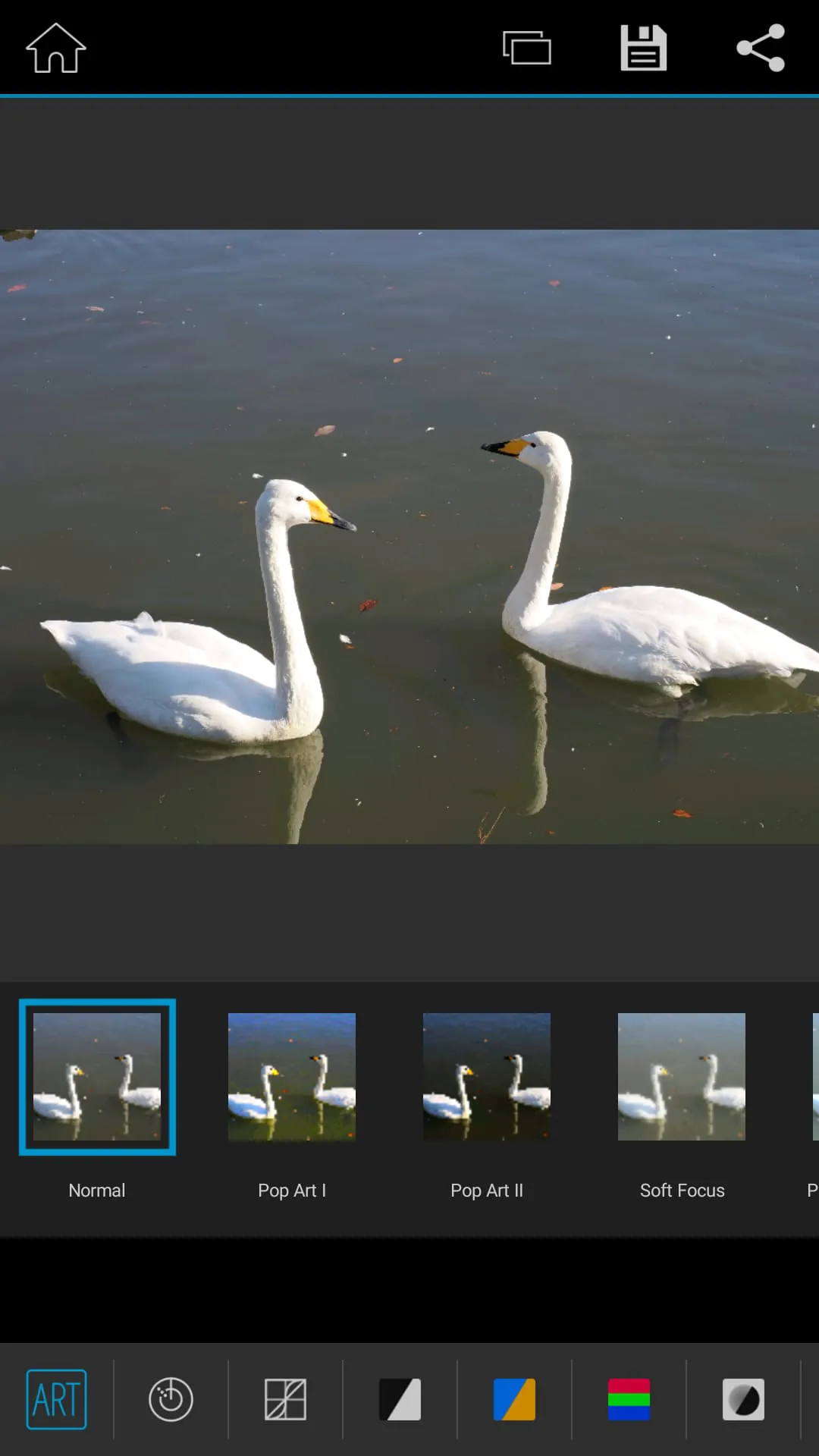
OM Image Share (OI.Share) is a smartphone app designed for OM Digital Solutions cameras. It allows users to wirelessly import photos from the camera to their smartphone, making it easy to view and share images. The app also offers remote shooting capabilities, allowing users to control the camera settings and activate the shutter release using their smartphone. Additionally, OI.Share provides tutorial videos on various shooting techniques and allows users to add location information to their photos using GPS logs recorded on their smartphone. The OI.Share app simplifies the process of importing photos from an OM Digital Solutions camera to a smartphone. Users can select the photos they want to import on the camera and automatically transfer them to their smartphone when connected via Wi-Fi. The app can also be used independently with a Bluetooth and Wi-Fi ready camera for added convenience. With remote shooting modes, users can view Live View images on their smartphone screen while executing shooting techniques. In Remote Shutter mode, users can adjust camera settings on their smartphone and activate the shutter release on the camera. This feature allows for greater flexibility and control in capturing photos. The app also includes Camera How To, which provides tutorial videos on various shooting techniques such as creating bokeh and using Art Filters. Users can easily access these videos for guidance and inspiration. Additionally, OI.Share allows users to add location information to their photos by transferring GPS logs recorded on their smartphone to the camera. This feature is especially useful for travel photography, as it helps users keep track of their journey and easily identify the location of each photo.
4.20









 Home
 Apps
 Games
 Topics
 Google Play
 App Store