



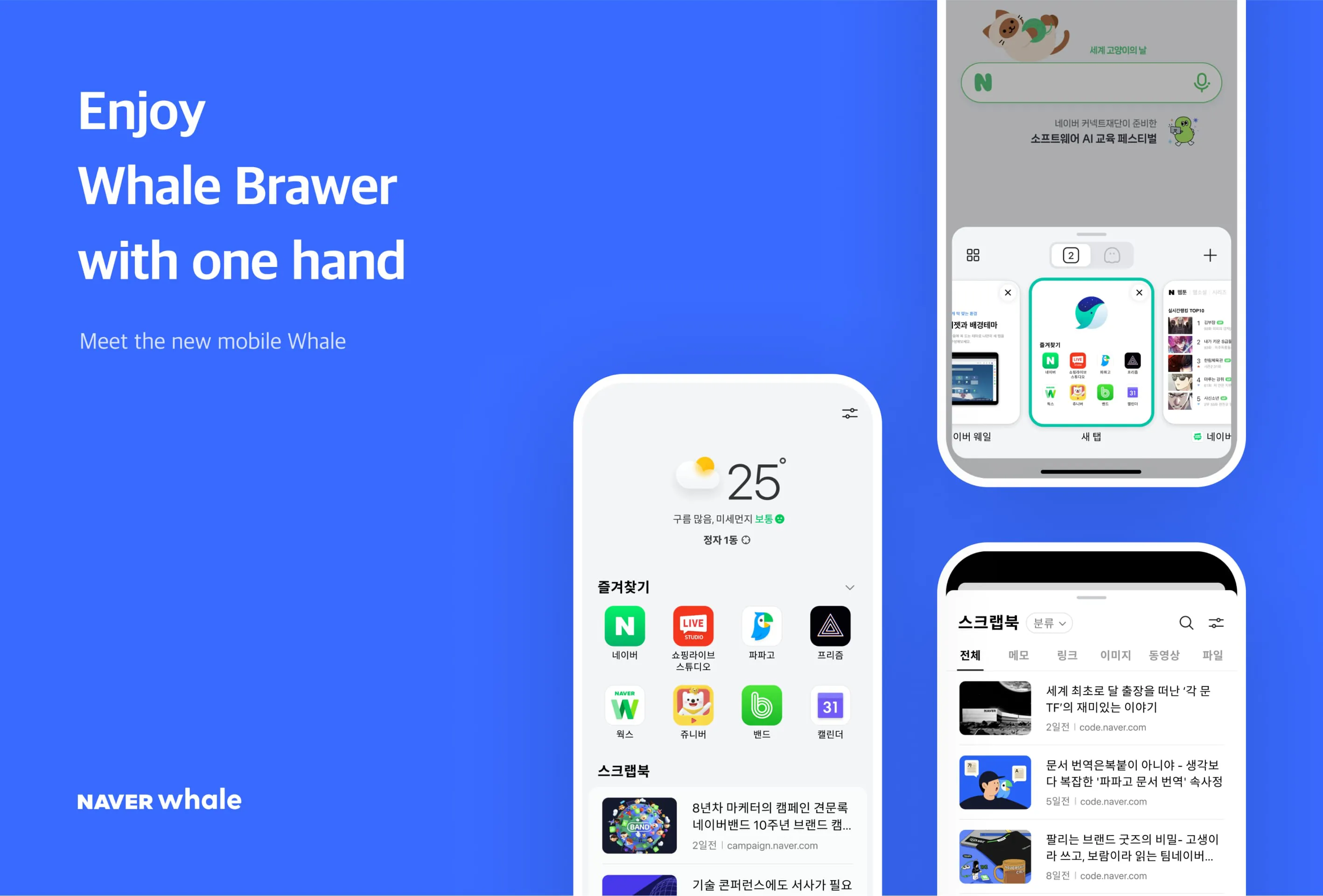
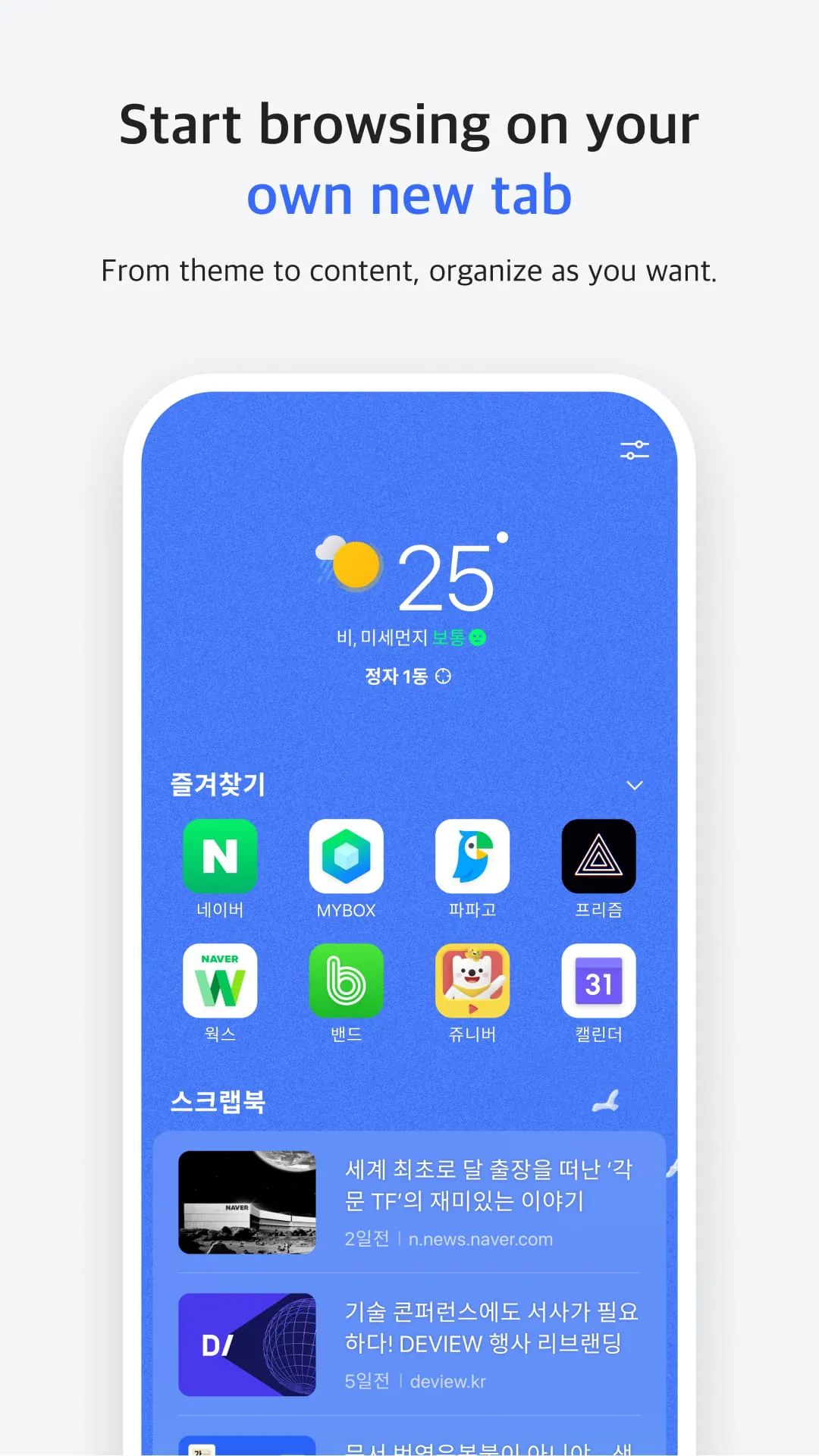
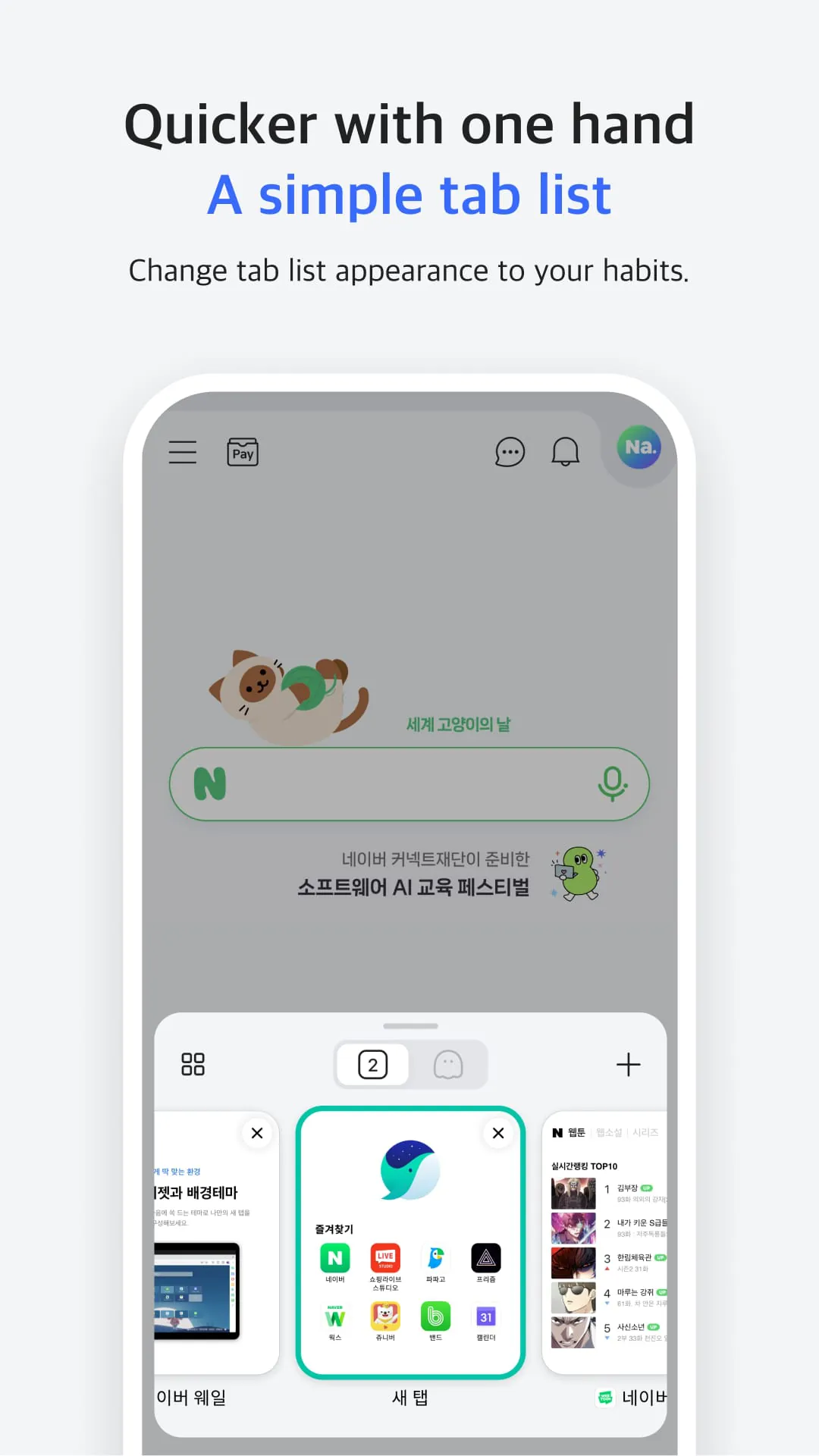
Section 1: QuickSearch Searching in easy and fast with Naver Whale browser! Without making a new tab, you can search and use website on instant panel. QuickBar is like a bookmark bar on desktop browser, you can swipe on bottom toolbar to access it. Section 2: Scrapbook and Sync You can save the website, images you want into Whale with Scrapbook, which is the most easy way to save and re-visit the website. When you sign in Whale, you can sync your data like history, bookmarks on every devices. Section 3: CleanWeb and App Permissions Whale blocks abusive ads to make a fast and clean usage a web. To use Whale, you need to accept app permissions like Camera, Contacts, Files and media, Location, Microphone, Nearby devices, and Phone. You can read privacy policy of Whale browser on their website.
4.40









 Home
 Apps
 Games
 Topics
 Google Play
 App Store