



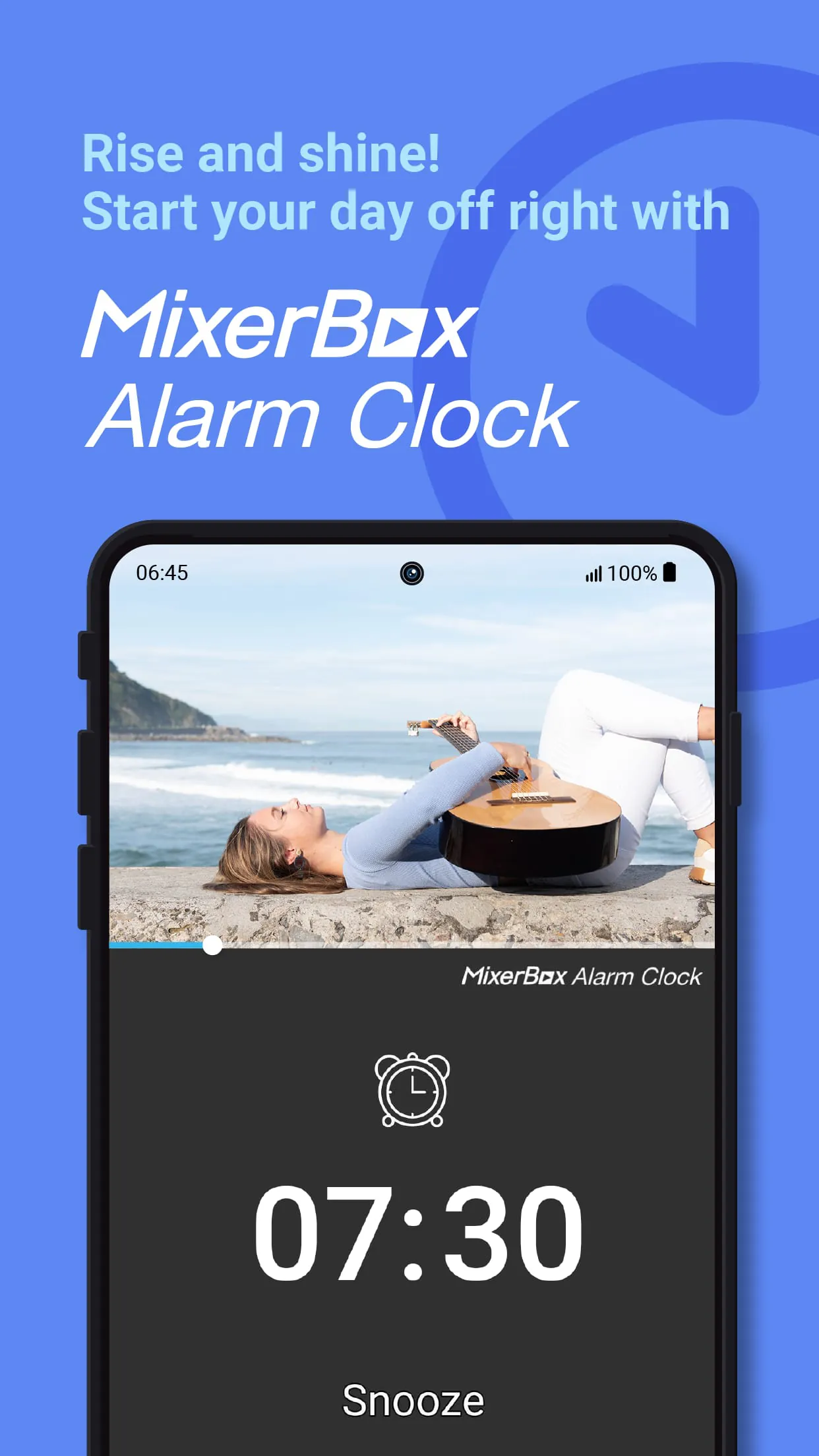
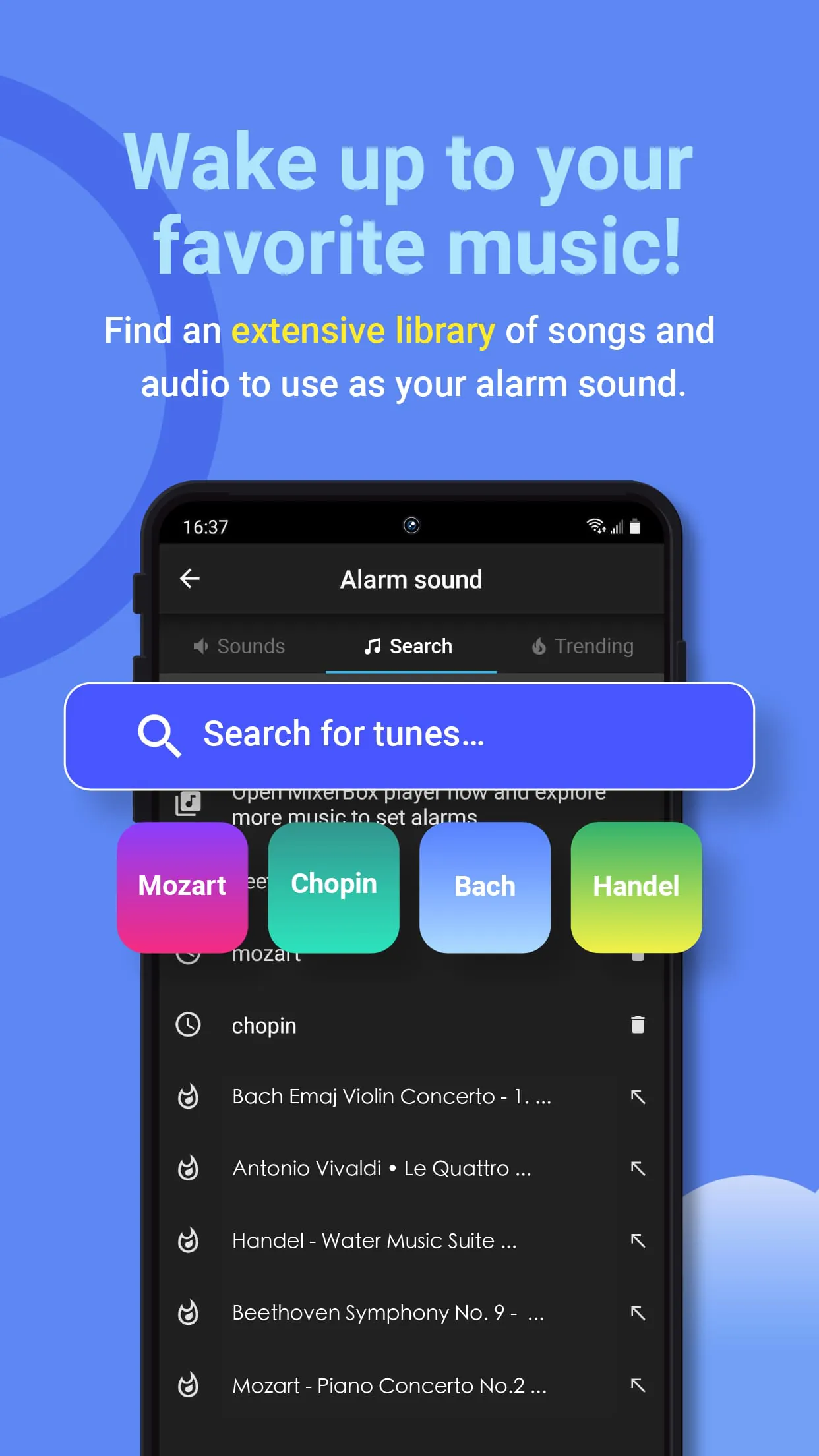
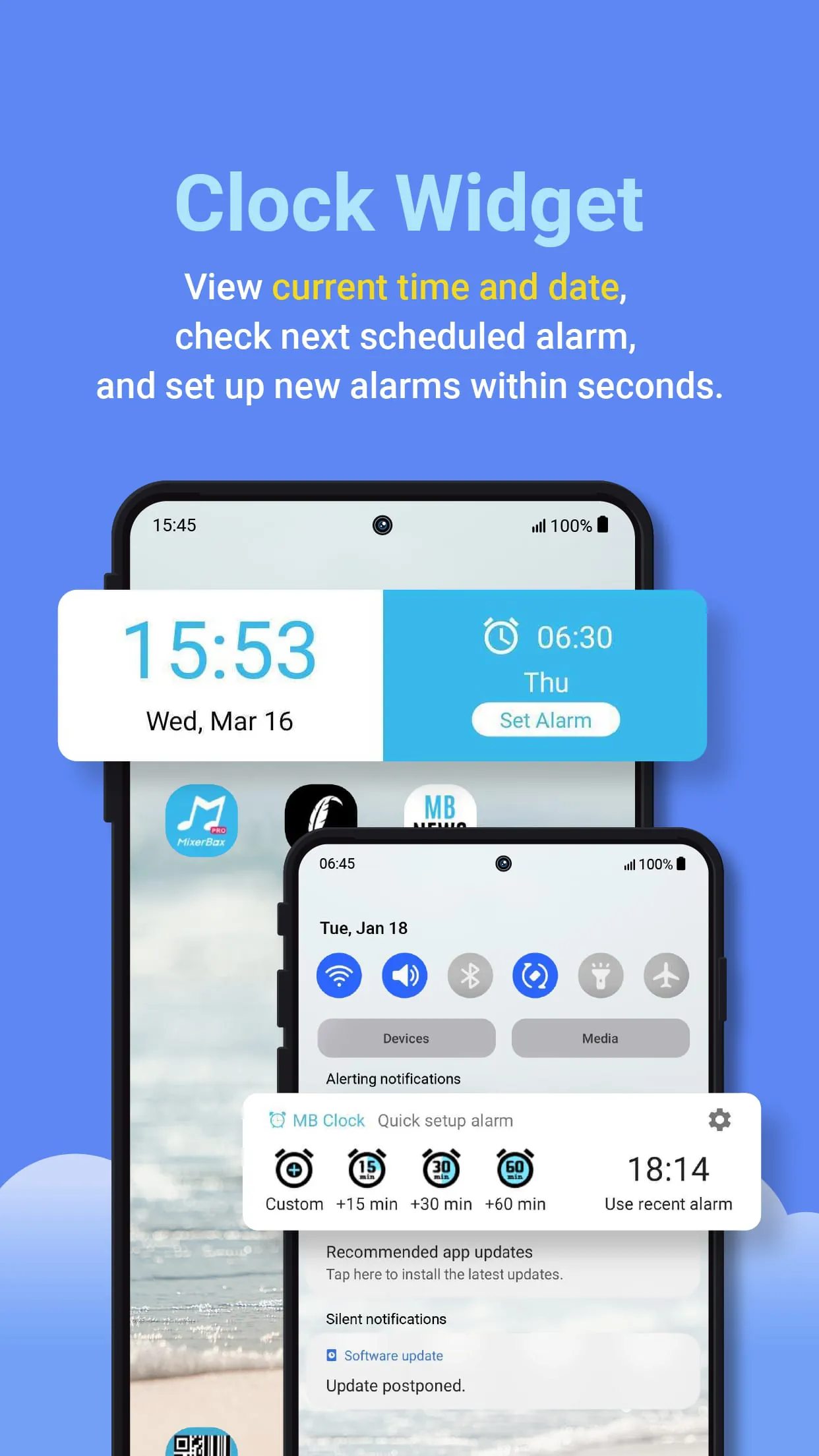
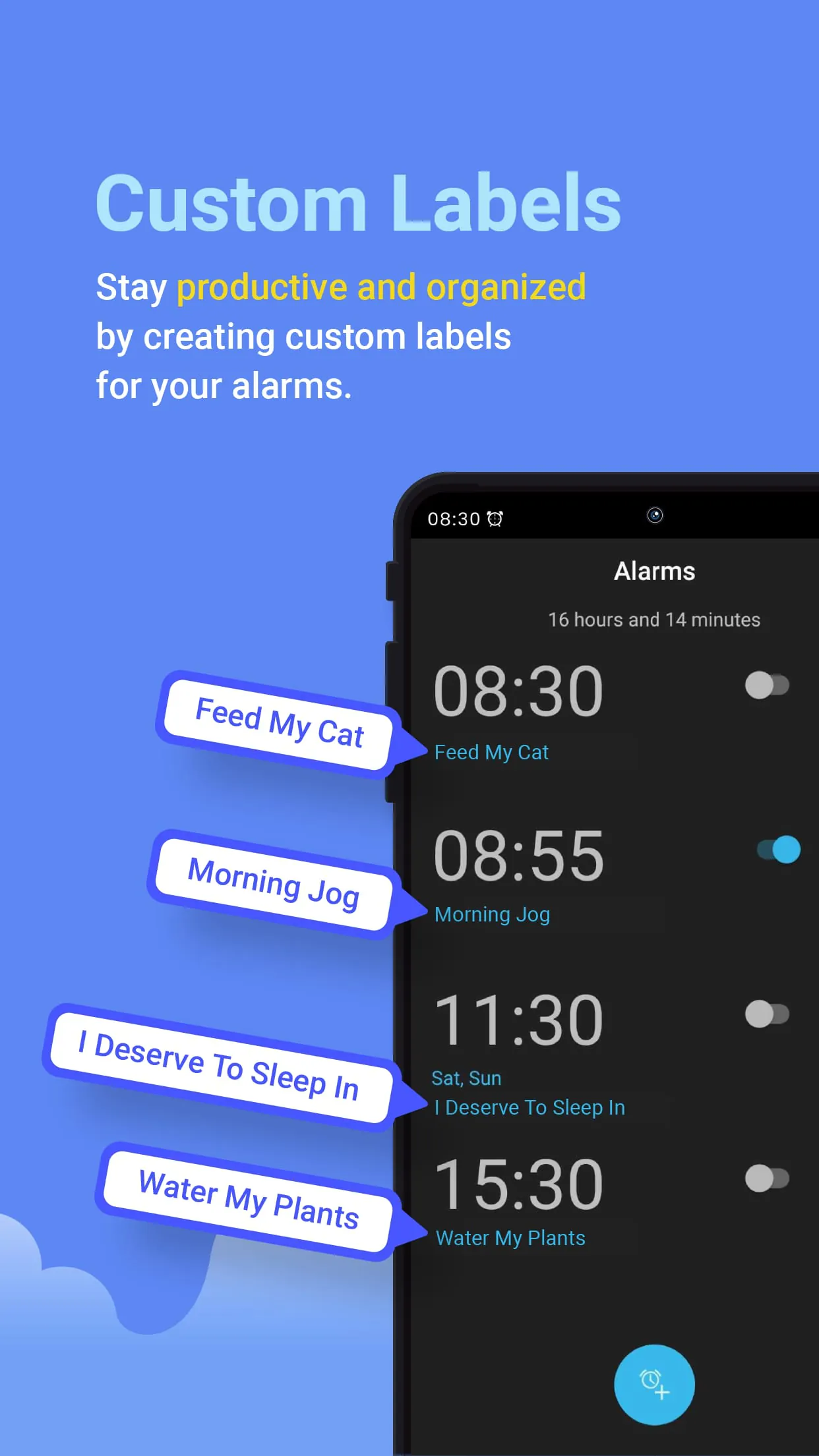
MB Alarm Clock, also known as MixerBox Music Alarm Clock, is an alarm app designed to help users wake up refreshed every morning. One of its key features is the ability to set any song, music, podcast, or audio as the alarm sound, allowing users to wake up to their favorite tunes. The app offers a wide range of options, from calm piano pieces to chart-topping Billboard songs. Users can also pre-schedule alarms for important meetings, dates, or events, and set custom labels to organize their alarm reminders. The app includes features such as adjustable alarm volume, repeat settings, pre-alarm sounds, fade-in music, snooze options, and vibrate mode. Additionally, users can add a clock widget to their home screen for quick access to the date, time, and alarm settings. MB Alarm Clock is particularly useful for those who struggle with waking up on time or experience morning grogginess. It offers a solution for heavy sleepers by allowing them to customize their alarm sounds and adjust the volume to their preference. The app also caters to users who enjoy personalizing their alarm ringtones for daily reminders and tasks. With its simple and minimalist design, MB Alarm Clock provides an easy-to-use interface for a seamless waking up experience. It is important to note that the device must be turned on for the alarm to work properly. If the device is in battery saving mode, it is recommended to whitelist MB Alarm Clock to avoid any potential issues. For further assistance or feedback, users can contact the app's support team via email. MB Alarm Clock is registered and authorized by the company MixerBox.
4.40









 Home
 Apps
 Games
 Topics
 Google Play
 App Store










