



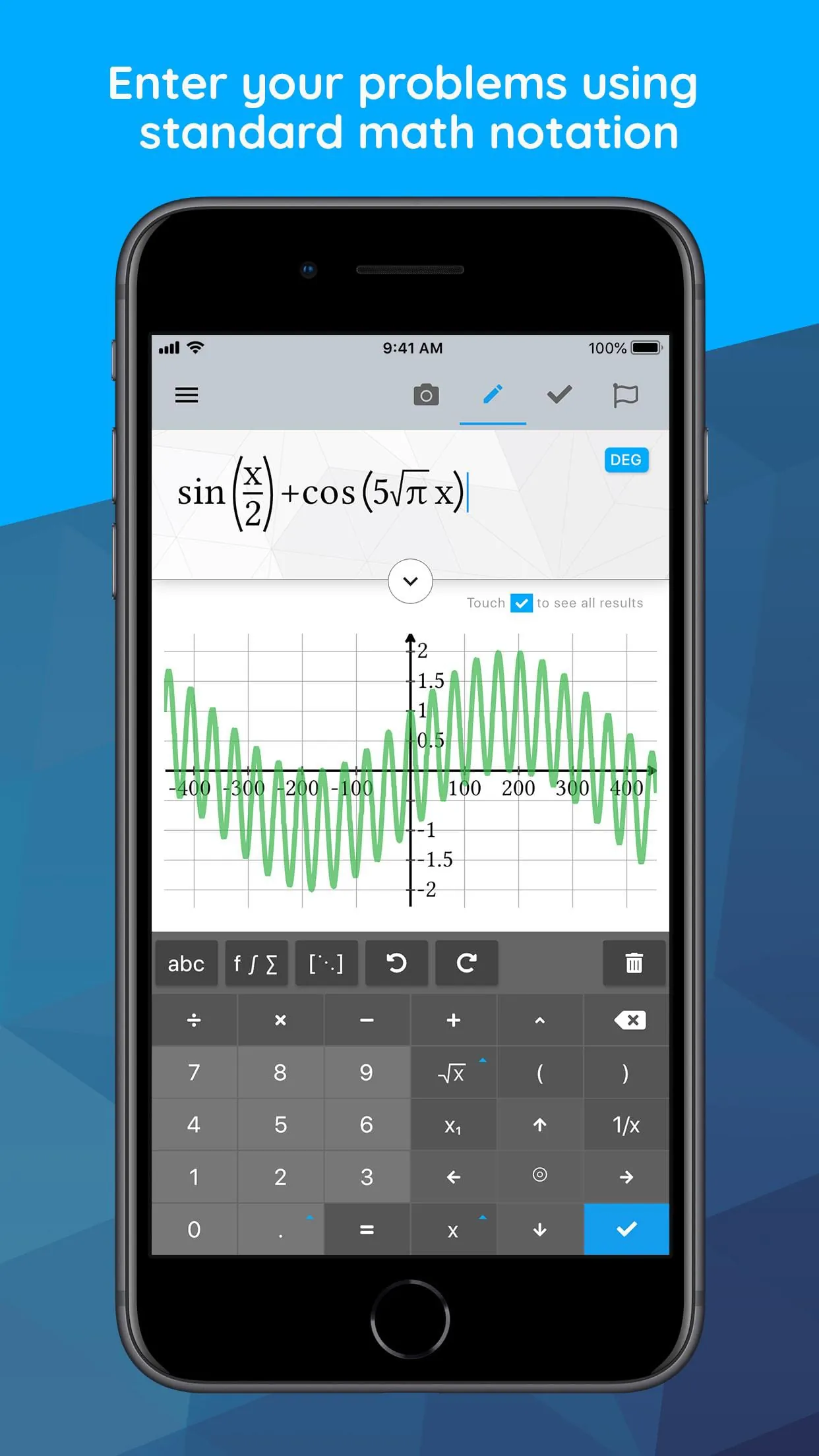
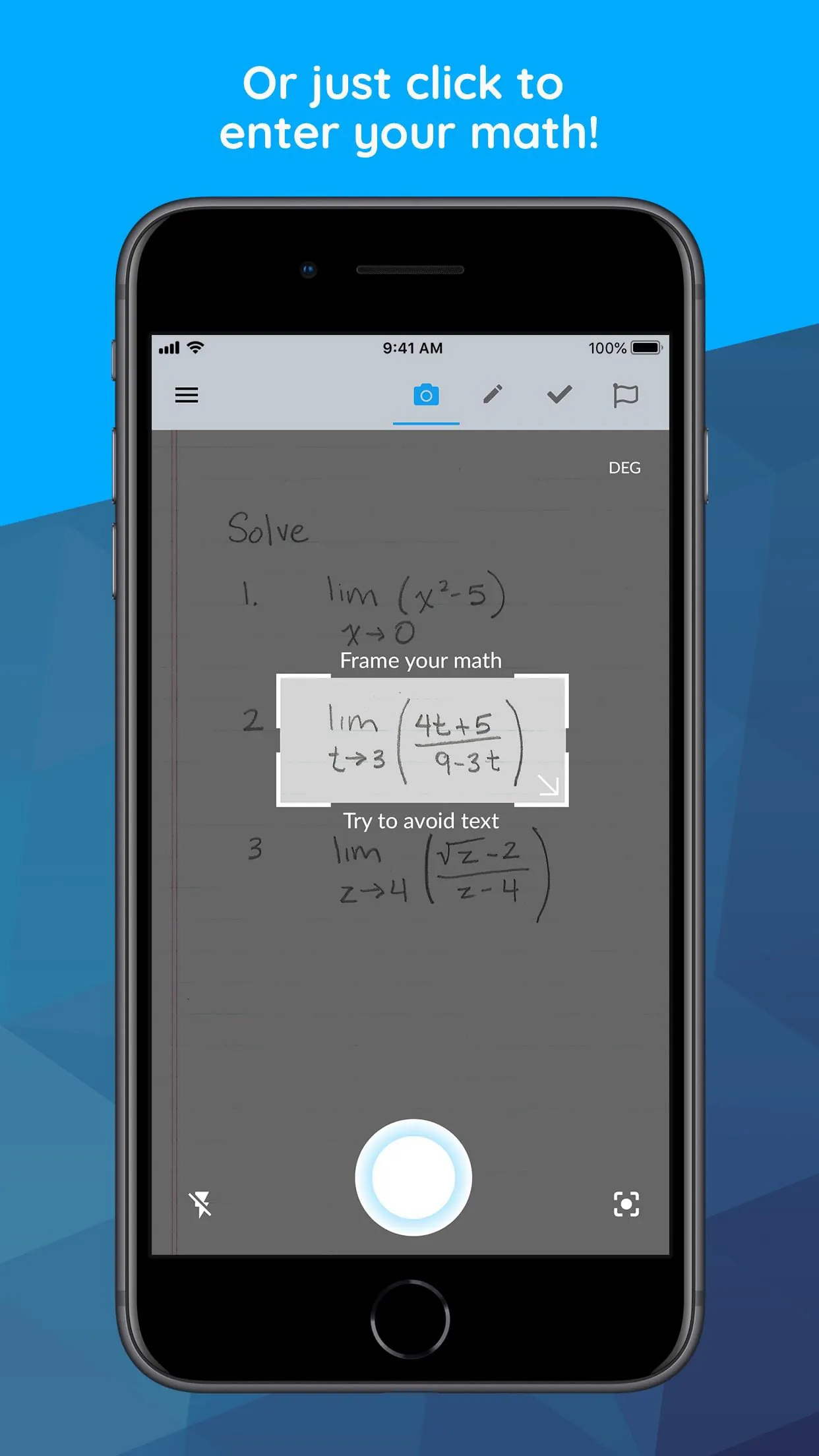
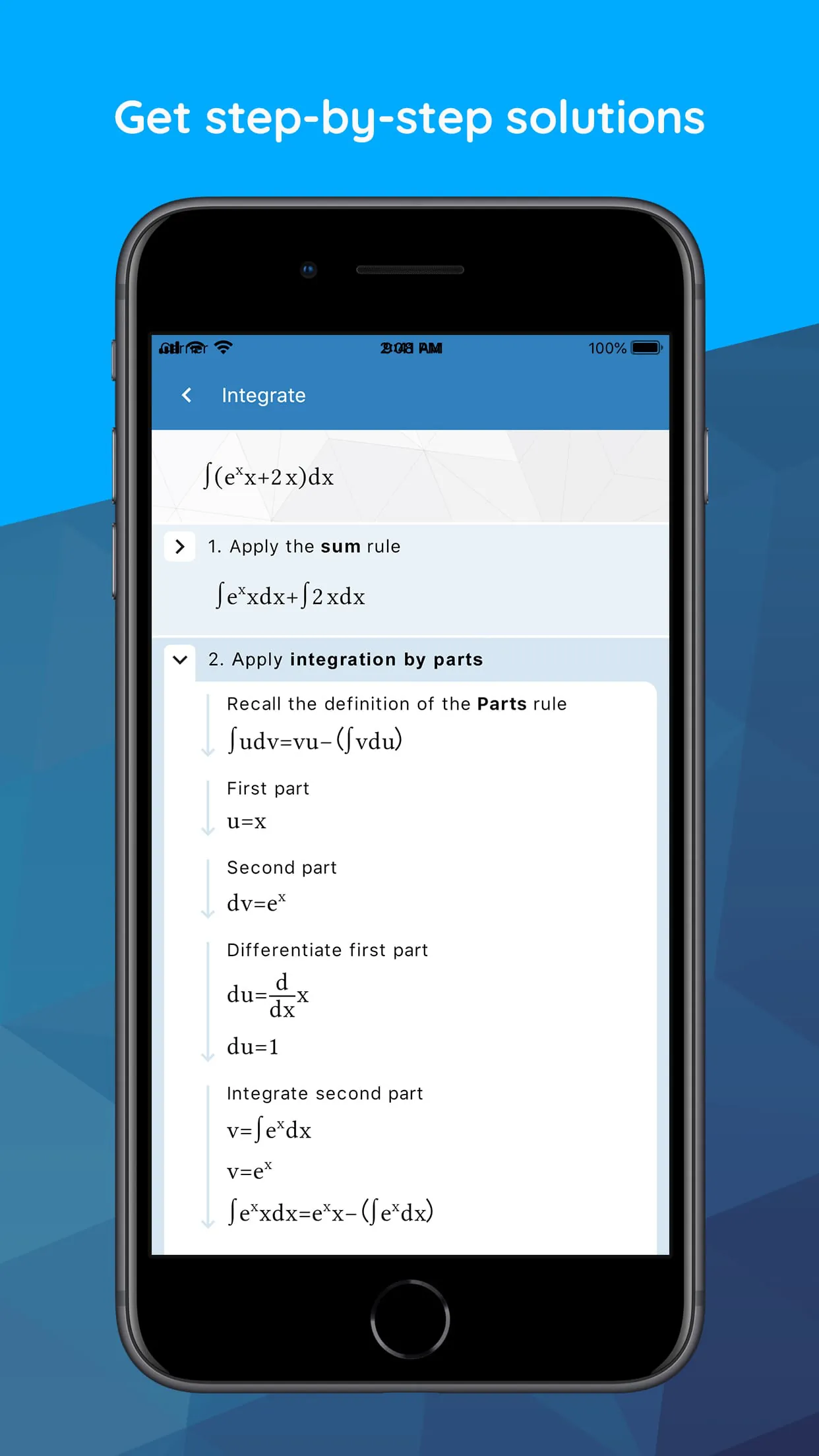
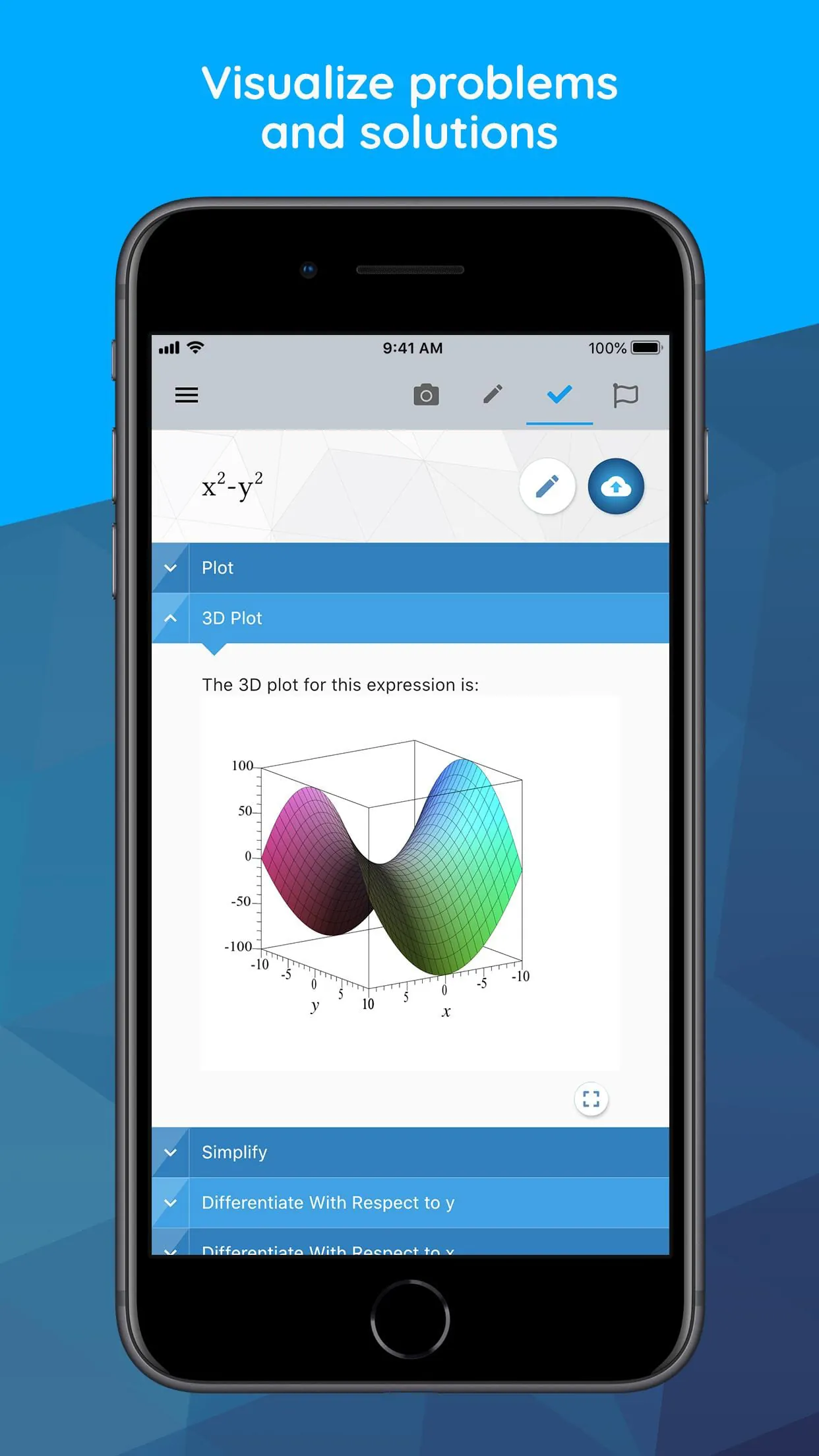
Maple Calculator is an all-in-one math tool that can solve a wide range of math problems encountered in high school and university. It is powered by the world-leading Maple math engine, making it a powerful graphing calculator, scientific calculator, algebra calculator, calculus calculator, and integration calculator all in one. With this app, you can take a picture of your problem using your phone's camera or enter it via the app's built-in math editor to see the final answer or get step-by-step solutions. This calculator can perform a variety of math operations, including finding derivatives and integrals, factoring polynomials, inverting matrices, solving systems of equations, solving ODEs, and much more. It can also generate 2-D and 3-D visualizations of your expressions, allowing you to zoom in, pan, and even rotate 3-D plots to get a closer look at areas of interest. Additionally, the app features a built-in math game called Sumzle, which is like Wordle but for math and equations. Maple Calculator offers international language support in English, Spanish, French, German, Russian, Danish, Swedish, Japanese, Hindi, and Simplified Chinese. It also allows you to take quality math notes through Maple Learn, using the calculator camera to automatically send your handwritten steps to Maple Learn where you can uncover mistakes and share your work with others. You can even upload mathematical expressions from the calculator to Maple Desktop. The app's math capabilities include basic math operations, algebra, precalculus, linear algebra, differential equations, and more. Whether you need to solve a simple arithmetic problem or a complex differential equation, Maple Calculator has got you covered.
4.20









 Home
 Apps
 Games
 Topics
 Google Play
 App Store










