




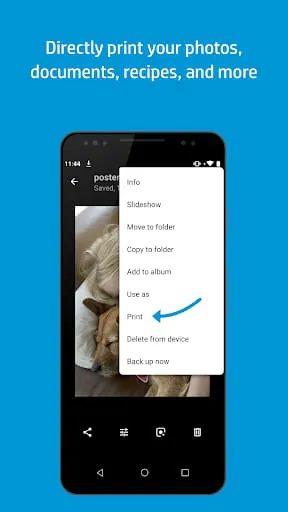
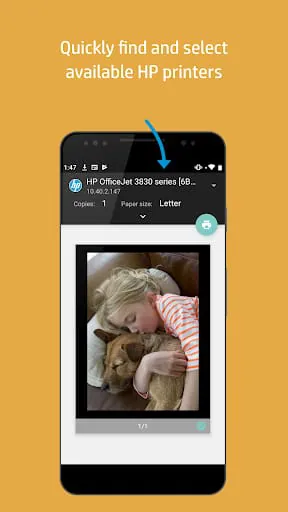
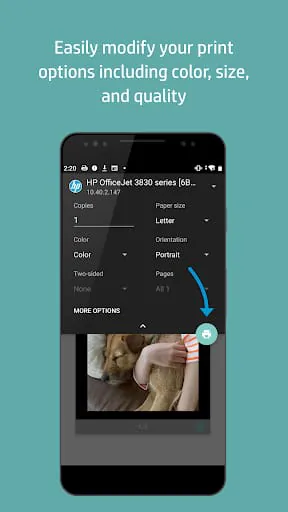
The HP Print Service Plugin is a versatile print driver designed for easy printing of documents, emails, and images from various print-supported applications to a range of HP Printers. This includes popular models such as HP OfficeJet, HP LaserJet, HP DesignJet, HP Photosmart, HP DeskJet, and HP Envy. The plugin allows users to conveniently print to HP printers connected to the same network as their mobile device, broadcasting a Wi-Fi Direct network, or linked via a USB On-the-Go cable. To initiate printing using the HP Print Service Plugin, users simply need to select the Print or Share to PSP option within print-supported applications. By tapping the menu button, users can access the print option, with the location of the menu button varying based on the Android™ device model. The plugin streamlines the printing process on Android™ Lollipop™ (v5.0) and newer devices, although users with Android 6 (Marshmallow) or earlier versions may need to enable the HP Print Service Plugin in their device settings. For further guidance on utilizing the HP Print Service Plugin or to explore the list of supported HP Printers, users can refer to the official HP documentation. Additionally, users seeking more information on Mobile Printing in general can find valuable resources and insights on the topic.
4.10









 Home
 Apps
 Games
 Topics
 Google Play
 App Store