



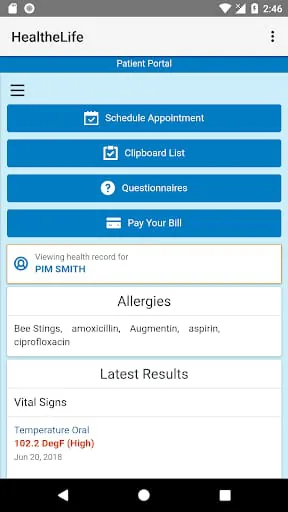
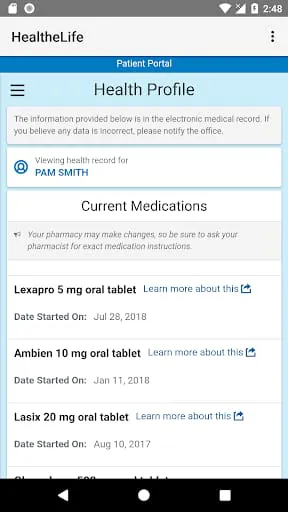
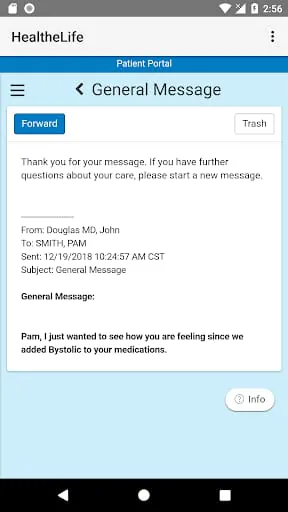
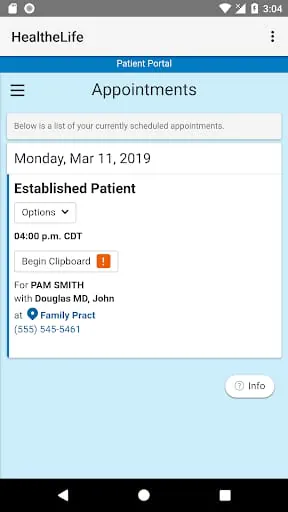
HealtheLife helps individuals and families stay informed, educated and take a more active role in their health. Through the HealtheLife app, you have real-time and easy access to your health care organization's online portal. This portal shows your latest health care information and provides services needed to plan, understand and engage in your care. You must first be granted access by your health care organization to use their online portal. Once you have an account, simply sign into the HealtheLife app with your Cerner Health username and password. If you have access to portals from multiple health care organizations, you can view all participating portals through the app. If you need assistance accessing your existing account, visit your health care organization's website for support options. Contact your provider directly regarding questions about your health record. Personal health inquiries or concerns posted as comments in the Play Store cannot be addressed.
2.70









 Home
 Apps
 Games
 Topics
 Google Play
 App Store