



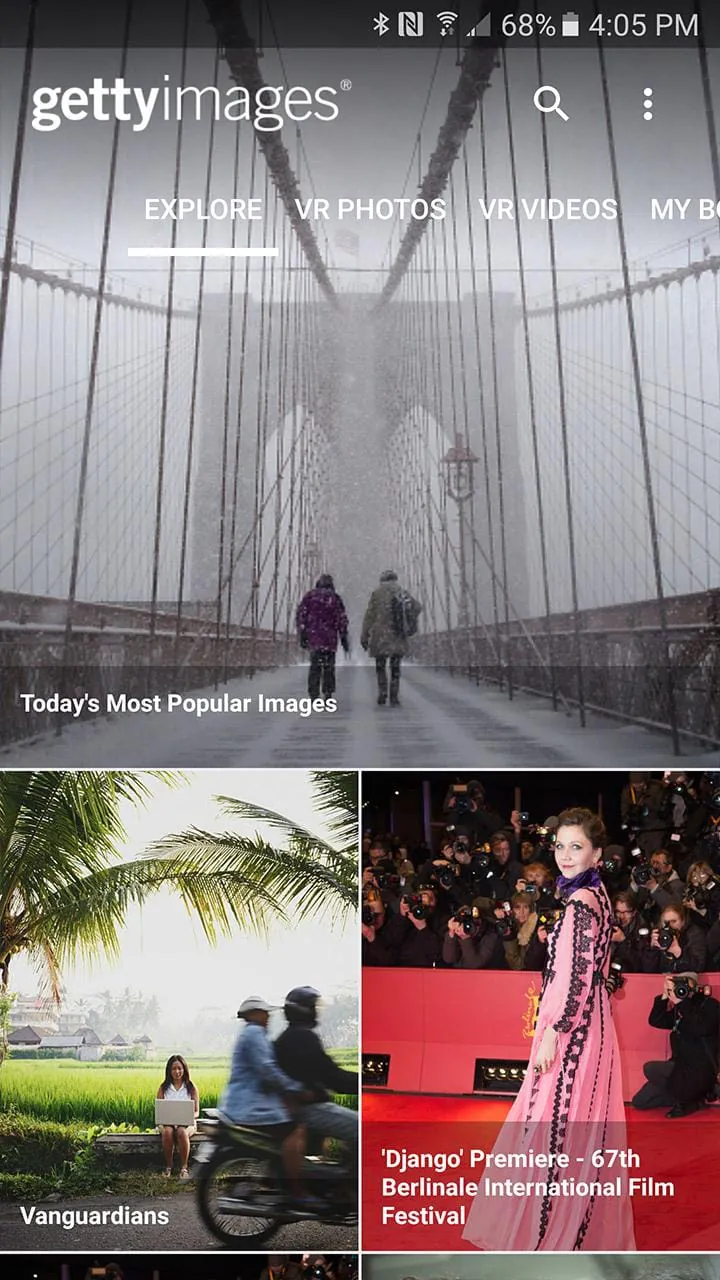
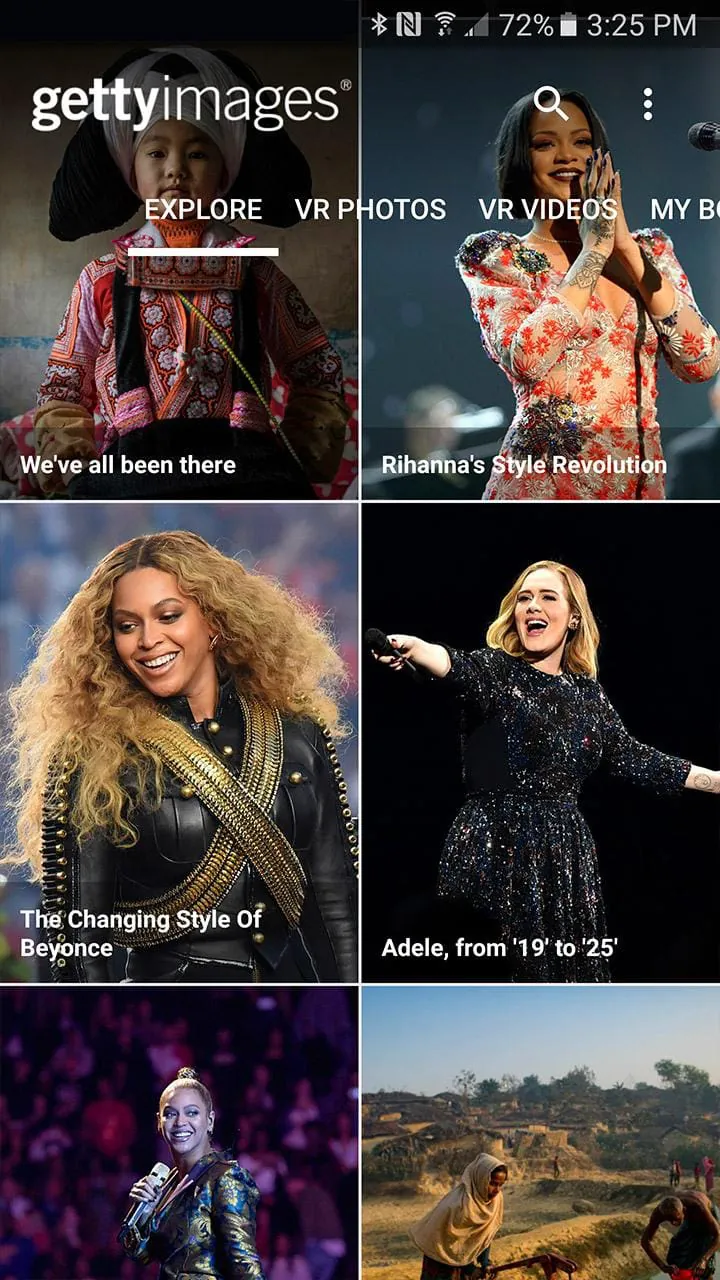
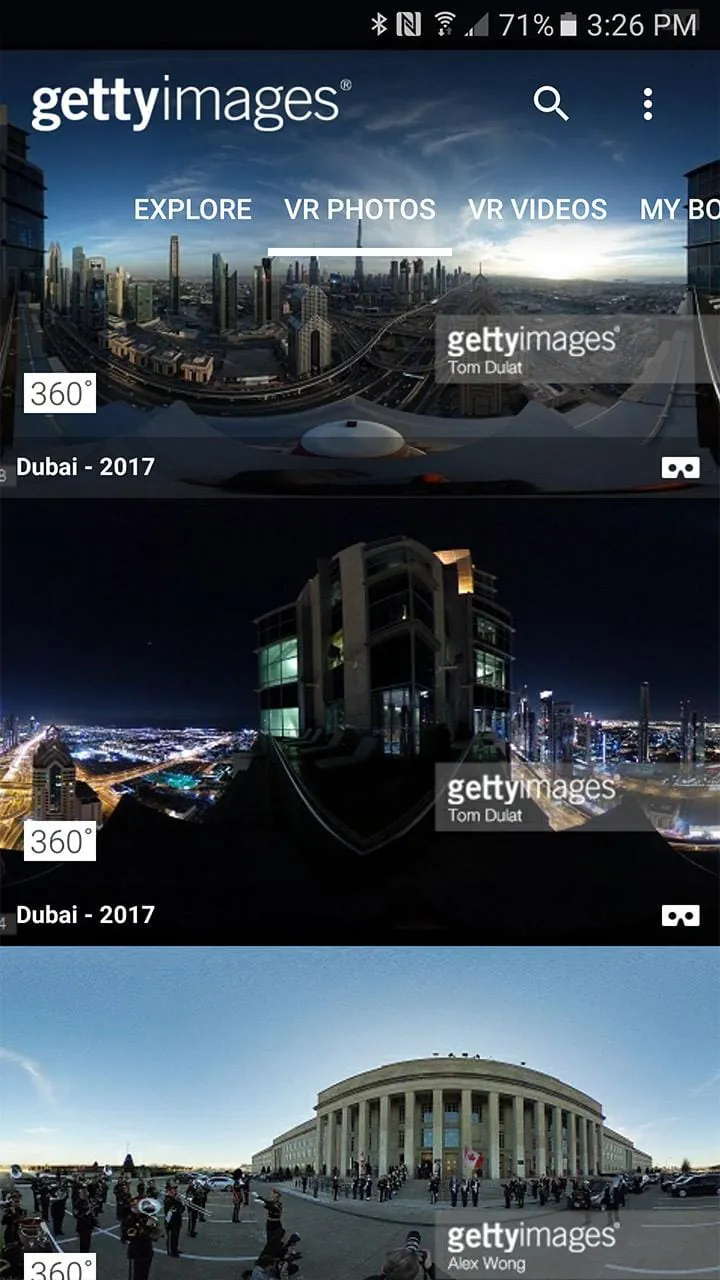
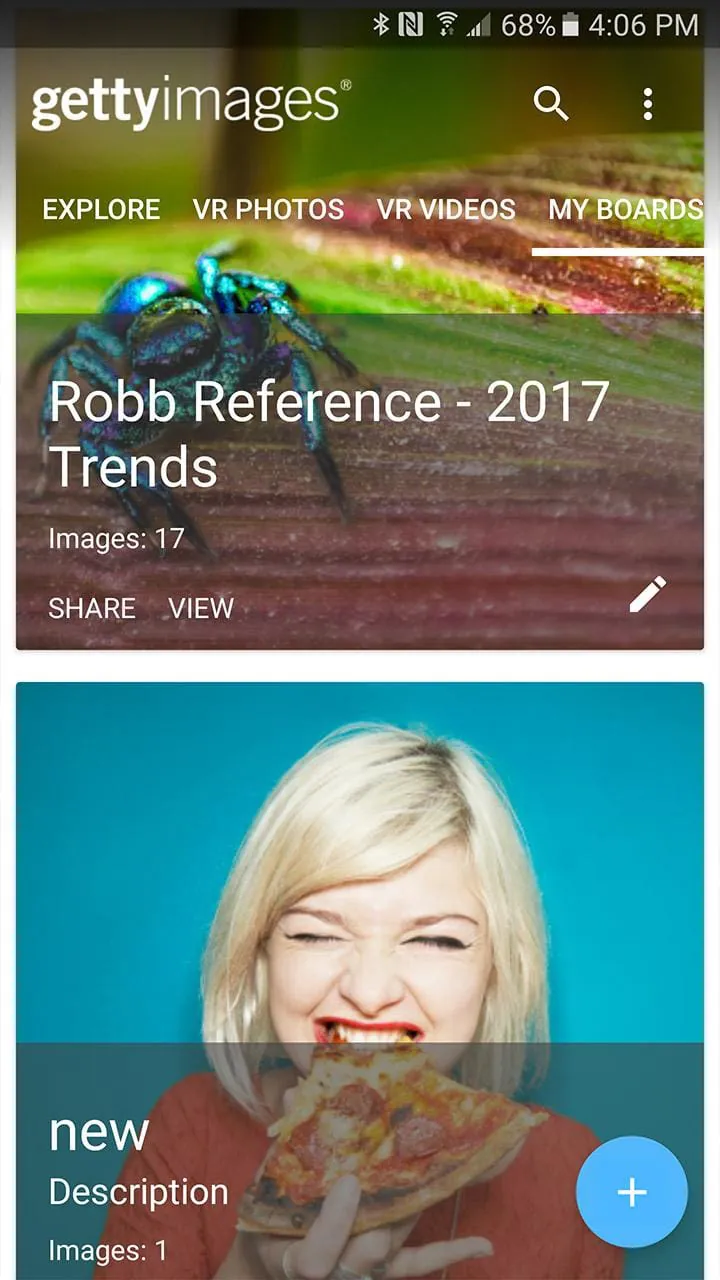
The Getty Images app is designed for creative and media professionals, as well as photography enthusiasts. It offers a homescreen that showcases the best photography from around the world. Users can search and share a collection of creative, editorial, and archival imagery at any time and from anywhere. The app allows users to tap on an image to view it in full-screen and zoom in for a closer look. One of the app's features is the ability to view VR photos and videos. Users can explore VR content by panning their device or using Google Cardboard. The app also provides a home screen where users can browse image galleries curated by Getty Images' editors. This includes editorial images of pop culture celebrities and the latest national and world events. The Getty Images app offers a comprehensive search and filter function. Users can search through over 60 million creative, editorial, and archival images, as well as videos. Filters can be applied to narrow down the search results to find the exact images needed. Users can also sign in to their Getty Images account to save images to their boards or create new ones in real time. For Getty Images Premium Access, Easy-access, Editorial Subscription, and UltraPack customers, the app allows image assets to be downloaded to their Android devices. However, it's important to note that these downloads count against the Getty Images agreement. Additionally, users can easily share links to single images with colleagues or clients via email, message, or through various social media platforms such as Facebook, Twitter, and Google+.
4.20









 Home
 Apps
 Games
 Topics
 Google Play
 App Store