


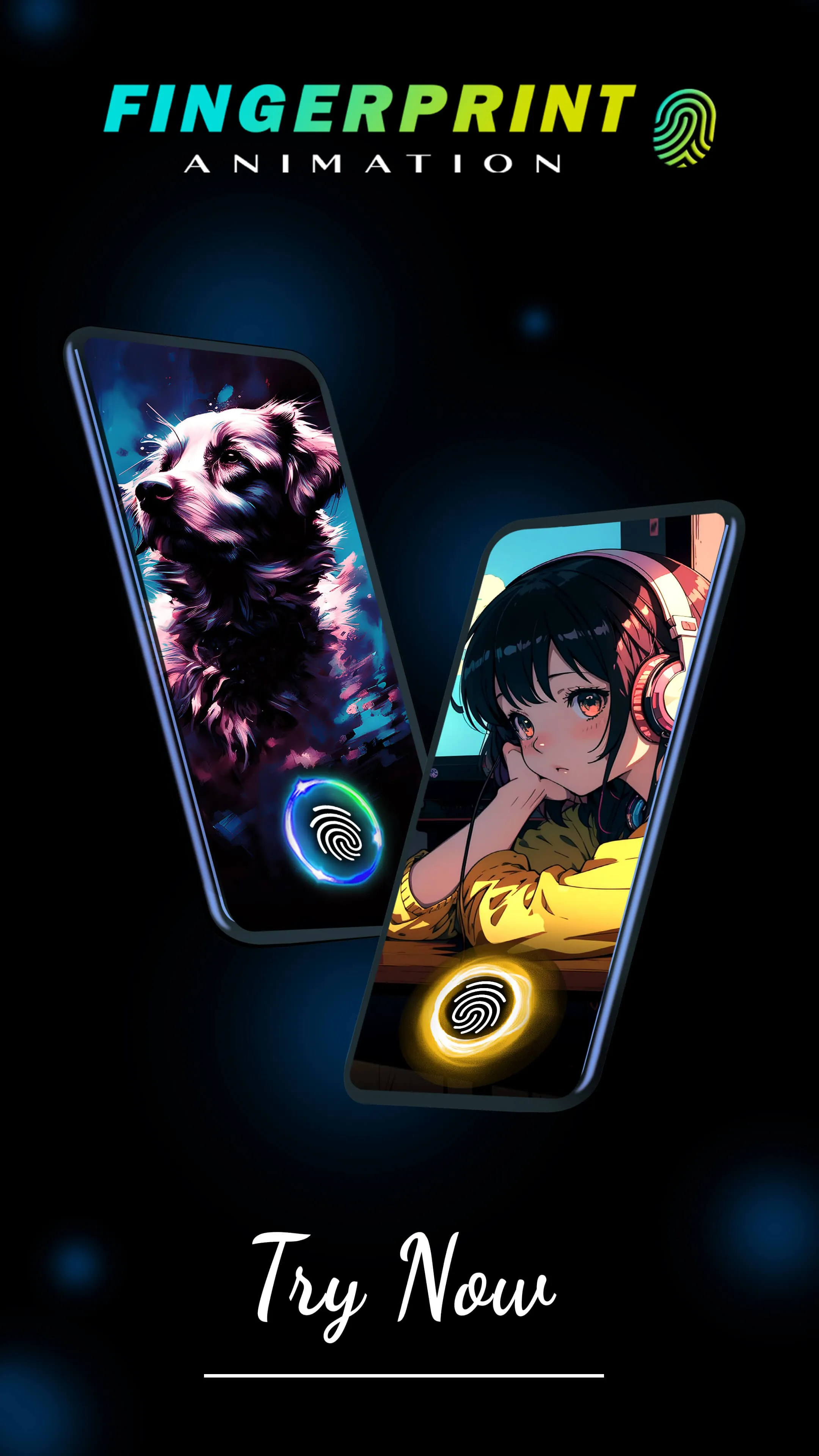
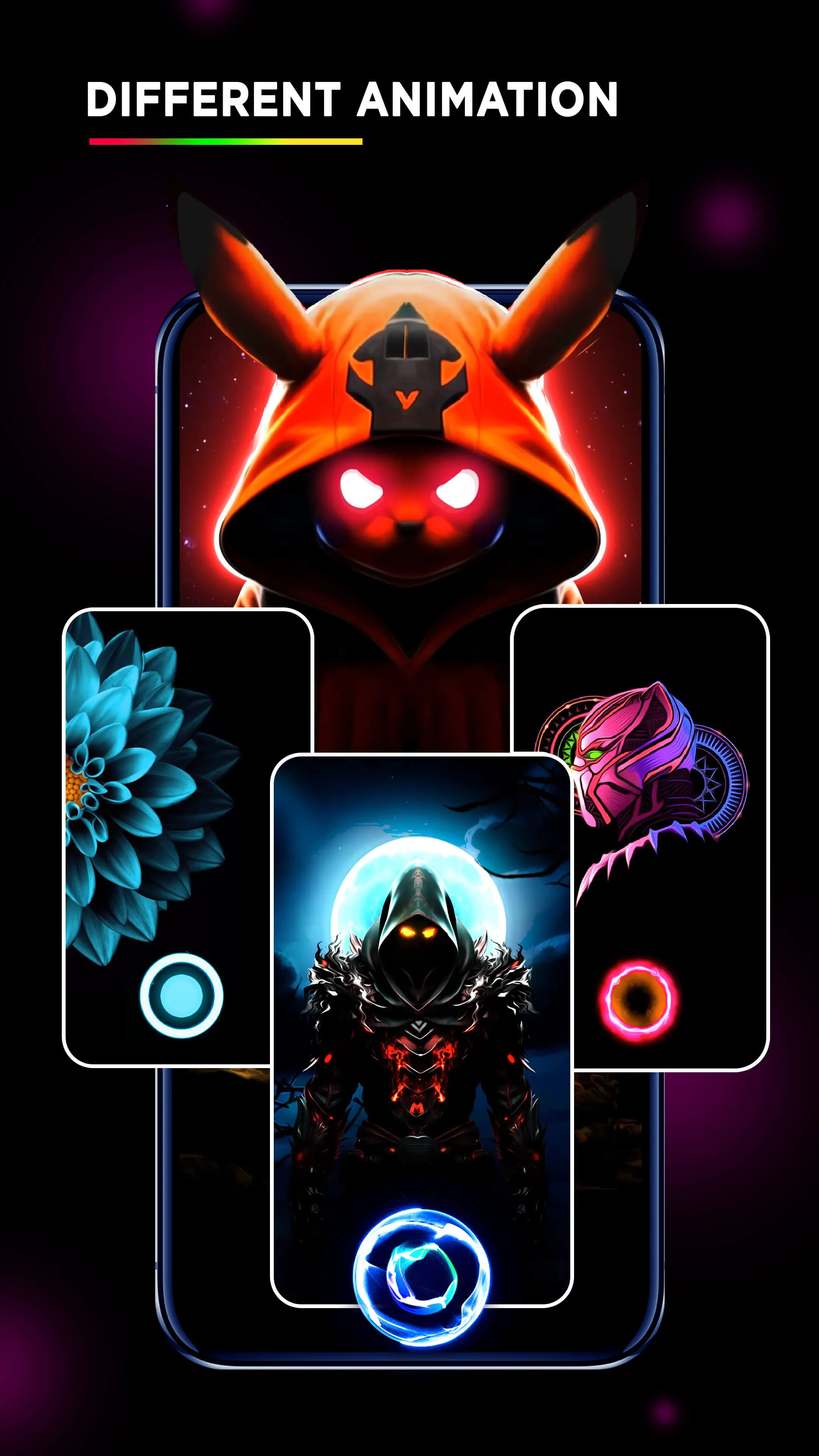
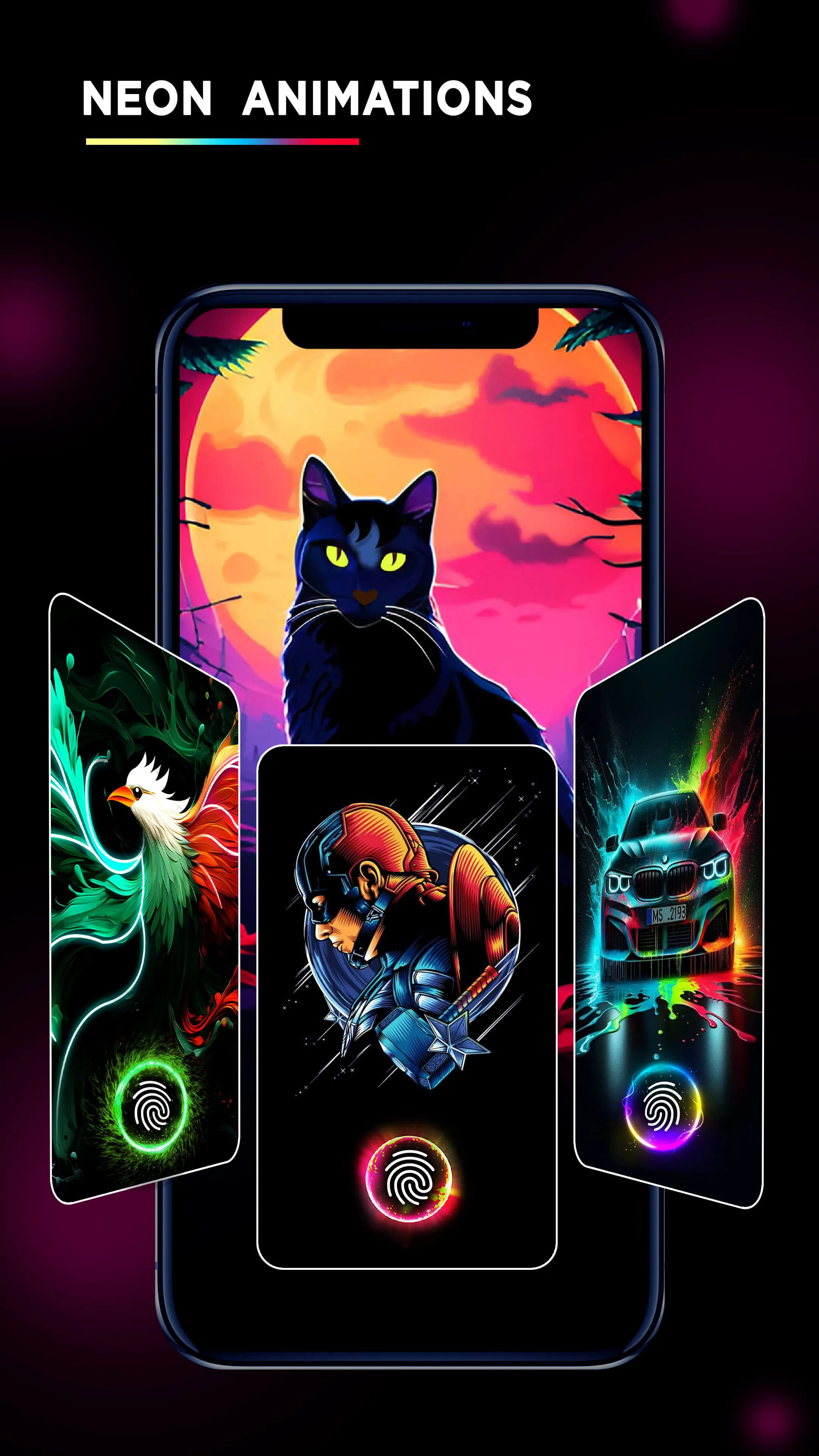
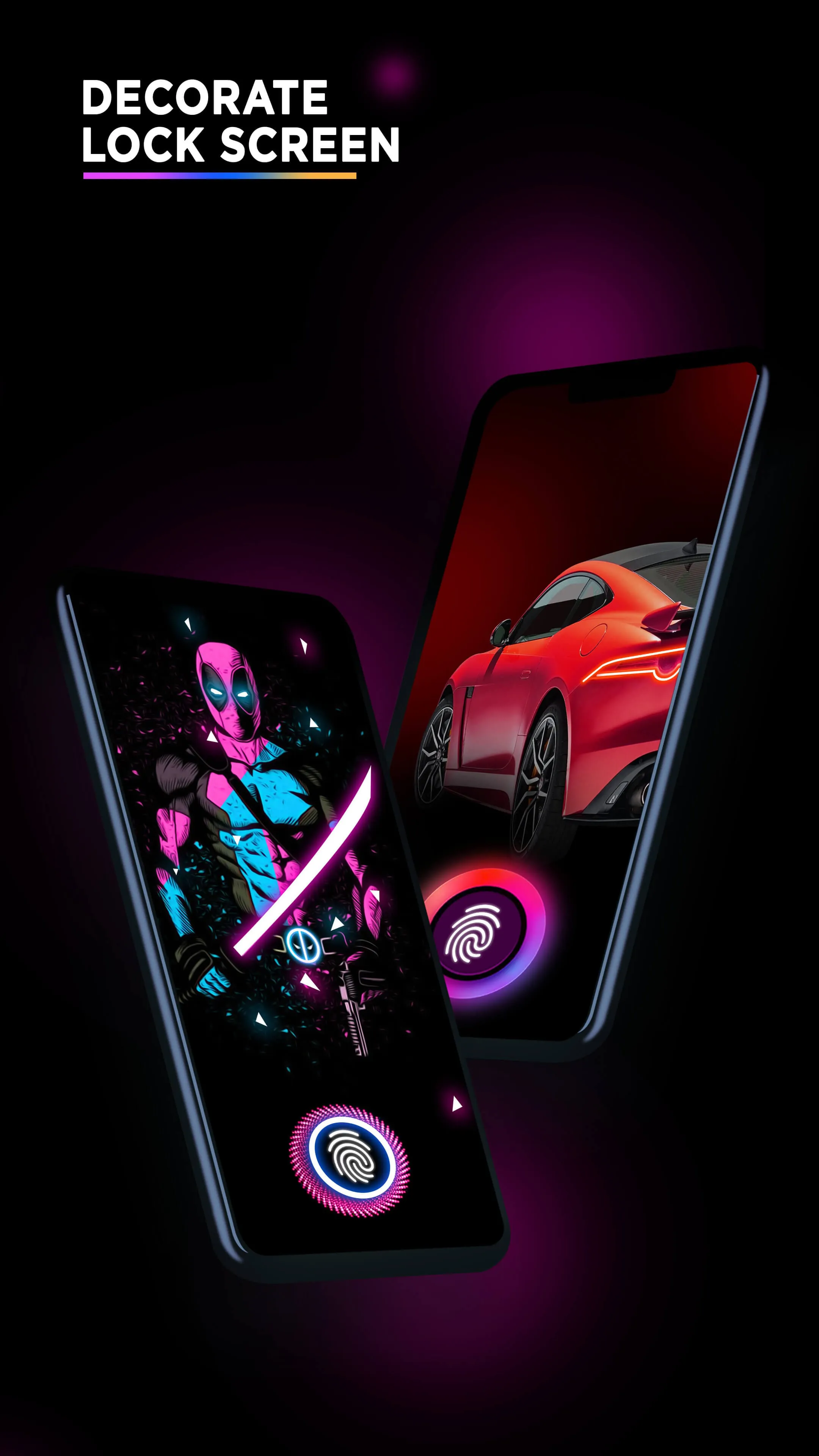
Using App, you can customize / dressup new shortcut icon on the home screen with a variety of pictures to make home screen unique. App provides well-designed icons, themes with wallpapers. You can choose icon from favorite pictures and photos from your album and set as new shortcut icons. Simplest way to dressup your home screen with themes and looks like pro mobile phone. - Many more pictures and well-designed icons to generate shortcuts icon. - Different style of themes with wallpaper. - Supporting local Gallery or photo as icons. - Simplest and Easiest way to generate it. We are continue to upload new Themes daily. ) Open application, Go to 'SELECT ICON' tab and Choose an app to change the icon. ) Select a new icon from IconPacks or new image from Camera or Gallery or other app icons. Select any shape from given list as per your choice. ) Set colorful background with different corner radius. ) Edit a new name for the app but it must not be blank. ) Go to home screen to see the newly generated shortcut icon. ) Open application, Go to 'THEMES' tab and Choose your favorite theme. ) Select applications which you want to generate new shortcut icons. Click on 'INSTALL NOW' button. ) If app ask for permission, Please 'Allow' it to add shortcut icon on home page. ) Now you will see one dialog to add shortcut on Home Page. Click on 'ADD'. ) Go To Home Screen and see setup theme. On Android . and above, android system will automatically add a watermark of your app to the shortcut icon. Steps to use widget technology. . Go to your phones desktop or home screen, long press (press & hold) a blank space. Then it will open pop-up menu. Just click on Widgets option. . Find out app from widgets page, long press (touch & hold) it and drag it to your home screen or desktop page. . The widget of our app will be opened automatically. After that you can change app icon without any Watermarks. Thanks for your interest.
4.40









 Home
 Apps
 Games
 Topics
 Google Play
 App Store