




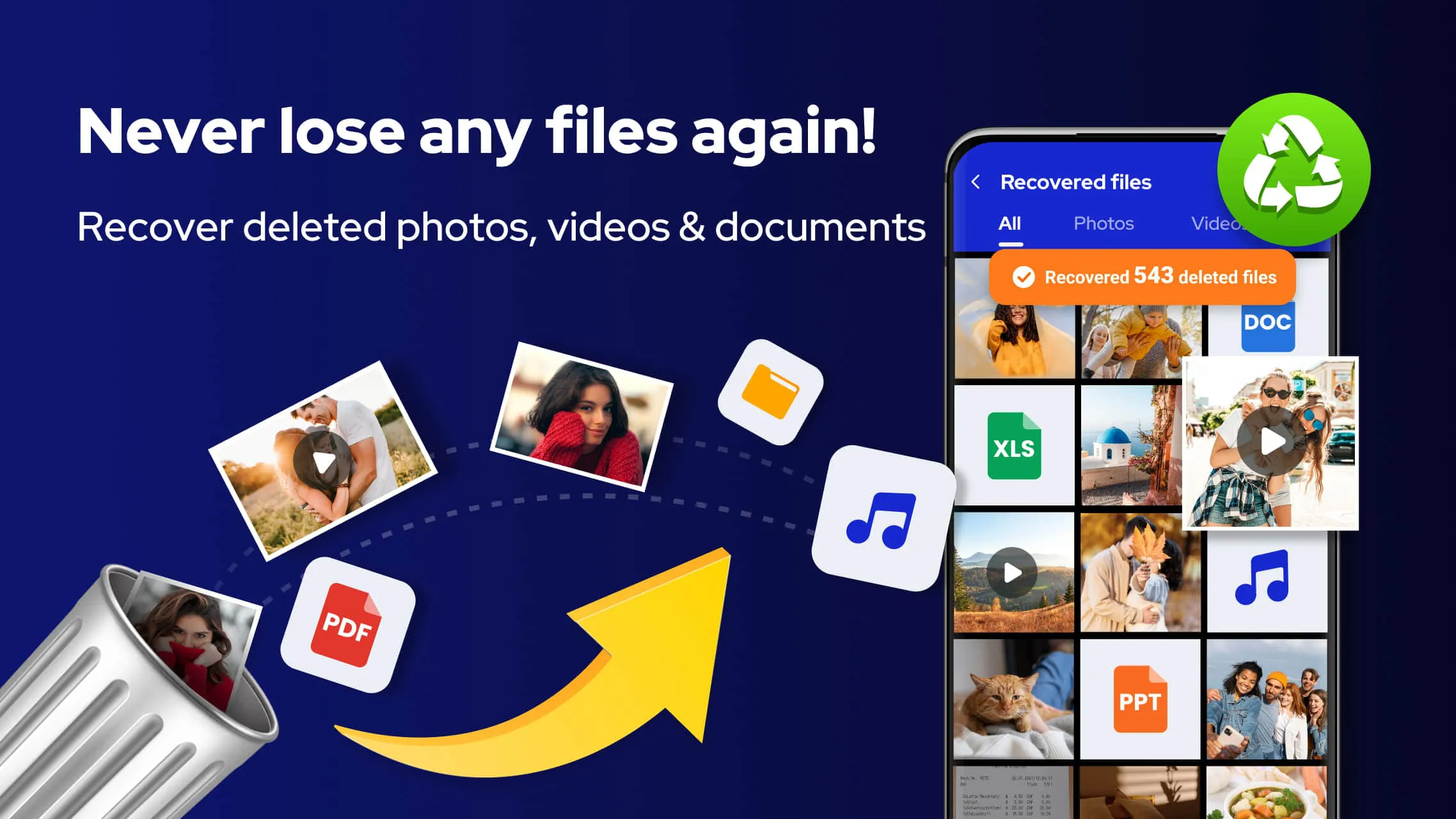
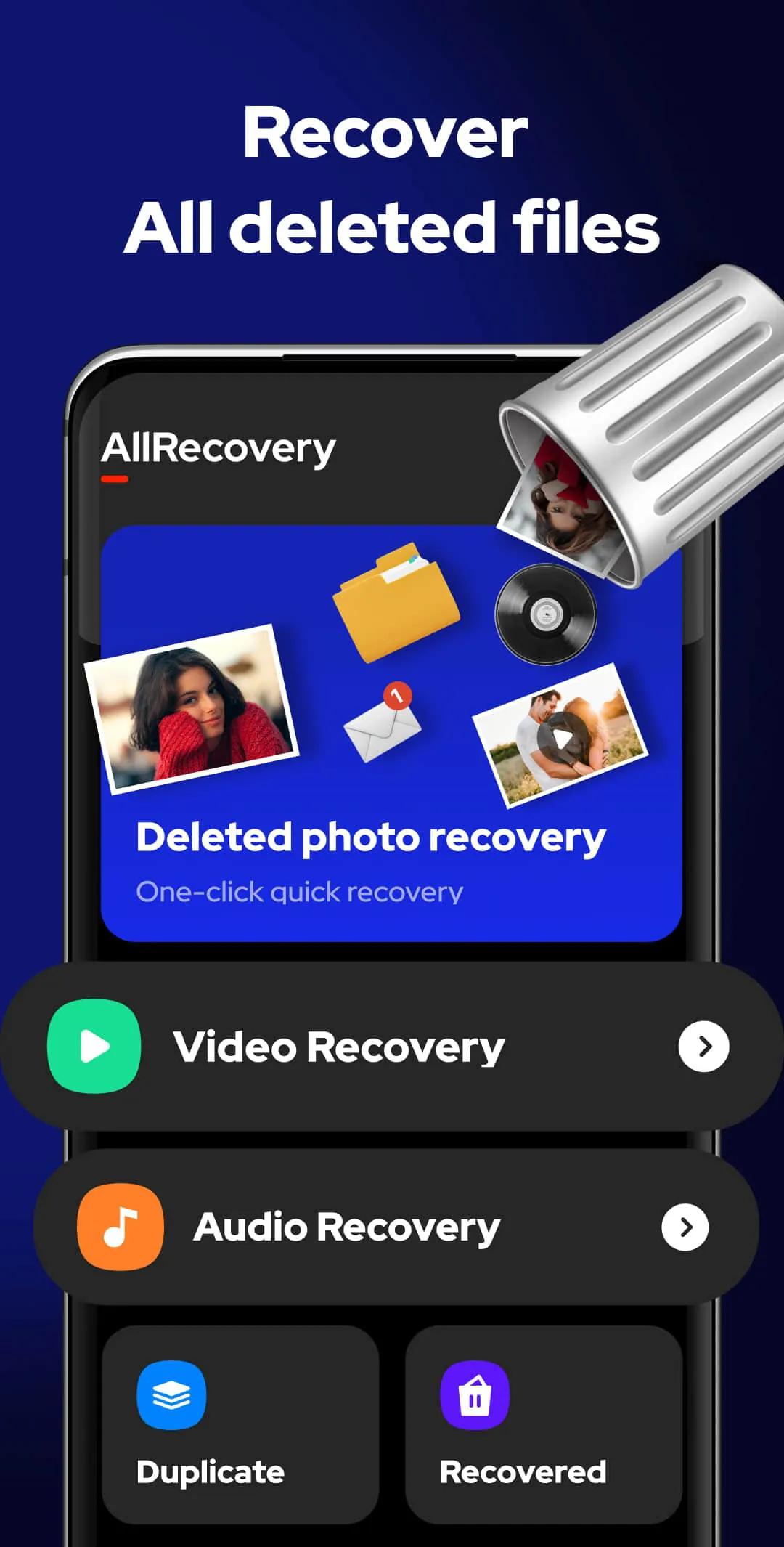
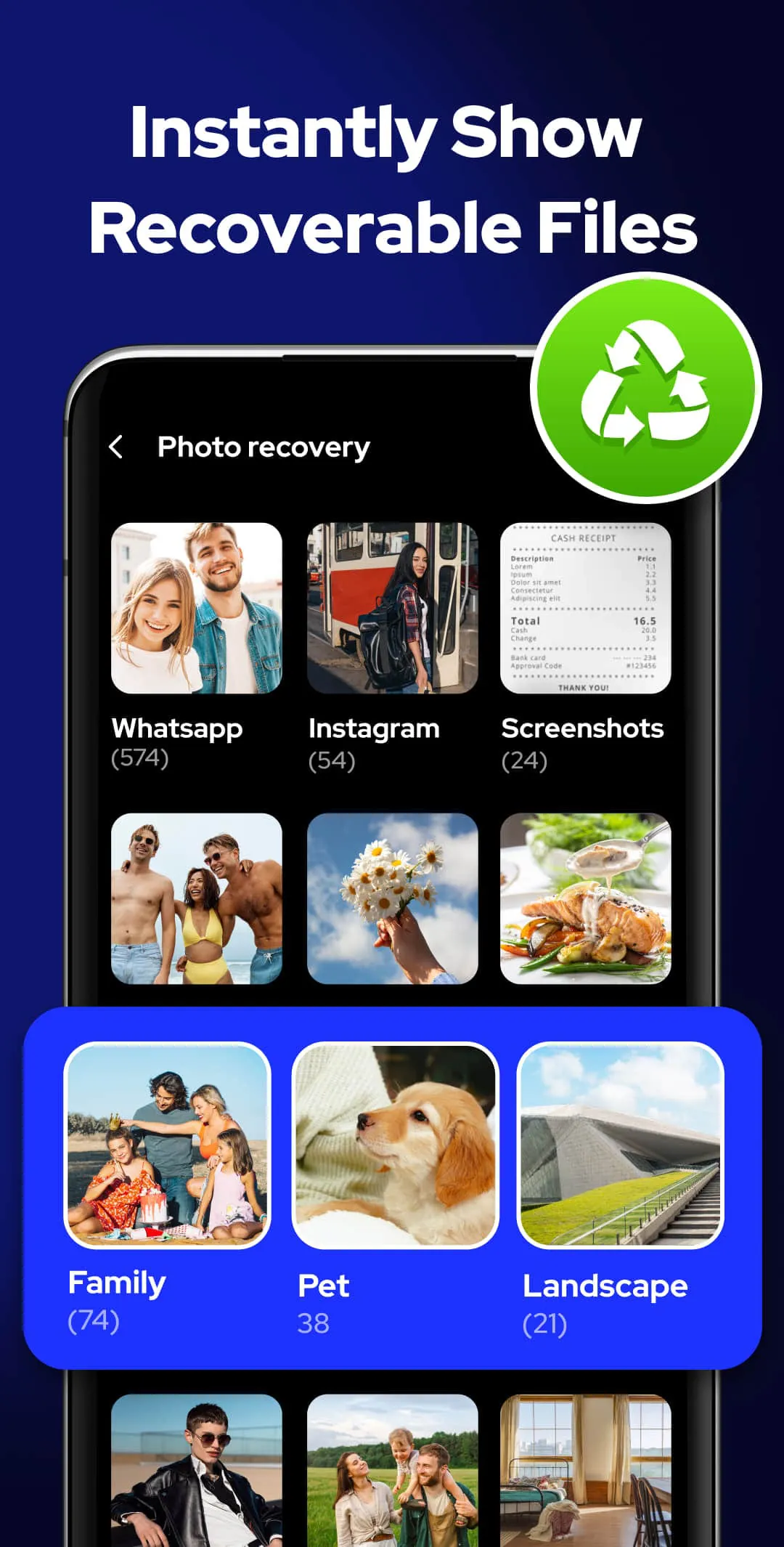
All Recovery is a user-friendly file recovery app designed to help you easily restore deleted photos, videos, audios, and other files from your device or SD card without the need for rooting. By simply tapping the scan button, the app automatically searches for and retrieves all deleted and lost files, allowing you to choose whether to restore them instantly or delete them permanently. With its quick deep scan feature and advanced file retrieval algorithm, All Recovery ensures that you can recover any deleted files, even after formatting your device, making file recovery a hassle-free process. This comprehensive app offers various features such as powerful filters to sort files by date, size, and folder, batch recovery options, and the ability to permanently delete files to prevent data leakage. Whether you are looking to recover deleted photos, videos, or audios, All Recovery provides a seamless solution to restore your lost files with just one click. The app also organizes all recovered files in a dedicated folder for easy management, allowing you to view, share, or delete them at your convenience. In addition to its efficient file recovery capabilities, All Recovery stands out as a reliable tool for recovering deleted photos, videos, and audios in their original quality. Whether you have accidentally deleted a precious memory or need to retrieve important files, this app offers a convenient way to recover deleted content quickly and effectively. With its intuitive interface and no-root requirement, All Recovery simplifies the process of data recovery, making it a valuable tool for users seeking to retrieve lost files effortlessly.
4.30









 Home
 Apps
 Games
 Topics
 Google Play
 App Store










