



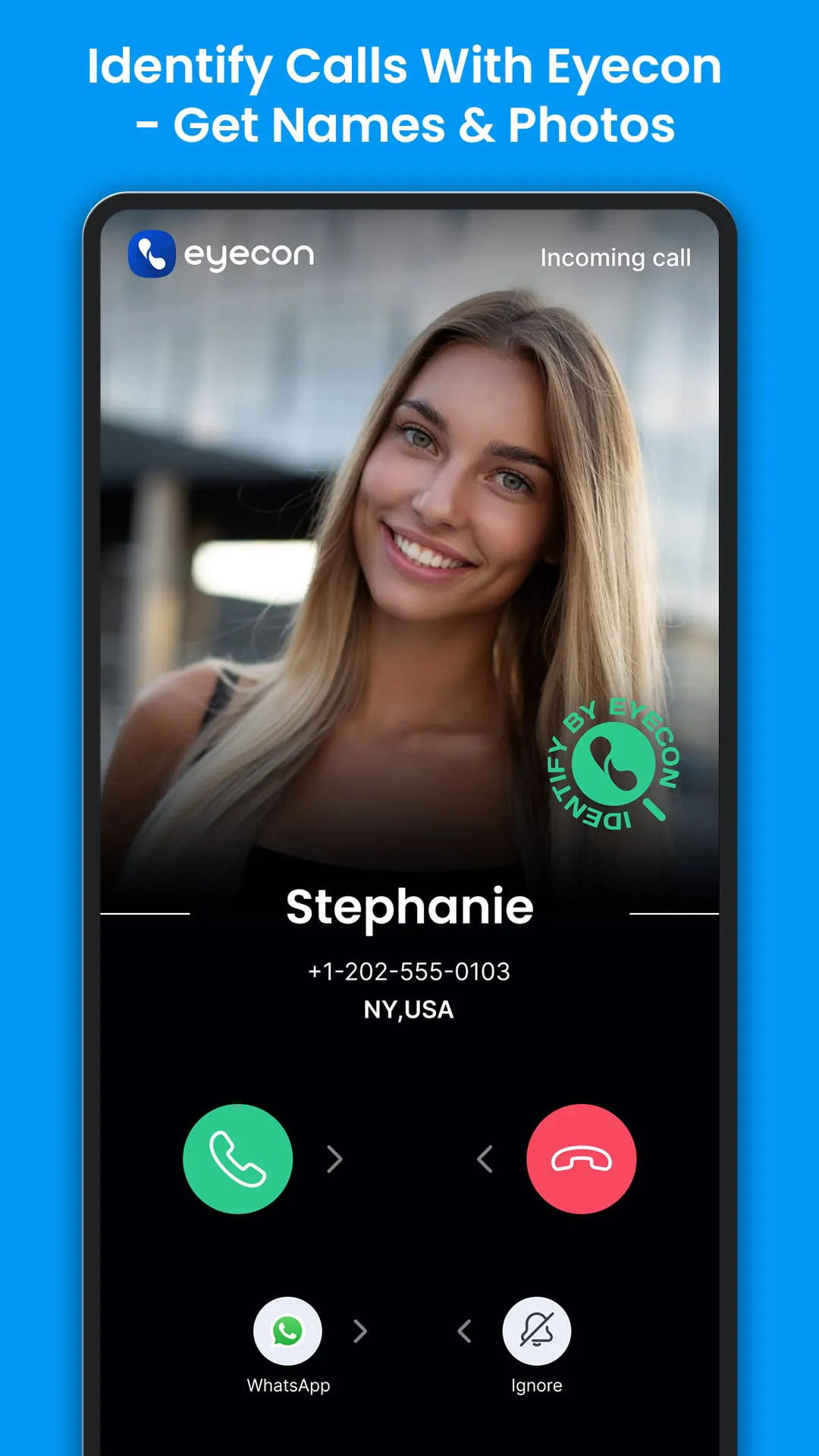

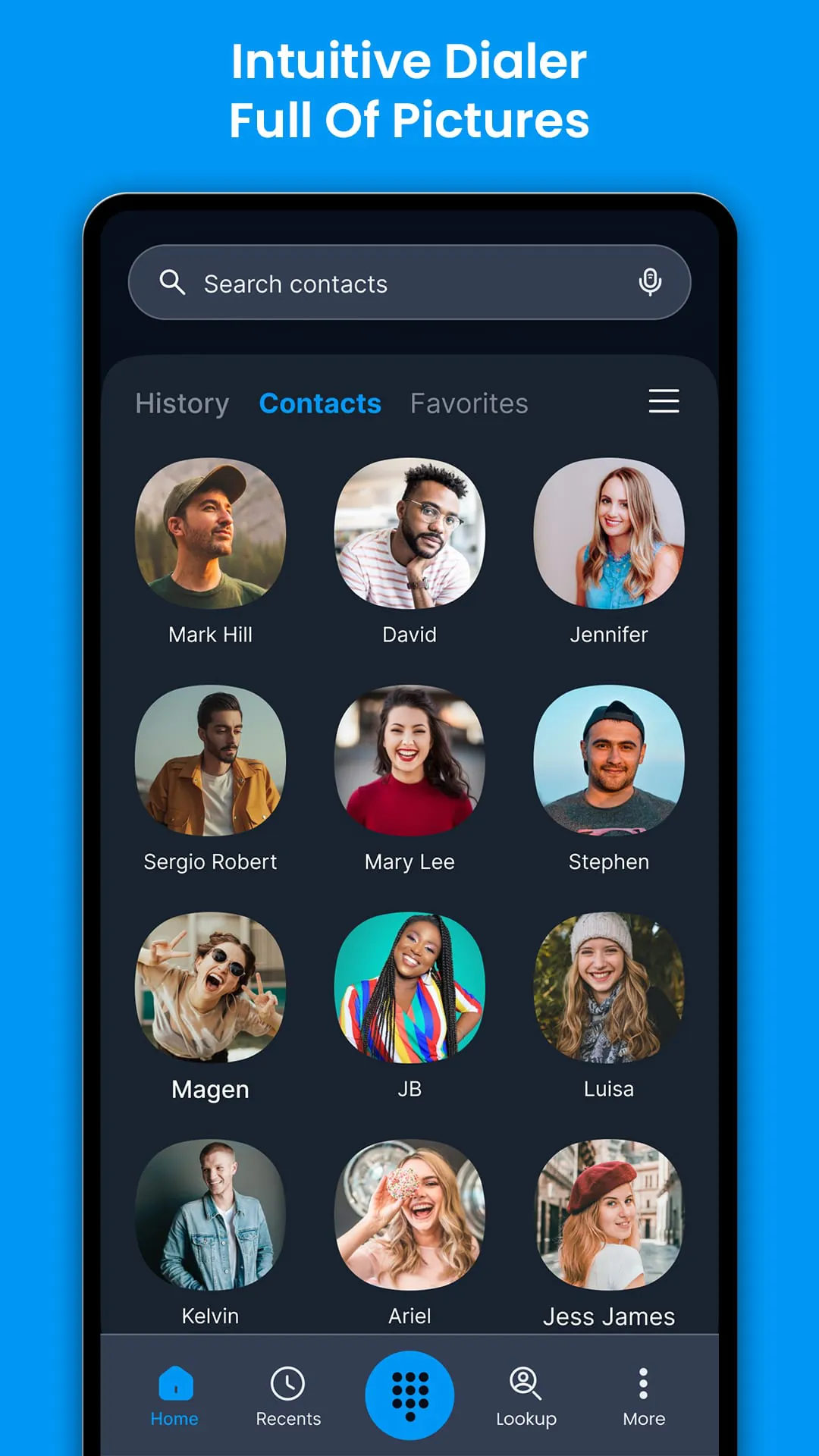
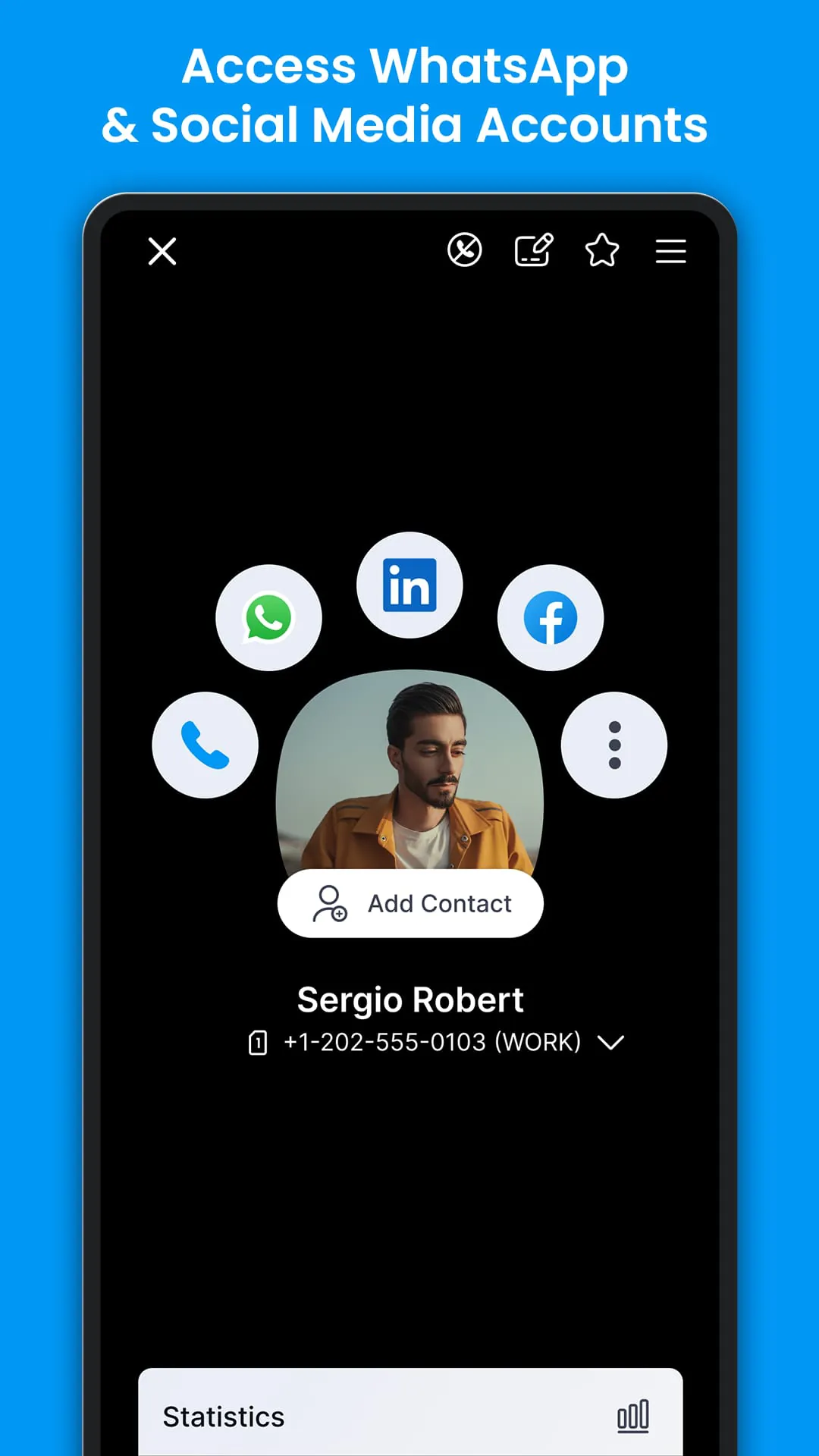
Eyecon is a top-rated app that provides a true caller ID to identify calls and see photos and names of unknown calls and contacts in your phone book. With Eyecon, you can instantly know who’s calling you and see their name and photo before you even pick up the call. The app also provides access to the caller's social network while in-call and easy reverse lookup. Eyecon's visual caller ID allows you to know who you’re speaking to before you answer the phone or dial a number. Eyecon also offers advanced features like blocking spam calls for good, turning your contacts and address book into a beautiful, visual gallery of all your friends, and allowing you to connect to their social media personas like Facebook profile and photos. With Eyecon, you can communicate faster and seamlessly connect with your contacts from a single app. The app remembers the way you like to communicate with certain contacts and launches your favorite platform seamlessly. Eyecon is an intuitive app that provides a full-screen caller ID with block spam calls and an intuitive default dialer with full-screen photos. The app is easy to use and remembers the way you like to communicate with certain contacts. Eyecon also turns your contacts and address book into a beautiful, visual gallery of all your friends, making answering the phone and connecting with friends so much easier. The app has a 4.6* rating on the Google Play Store and offers an upgrade to premium that provides Eyecon without ads and unlimited reverse lookups.
4.50









 Home
 Apps
 Games
 Topics
 Google Play
 App Store