



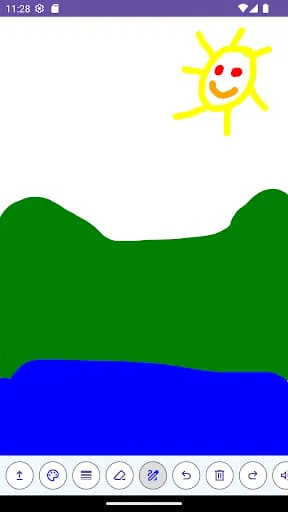
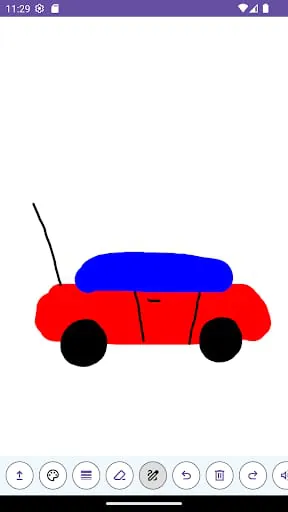
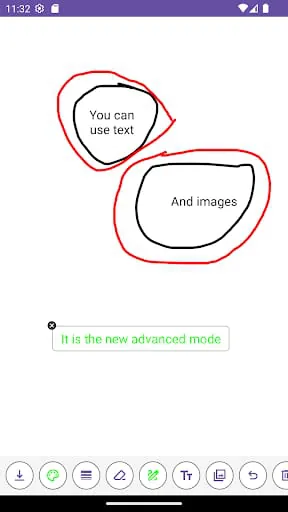
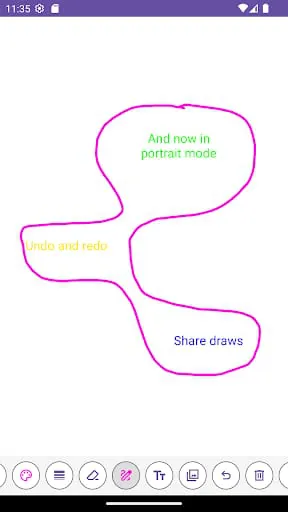
Painting is a great way to express creativity and explore new ideas. With a blank canvas, anything is possible, and the possibilities are endless. A whiteboard with all the necessary tools readily available can enhance the experience and make it more enriching. By focusing on the drawing and not the app, the user can concentrate on their art and create something truly unique. Having access to a wide range of colors is essential for creating nuanced and detailed drawings. The Lucas' Whiteboard offers 32 colors to choose from, and users can scroll up and down until they find the perfect shade. Clicking on a color will also allow the user to hear how it is pronounced, which can be helpful for those who are learning a new language or want to improve their pronunciation. The Lucas' Whiteboard interface is user-friendly and easy to navigate. The tools are located on the left side of the screen, and users can access more tools by clicking on the three dots. The thickness level can be adjusted to create different effects, and the eraser can be used to remove parts of the drawing. The pencil and roller tools allow users to draw and fill in areas, respectively. Additionally, users can edit photos from their gallery by sharing them with the Lucas' Whiteboard.
3.60









 Home
 Apps
 Games
 Topics
 Google Play
 App Store










