




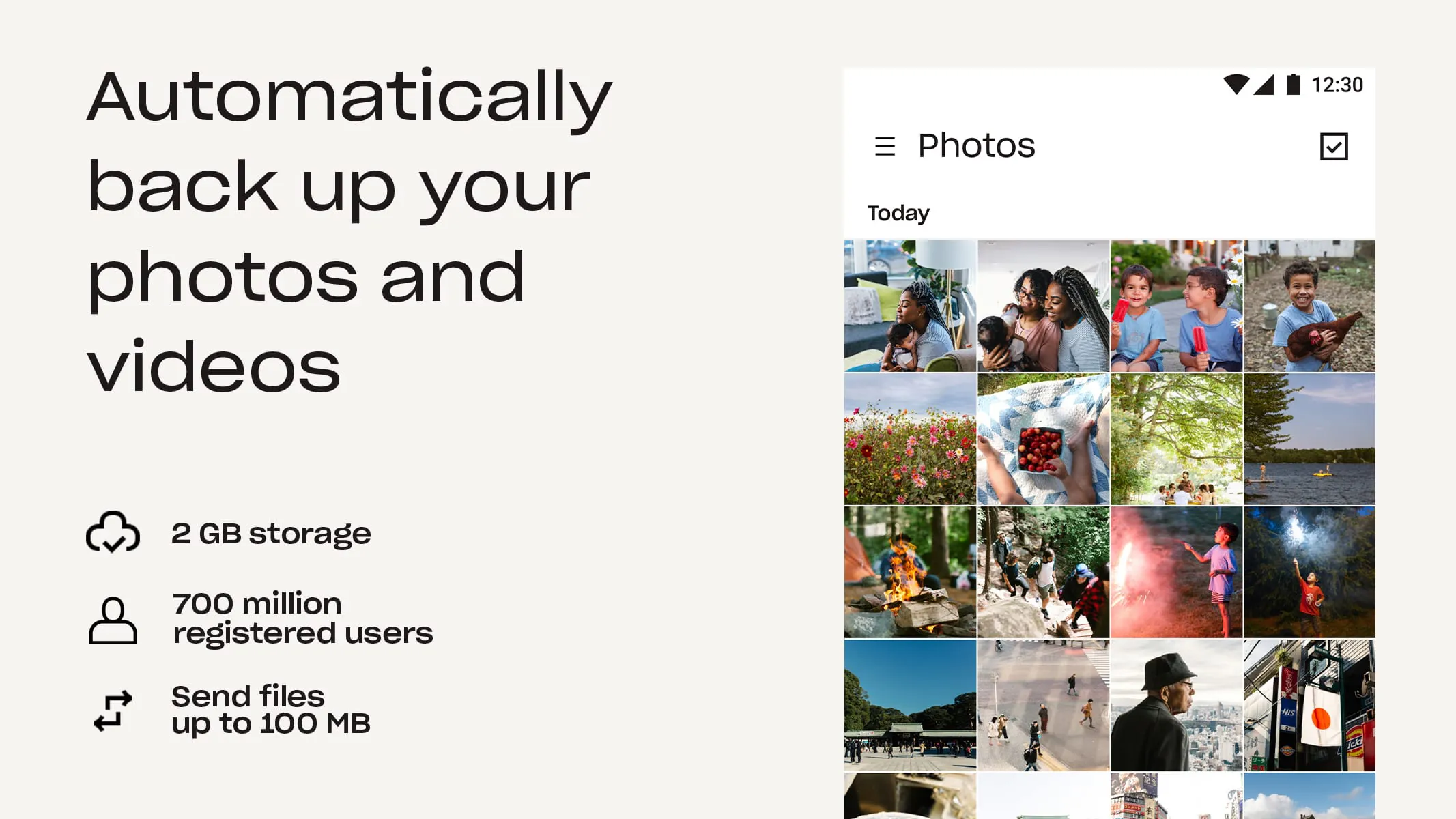
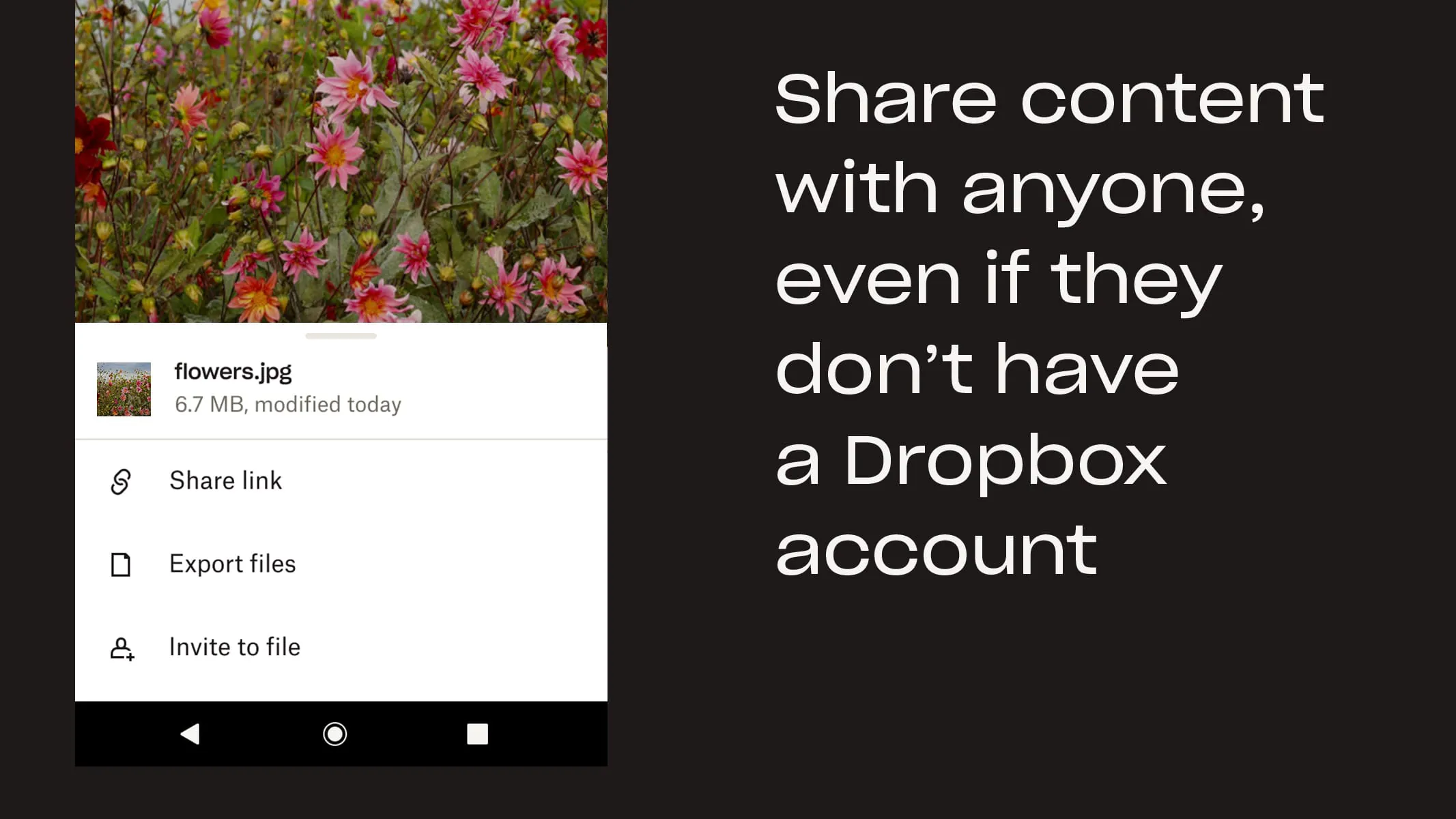
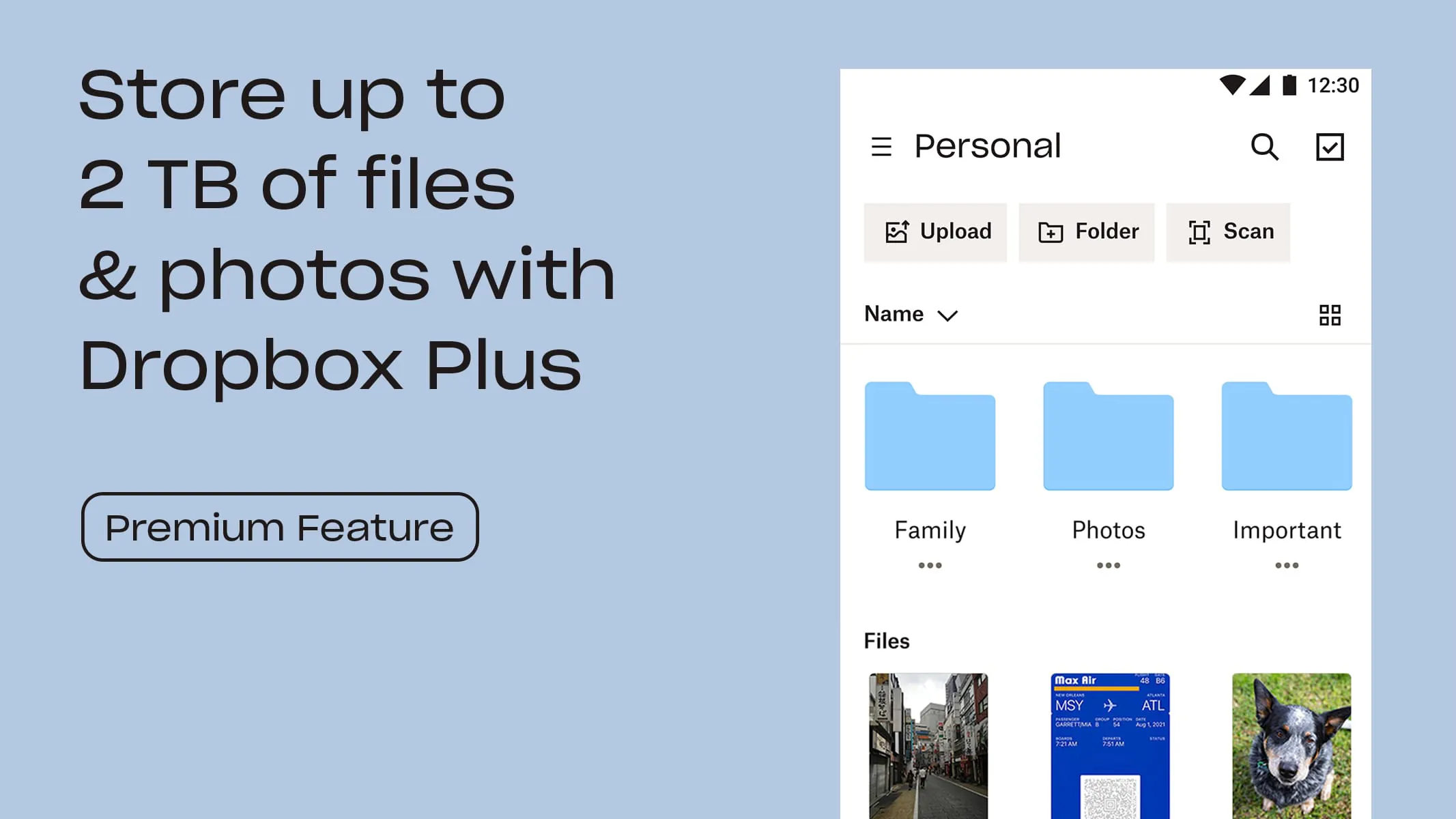
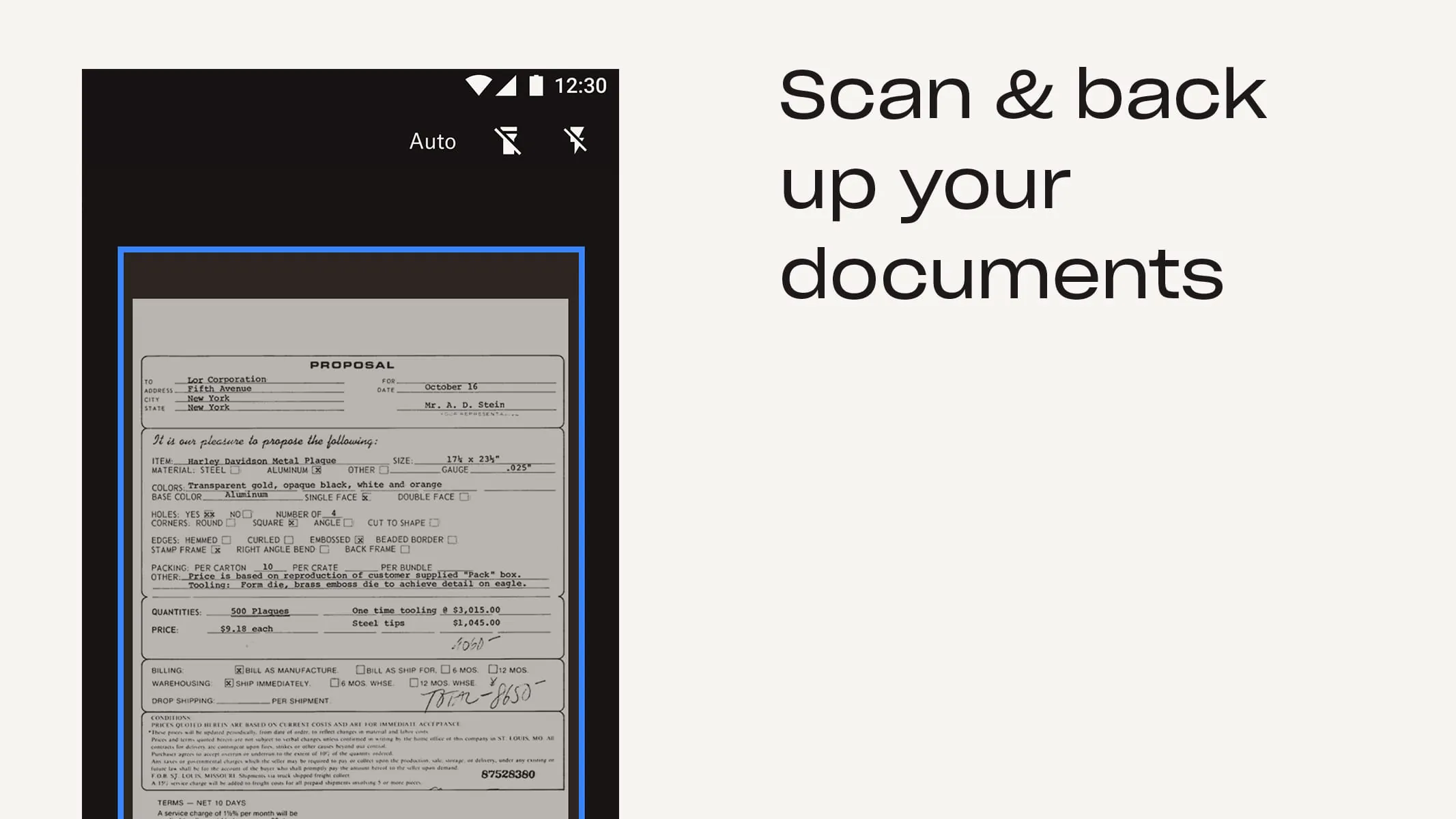
Dropbox is a cloud storage and file-sharing platform that allows users to store, organize, and access their files from anywhere. It offers features such as automatic photo backup, offline access, and file preview for over 175 file types. Users can easily share files with others by sending a link, even if the recipient doesn't have a Dropbox account. The platform also includes a document scanning feature that allows users to transform physical documents into high-quality PDFs. Dropbox offers a free trial of its Plus plan, which includes 2 TB of storage space, and paid plans with additional features such as password storage, file version history, and account rewind. Dropbox is a secure cloud storage solution trusted by Fortune 500 companies for their most sensitive data. It offers a range of features to protect user data, including two-factor authentication, encryption, and remote wipe. The platform is available on multiple devices, including desktop and mobile, and allows users to sync folders between their devices. Dropbox is not affiliated with other cloud storage providers such as Google, Amazon, or iCloud. Users can subscribe to Dropbox plans through the Google Play store, with prices varying by plan and country. Subscriptions renew monthly or yearly, depending on the plan, and users can turn off auto-renewal at any time. Dropbox offers a community forum for users to connect and share tips, as well as detailed terms of service and privacy policy documents. Overall, Dropbox is a versatile and secure cloud storage solution that offers a range of features for organizing, sharing, and protecting user data.
4.40









 Home
 Apps
 Games
 Topics
 Google Play
 App Store










