




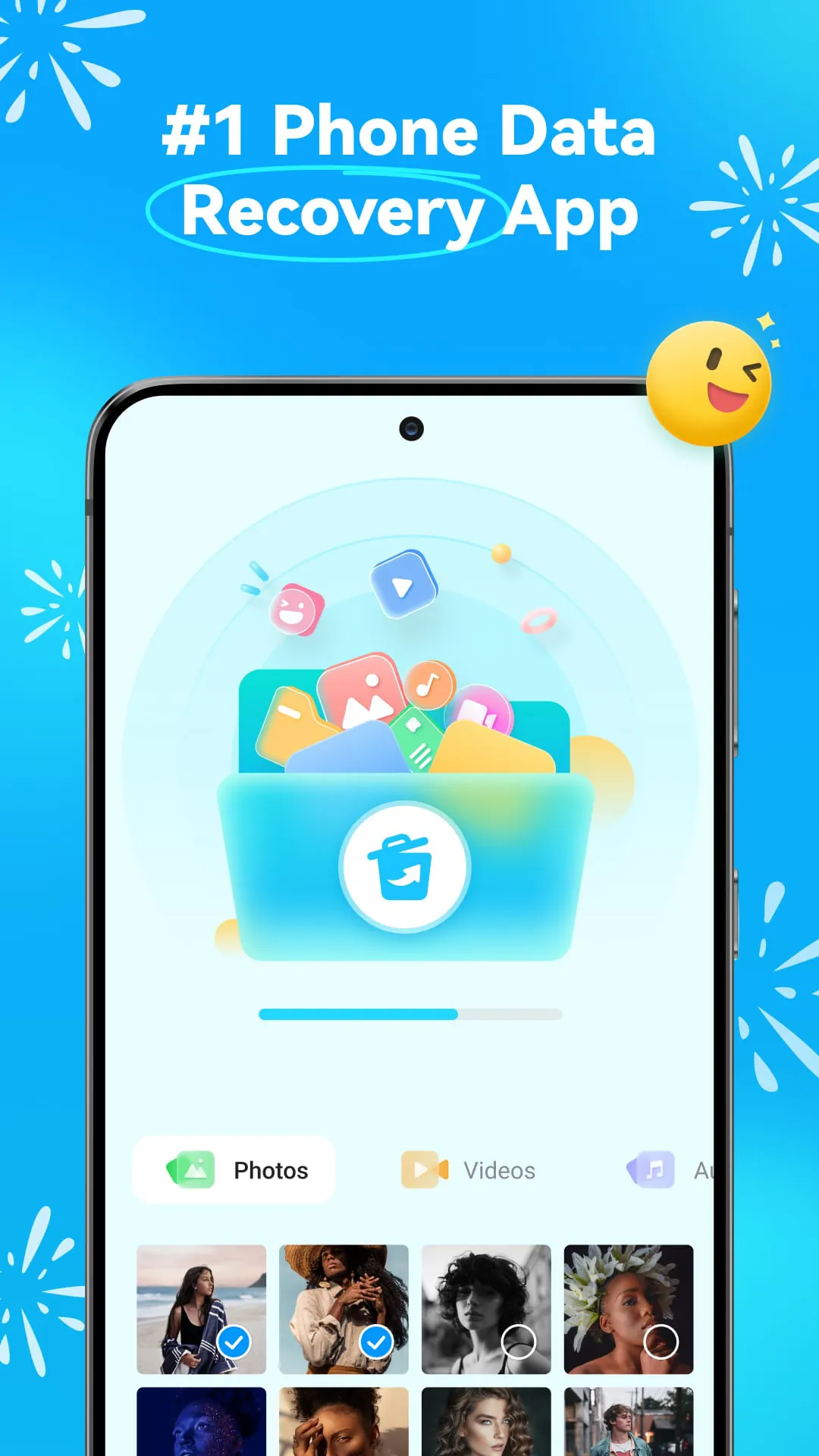
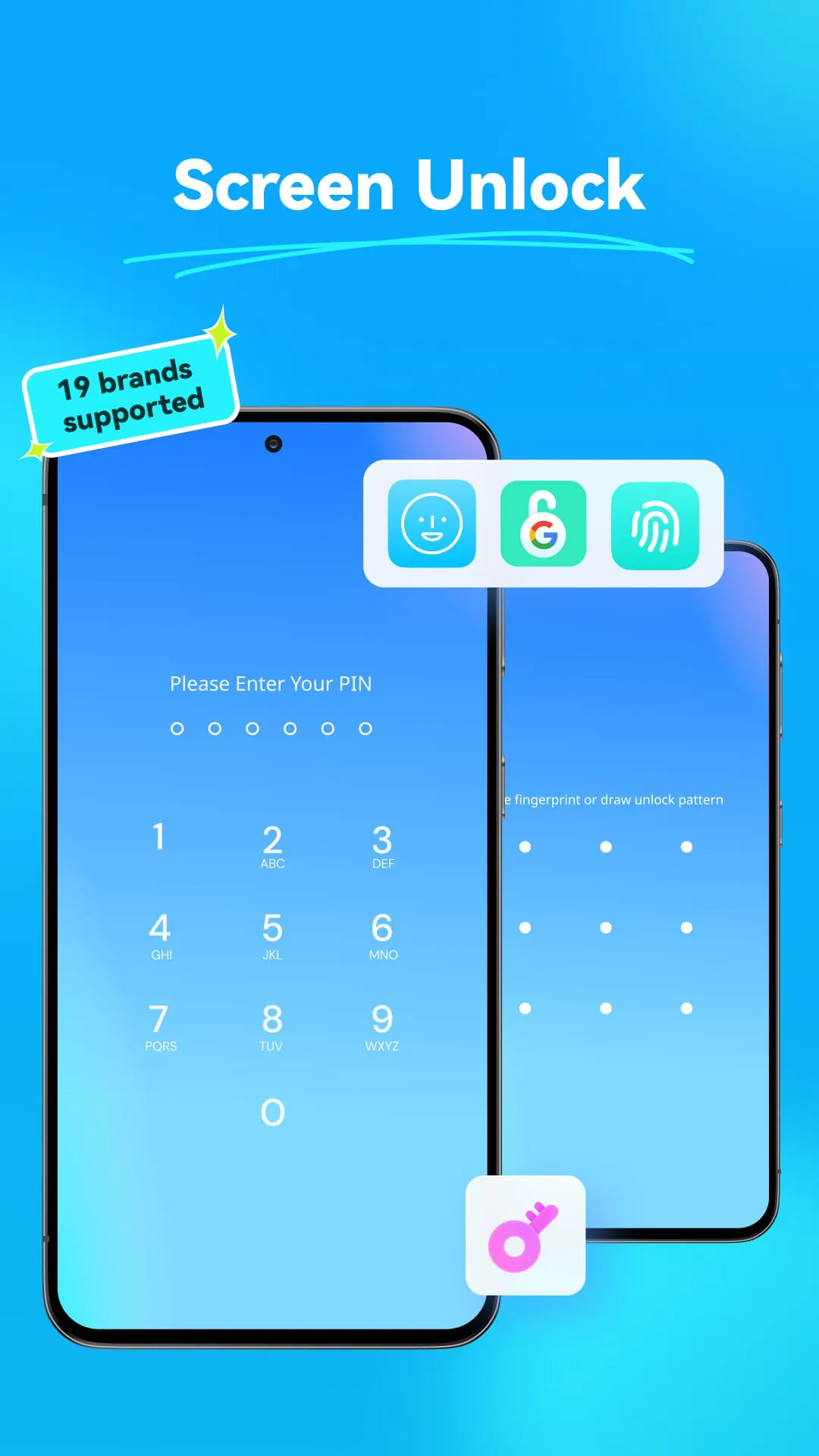
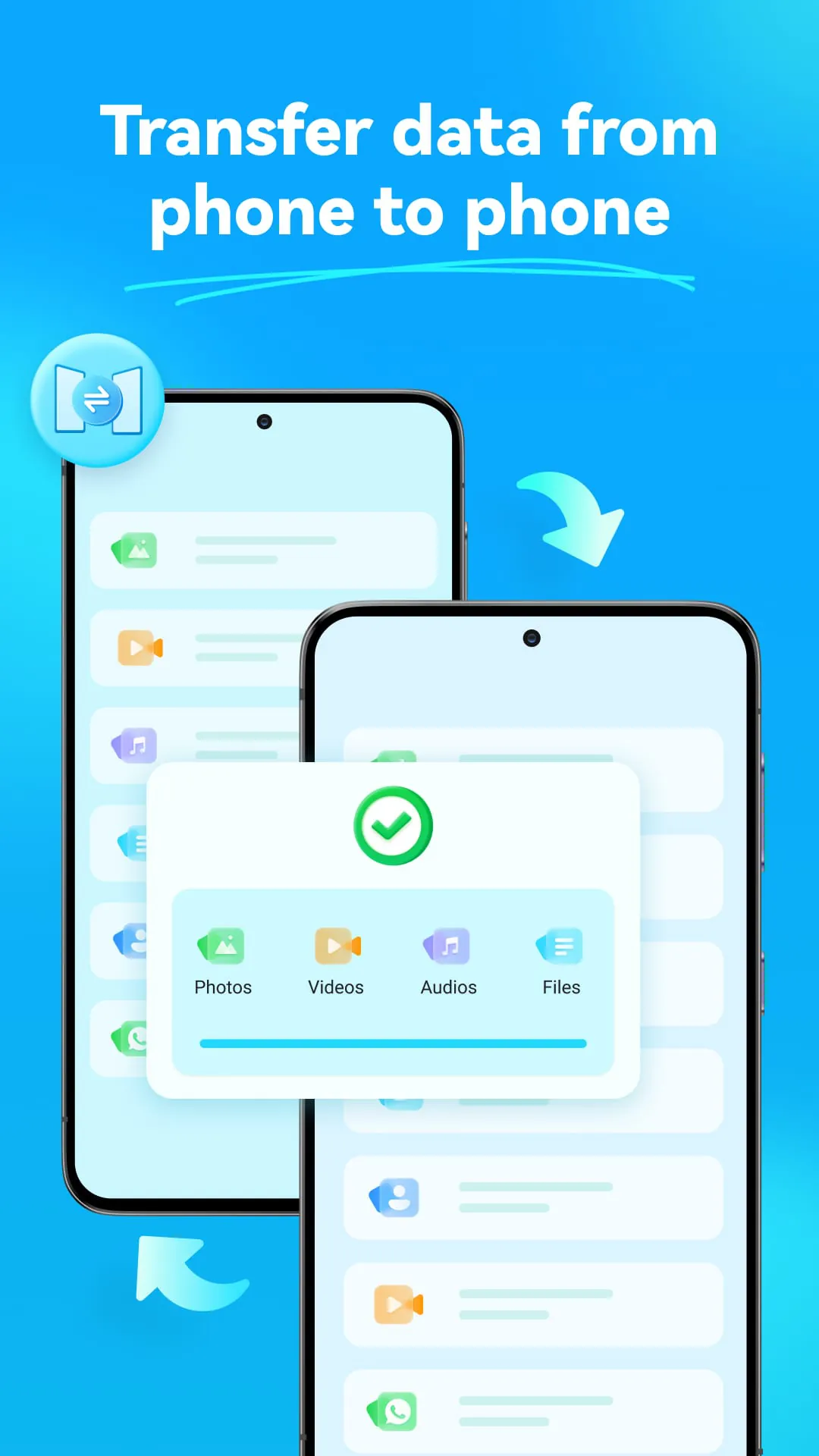
Dr.Fone is a comprehensive data recovery solution for Android devices that can recover a wide range of data types, including photos, videos, music, documents, and more. The app also offers advanced features such as AI image upscaling and WhatsApp data recovery. Dr.Fone has a simple interface and concise instructions for easy and efficient use. The app also has a recycle bin to save deleted files for later restoration. Data security is a top priority, with encryption from beginning to end. One of the standout features of Dr.Fone is its Secret Space feature, which has been updated to store recovered pictures and videos with highly secured tech. This ensures that your recovered data is kept safe and secure. Dr.Fone also allows for smooth data transfer between phone and PC, making it easy to manage your phone data, import, and export data between PC and phones. The app can transfer phone data between phones regardless of iOS and Android OS. Wondershare, the developer of Dr.Fone, is a global leader in creative software with 15 leading products used in over 150 countries worldwide. With a focus on data security and ease of use, Dr.Fone is a reliable and efficient solution for Android data recovery and management. Whether you need to recover deleted files or transfer data between devices, Dr.Fone has you covered.
3.00









 Home
 Apps
 Games
 Topics
 Google Play
 App Store










