



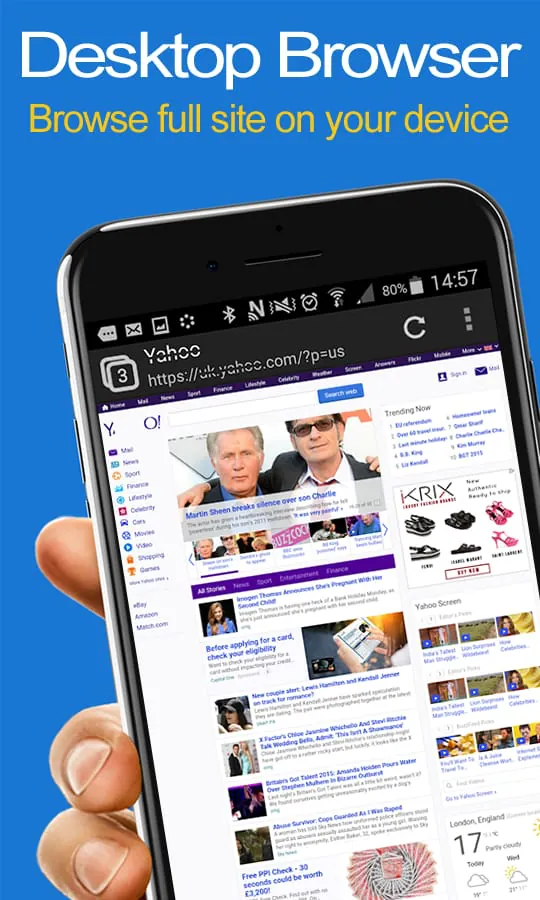
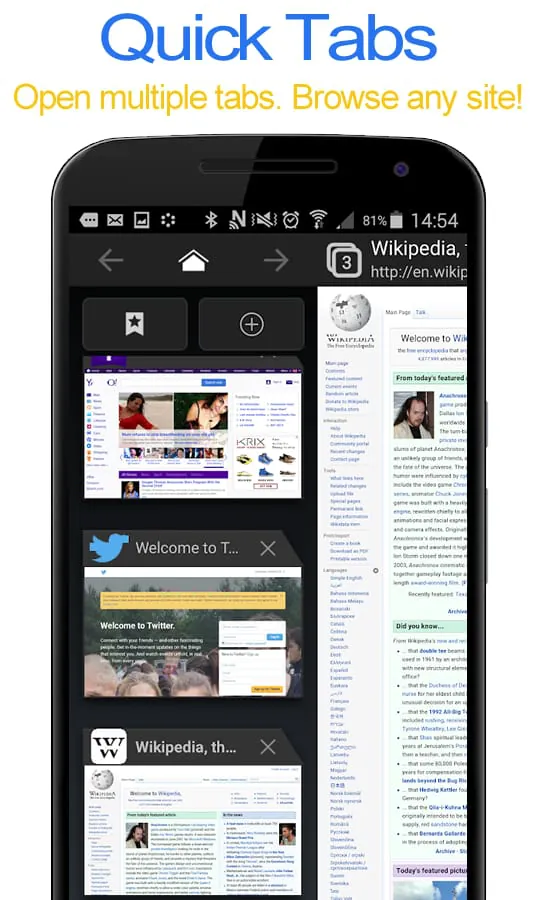
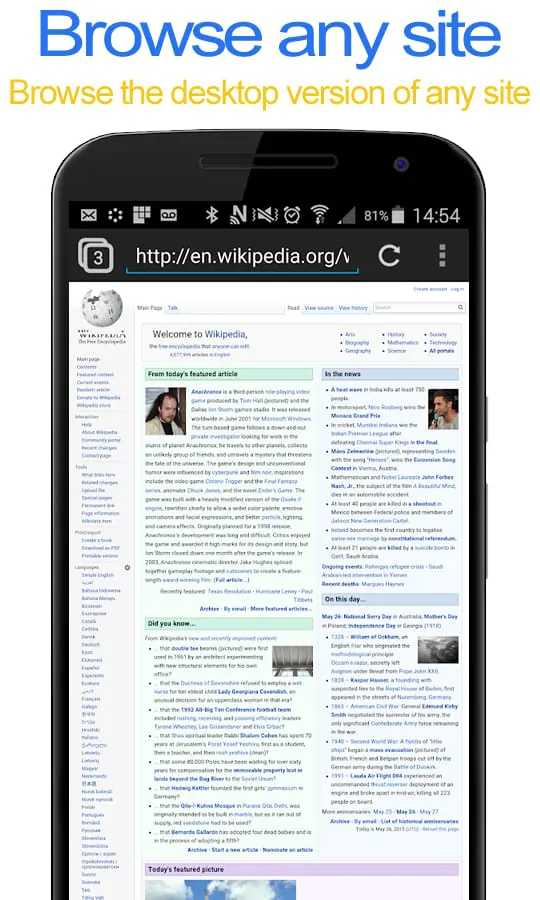
Desktop FullScreen Web Browser is a free and ad-free application that allows users to view any webpage with full desktop functionality on their phone or tablet device. With this app, users can easily switch between the desktop and mobile version of a site by accessing the browser settings. The app also offers all standard browser features, including multi-tab support for quick browsing, ultra-secure browsing, and the ability to save and load bookmarks. One of the standout features of Desktop FullScreen Web Browser is the option to opt for full screen mode, which hides the address and status bar for a more immersive browsing experience. Additionally, users can browse websites in incognito tabs, ensuring their privacy and security while online. Overall, this app is a great choice for anyone looking for a powerful and versatile web browser for their mobile device. In summary, Desktop FullScreen Web Browser is a free and ad-free application that offers users the ability to view any webpage with full desktop functionality on their phone or tablet device. The app includes all standard browser features, multi-tab support, ultra-secure browsing, and the ability to save and load bookmarks. Users can also opt for full screen mode and browse websites in incognito tabs for added privacy and security.
3.00









 Home
 Apps
 Games
 Topics
 Google Play
 App Store










