Copy My Data: Transfer Content

Copy My Data: Transfer Content

4.20
Advertisement
Copy My Data: Transfer Content

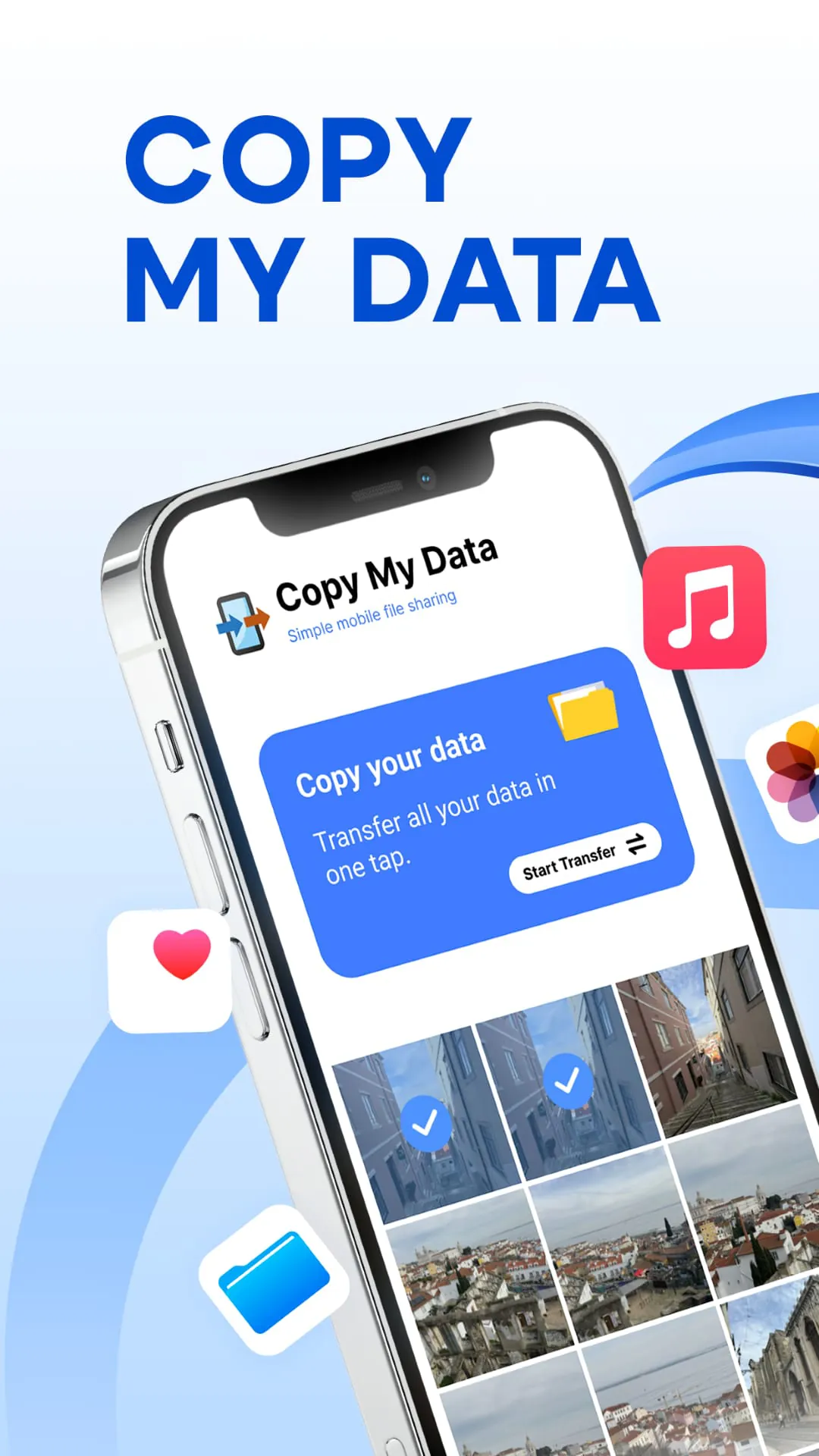
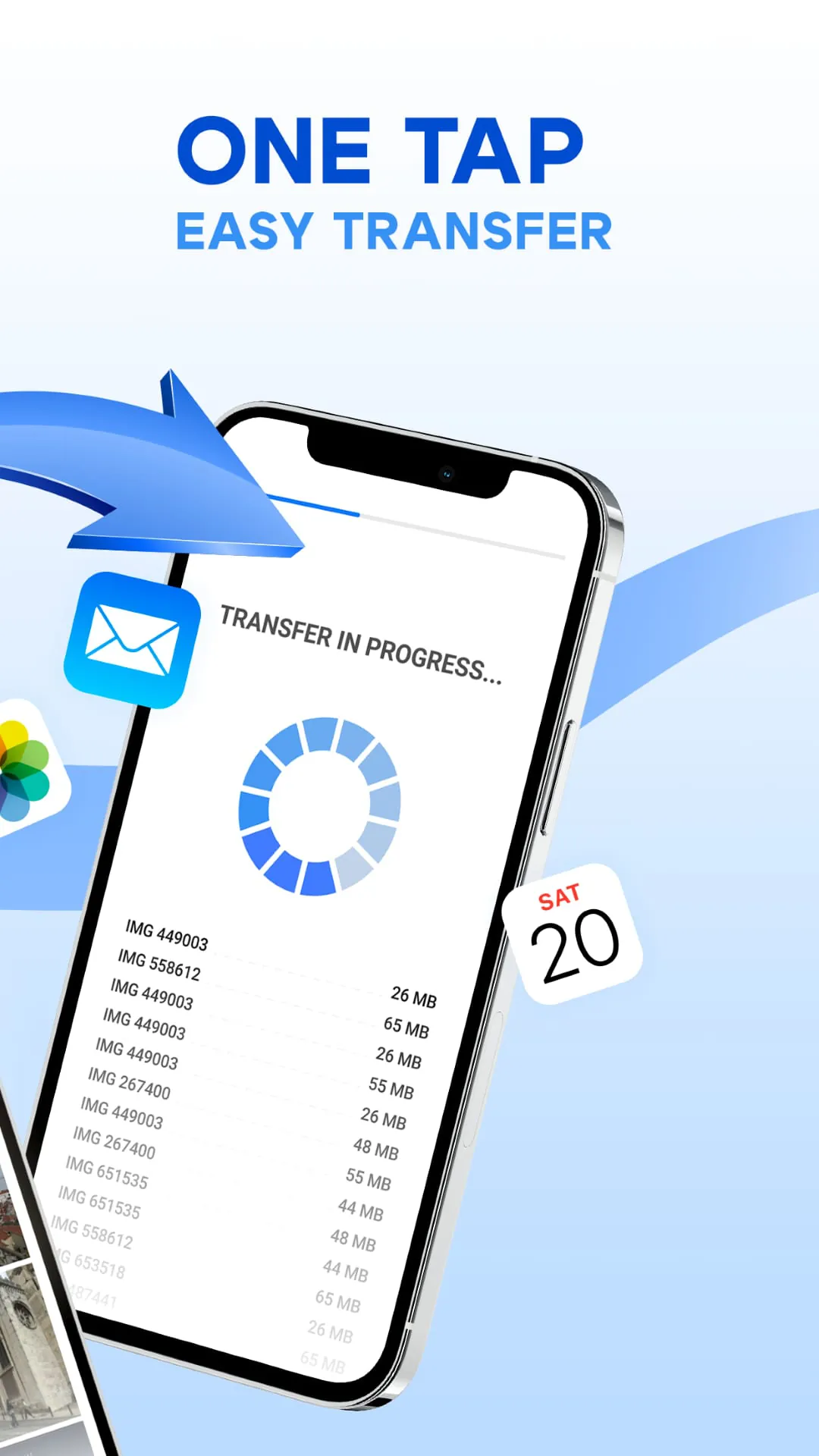
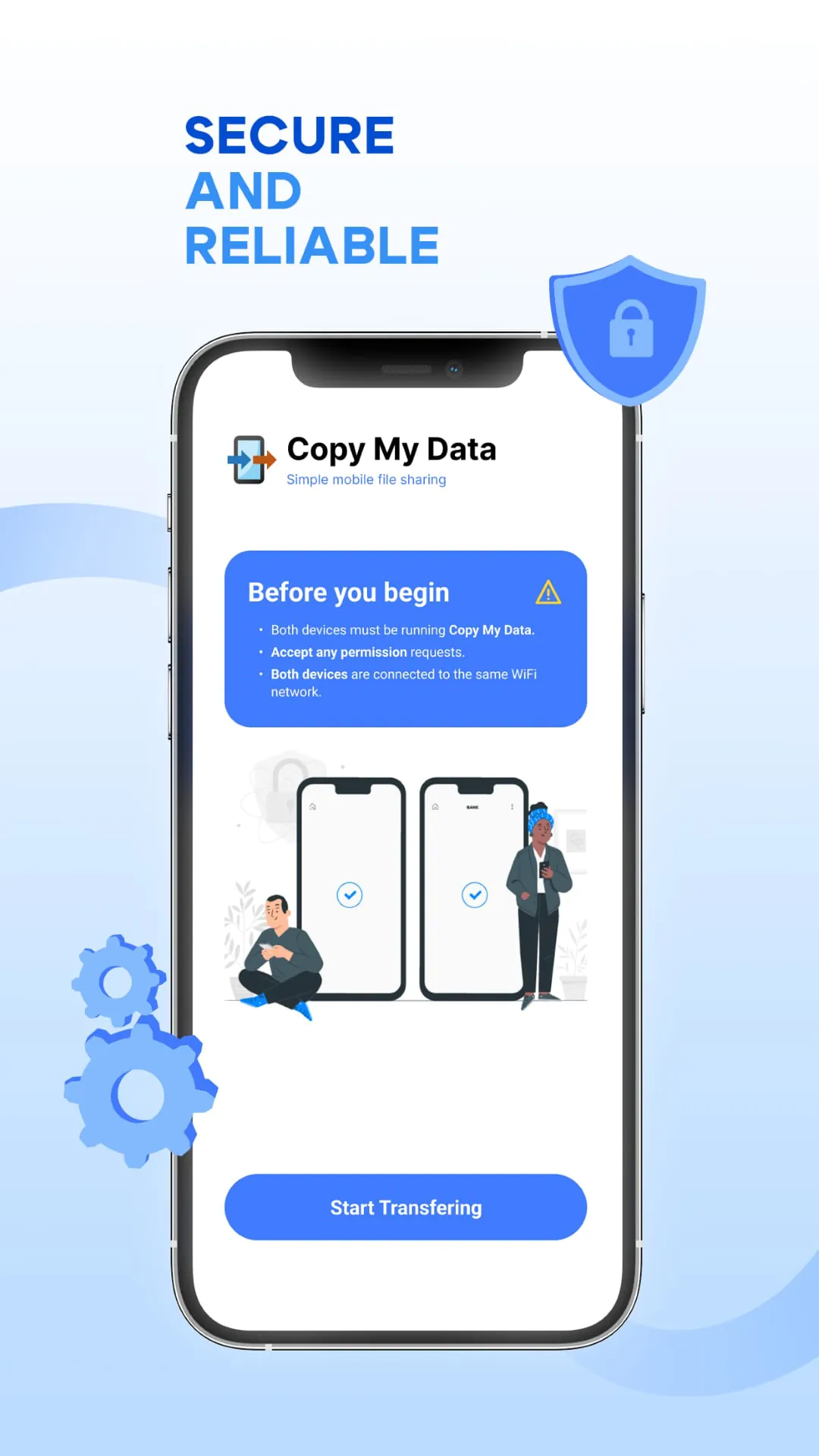
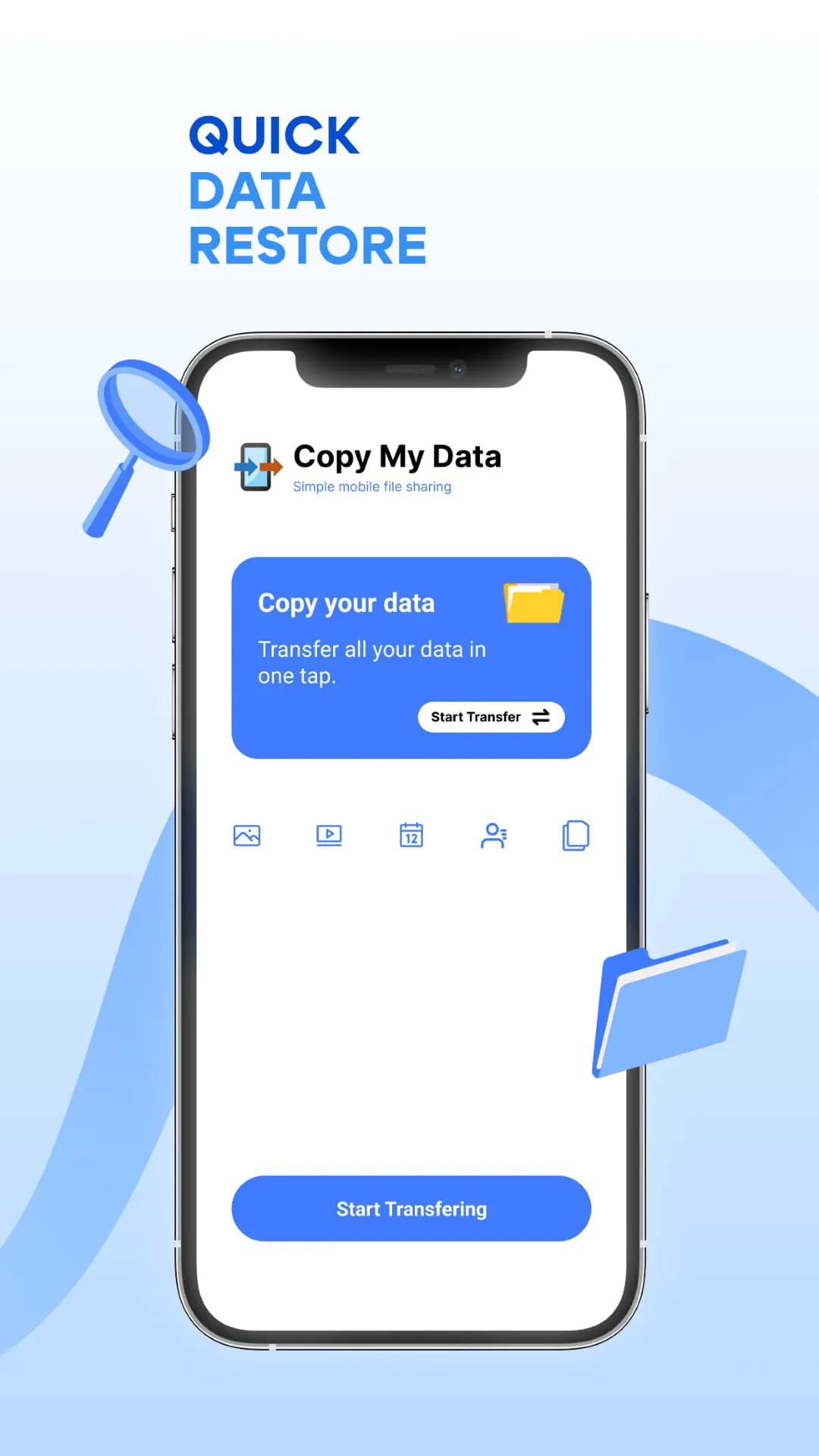
Copy your data from one phone to another over a WiFi network, without the need for a computer. Easily transfer data from one phone to another by QR. Transfer your calendar dates, keep your favourite photos and send your favourite videos and music to your new smart phone. Copy my Data provides secure sharing from phone to phone. Ensure both devices are connected to the same WiFi network and then run the app. Tranfer and enjoy this data backup available. Copy My Data will guide you through the process of copying your data from one to another in a few easy steps. Have an easy connectivity through QR code connecting two smart phones wirelessly. Clone your phone! Download Copy My Data: Transfer Content app now and start transferring all your content. Dont lose you anything.

Advertisement

Information

  • Category: Tools
  • Rating: 4.20
  • Installs : 50M+ Downloads
  • Developer: Red Sky Labs
  • Tags :
  • Version : V2.2.7
Advertisement

Frequently Asked Questions

1
How do I download Copy My Data: Transfer Content?
2
Why does the download button take me to another website?
3
Can I get Copy My Data: Transfer Content on my iPhone or iPad?
4
Is Copy My Data: Transfer Content free to download?
5
How can I tell if Copy My Data: Transfer Content will work on my device?
6
Can I download an older version of Copy My Data: Transfer Content?
7
What should I do if the download is stuck or the installation fails?
8
Why does the store say Copy My Data: Transfer Content is unavailable in my country?
9
How do I update Copy My Data: Transfer Content after installing it?
10
Who should I contact if I need help with Copy My Data: Transfer Content?