


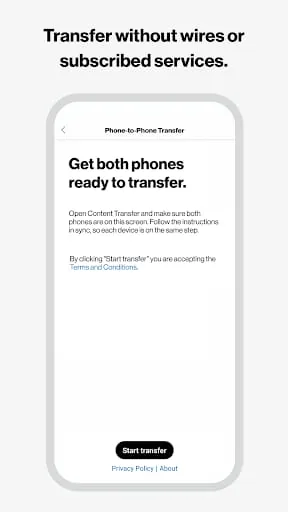
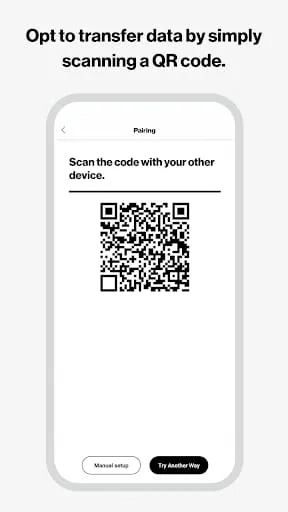
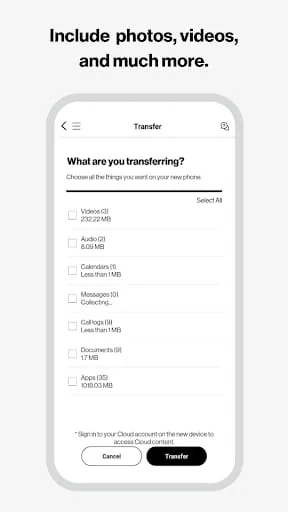
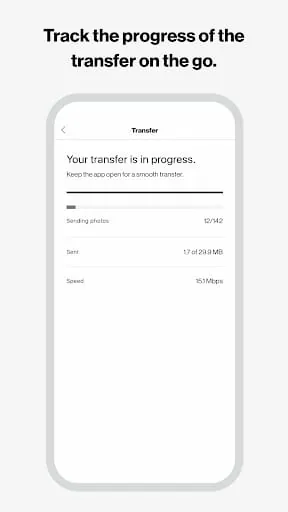
Verizon Content Transfer is a cross-platform app that allows users to transfer their personal data from their old phone to their new phone without the need for wires, subscribed services, or additional equipment. With this app, users can easily transfer photos, videos, contacts, messages, calendars, and reminders. The app also allows users to track the progress of the transfer on the go. One of the key features of Verizon Content Transfer is the ability to transfer data by simply scanning a QR code. This makes the transfer process quick and easy, without the need for complicated setup or configuration. Additionally, users can enjoy the data backup available in the Verizon Cloud whenever they need it. Overall, Verizon Content Transfer is a great solution for anyone looking to transfer their personal data from their old phone to their new phone. With its easy-to-use interface and comprehensive feature set, this app is a must-have for anyone who wants to make the transition to a new phone as smooth as possible. Verizon Content Transfer is a useful app that allows users to transfer their personal data from their old phone to their new phone. The app is available on both iOS and Android platforms, making it accessible to a wide range of users. With this app, users can transfer photos, videos, contacts, messages, calendars, and reminders. One of the key benefits of Verizon Content Transfer is the ability to track the progress of the transfer on the go. This feature allows users to stay informed about the status of their transfer, ensuring that everything is transferred successfully. Additionally, users can enjoy the data backup available in the Verizon Cloud whenever they need it. Overall, Verizon Content Transfer is a great app for anyone who wants to transfer their personal data from their old phone to their new phone. With its comprehensive feature set and easy-to-use interface, this app is a must-have for anyone who wants to make the transition to a new phone as smooth as possible.
4.40








 Home
 Apps
 Games
 Topics
 Google Play
 App Store