



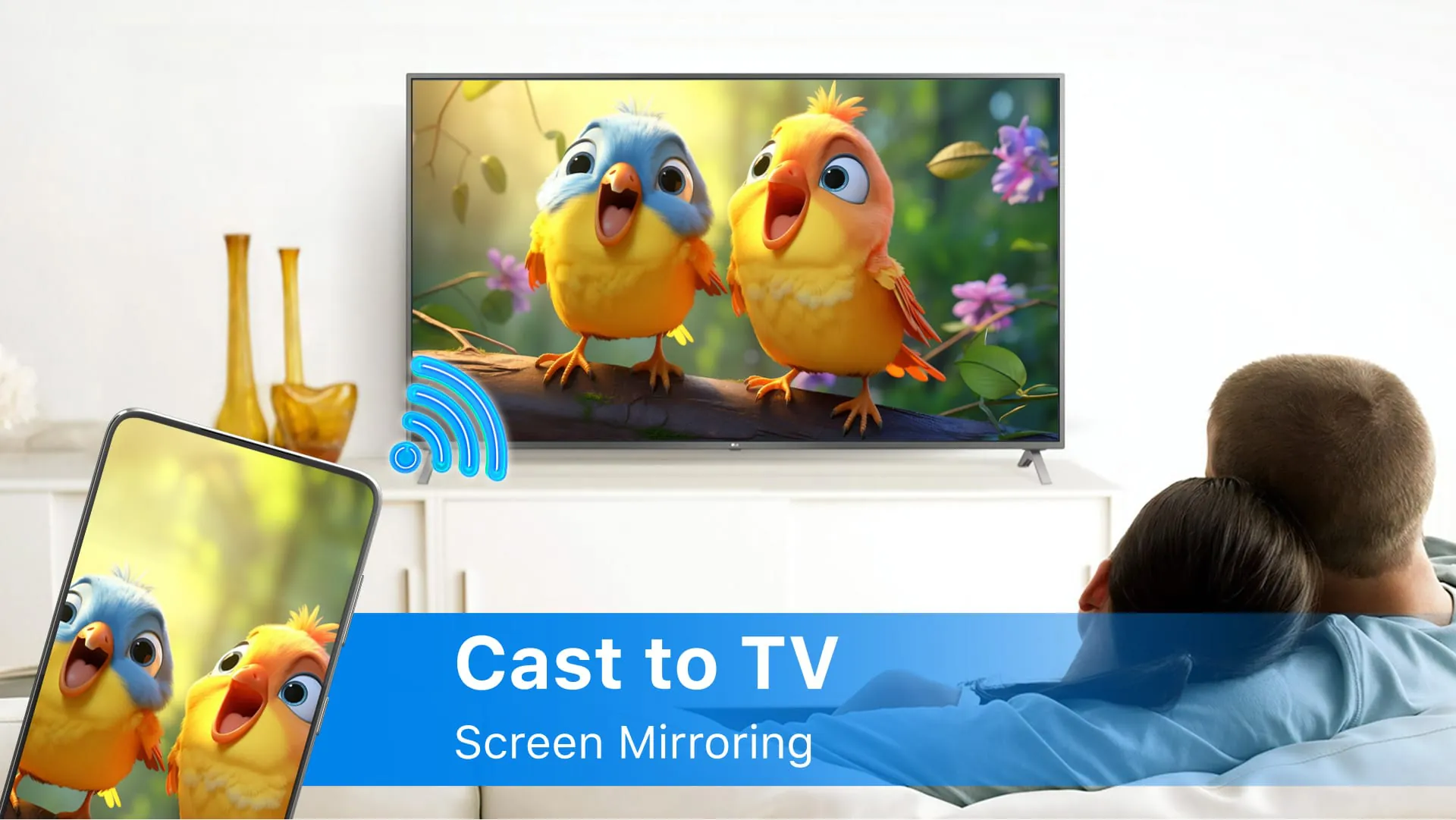
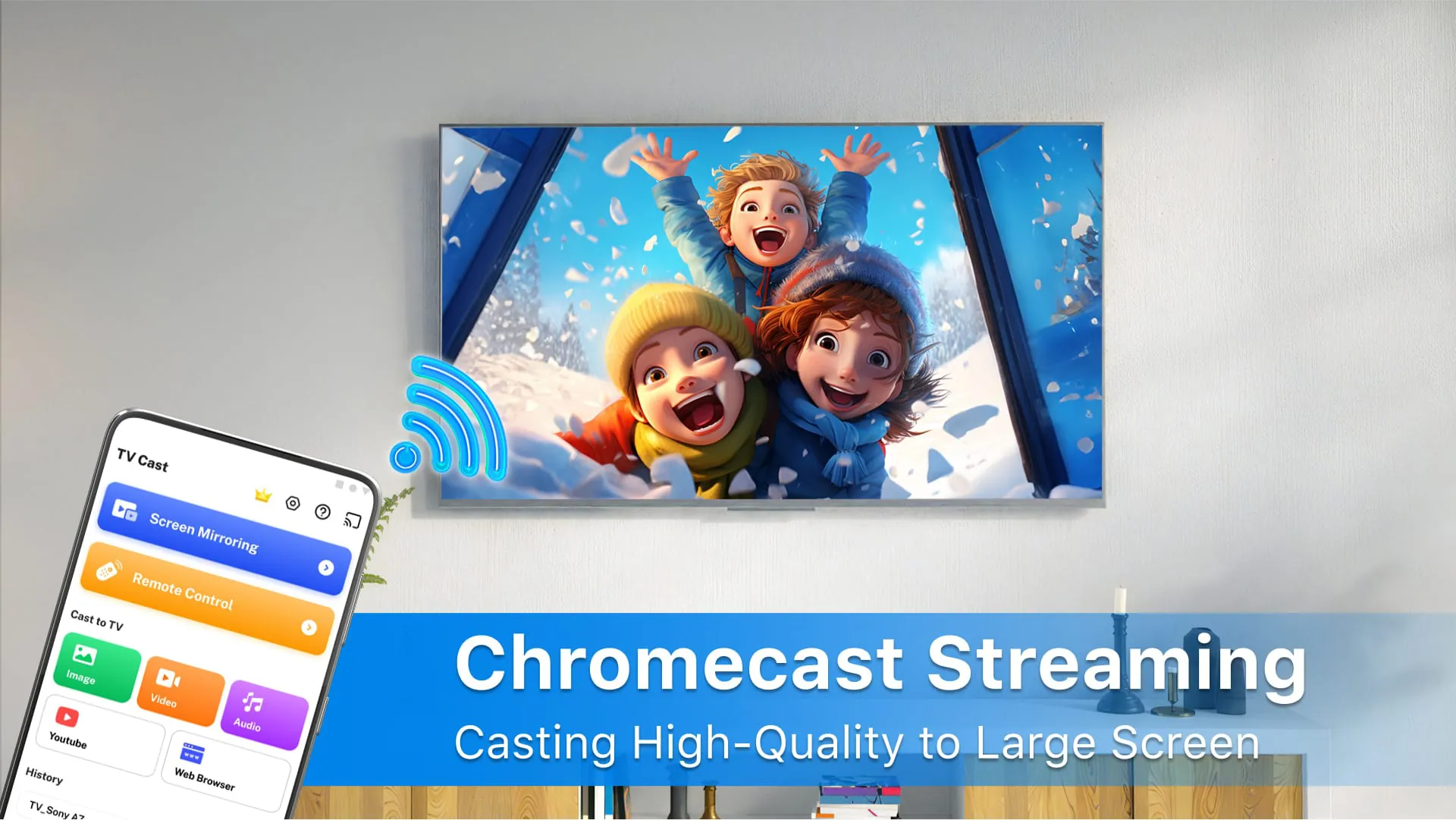
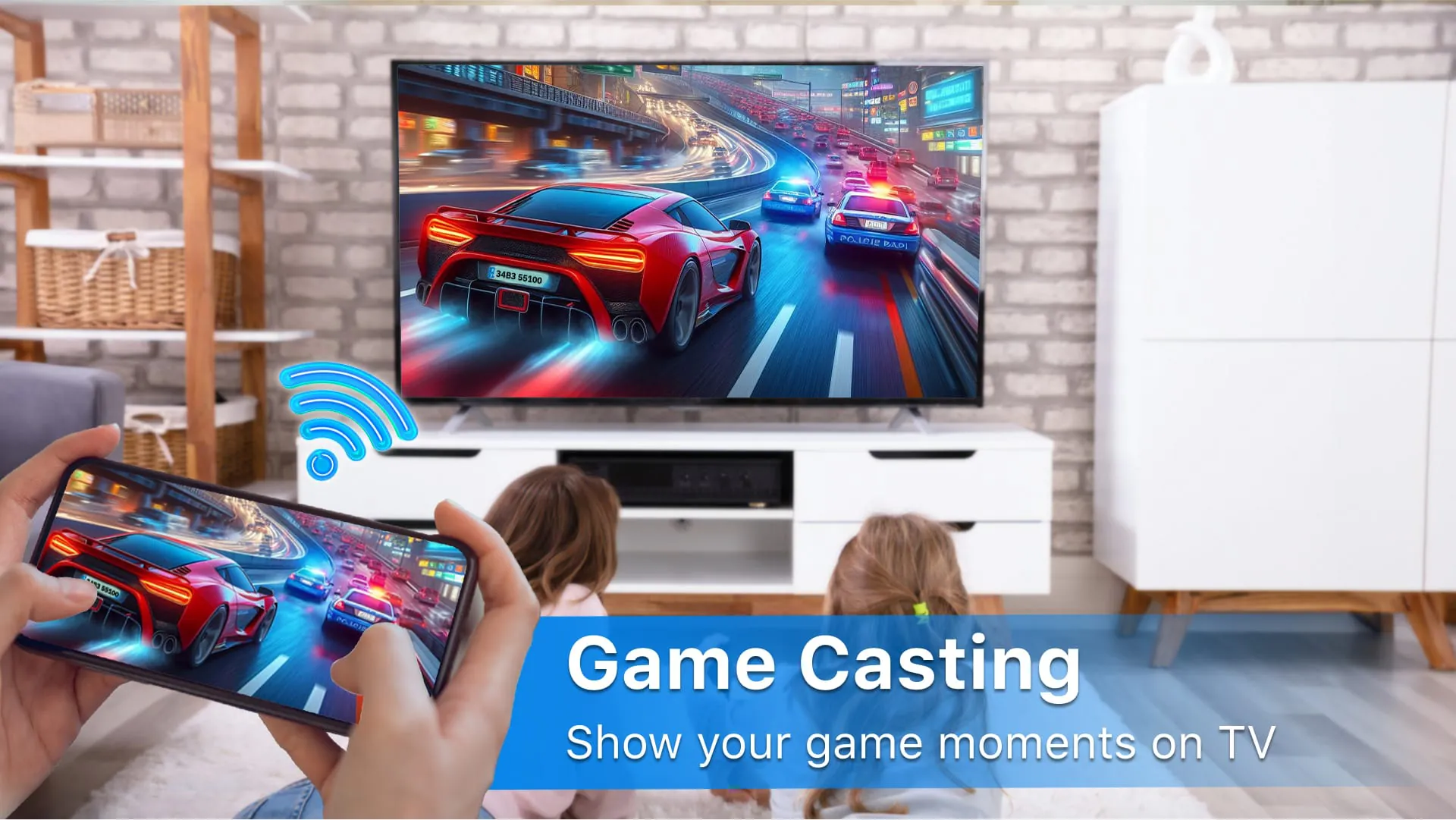
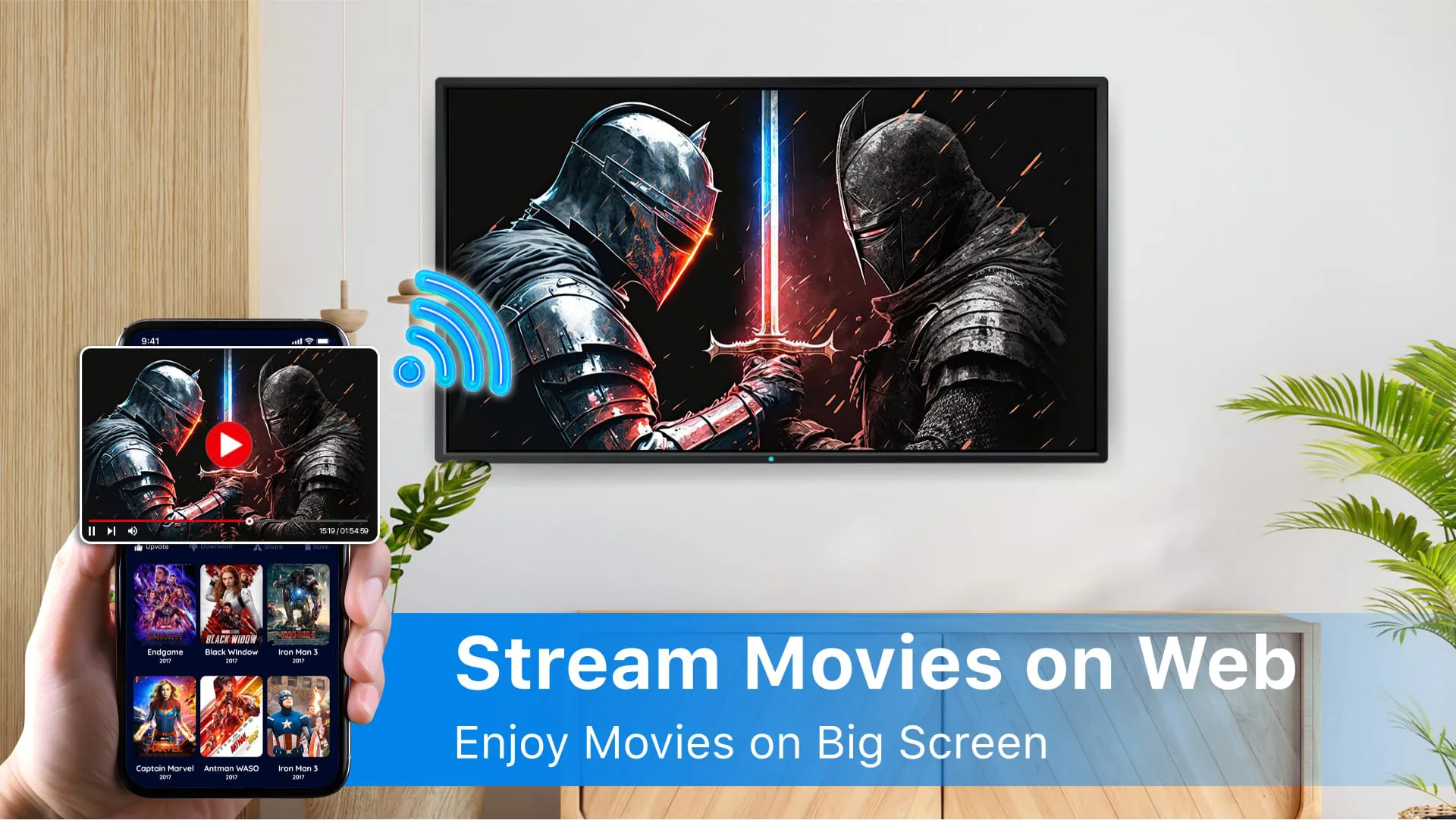
Chromecast TV Screen Mirroring allows you to mirror your smartphone display on the TV screen in real-time speed and high quality. Miracast app helps you cast videos, music, photos, etc., to your smart TV screen. Chromecast TV Screen Mirroring app will assist you in scanning and mirroring your Android phone or tab's screen on smart TV. You will get a tremendous big-screen phone experience by connecting your phone to a TV screen via this Screen Mirroring TV app. Streaming movies from your phone to big TV screen is now getting easier! Try it out now! Chromecast TV Screen Mirroring display all kinds of phone screens. You can use screen mirroring mobile Miracast to TV and enjoy watching movies and Livestream. Live screen mirror airplay phone screen on TV, including Youtube, Facebook, TikTok, etc., is applicable. Love to play mobile games but are annoyed because the screen is too small? How to enlarge the mobile phone's visual experience? Screen Mirroring Games to Chromecast TV - TV mirror big screen for a better phone visual experience. Chromecast TV Screen Mirroring is easy to connect. No need for cables; just use the Miracast app to connect your phone to your smart TV. TV Miracast - Screen Mirroring supports all Smart TVs, DLNA Receivers, and wireless adapters. Chromecast TV Screen Mirroring is the most powerful app for screen mirroring at real-time speed. Enhance your TV experience within Chromecast app. FEATURES: * Simple & fast connection with just a click * Cast and stream to Chromecast, smart TV for the best experience of watching videos and movies * Stream photos, videos, music, and audio to Chromecast, smart TV * Screen share your phone display with friends and family * Easily play mobile games on your TV screen. * Cast Live video on the web browser. * Full controls as a remote: add and remove videos from the playback queue * All media files supported, videos, photos, audio, PDFs, etc. HOW TO USE: 1. Your phone and Chromecast smart TV should be connected to the same Wi-fi. 2. Select and connect to your smart TV 3. Try out Screen Mirroring – Cast Video, photos, etc. - every features of this app
4.20









 Home
 Apps
 Games
 Topics
 Google Play
 App Store










