



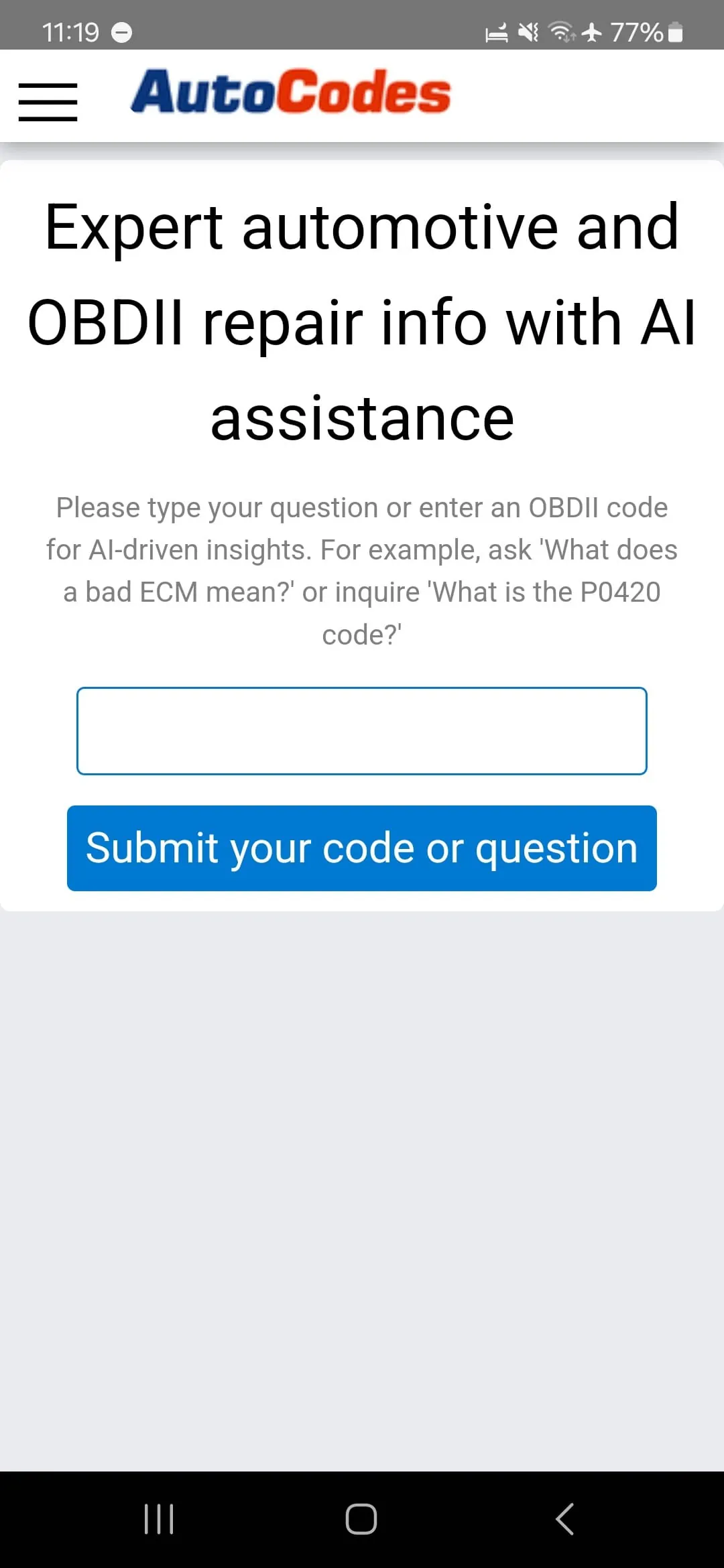
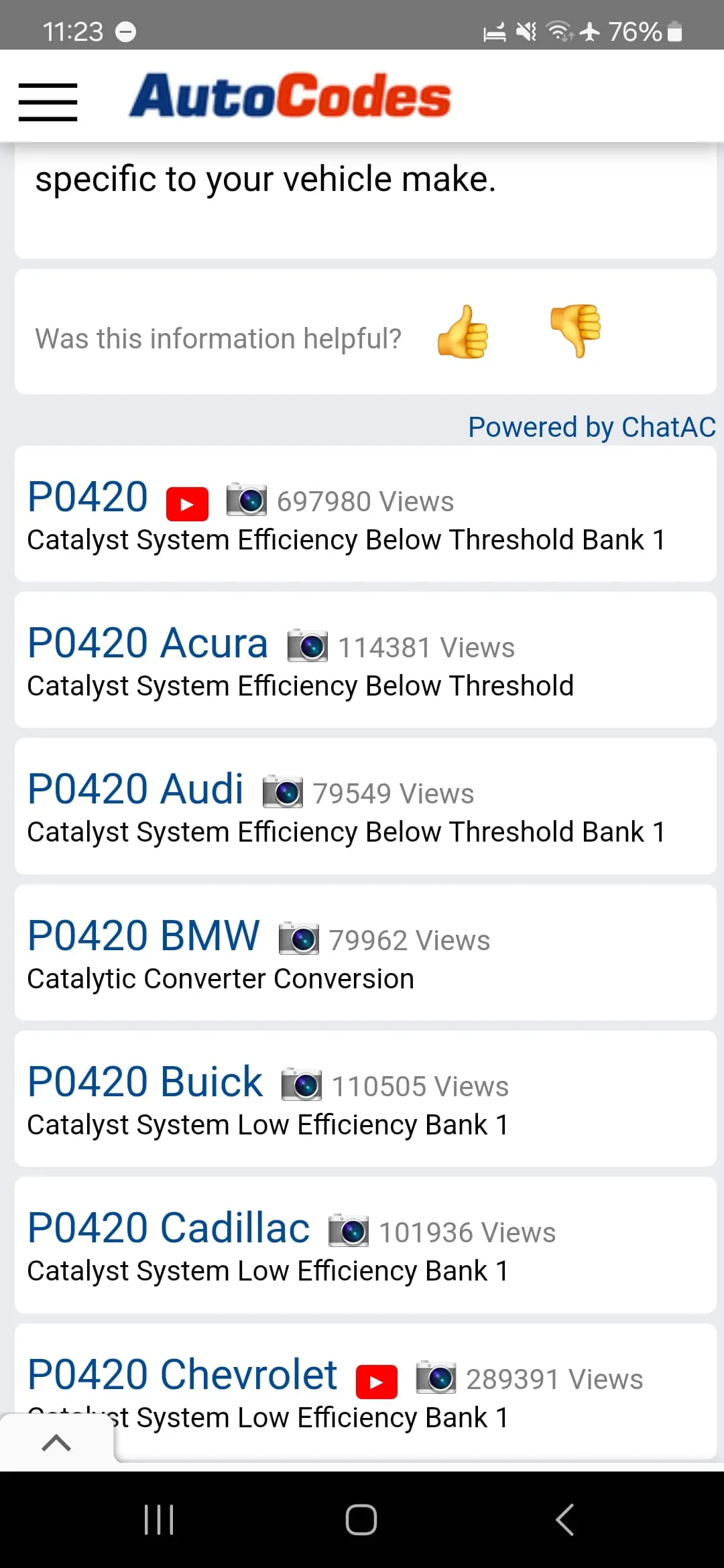
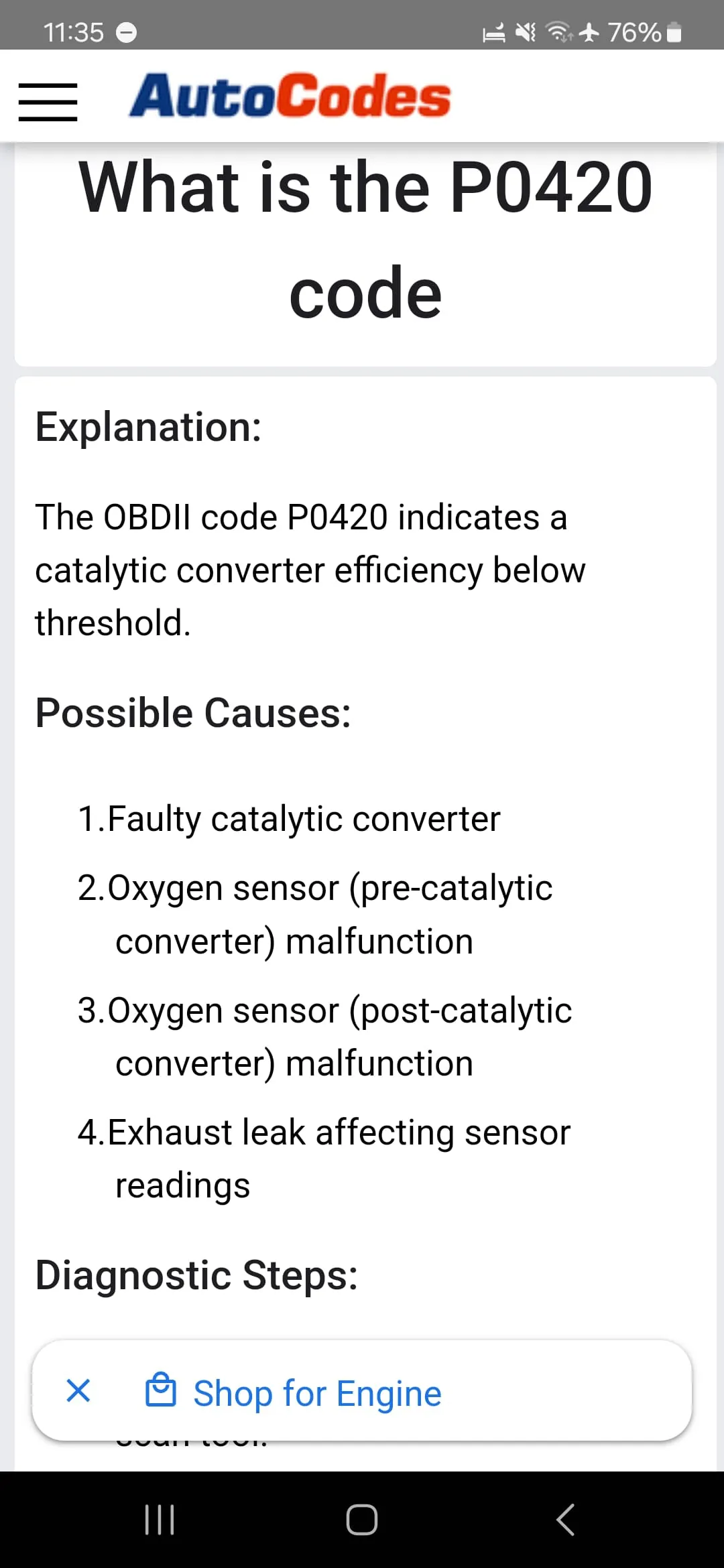
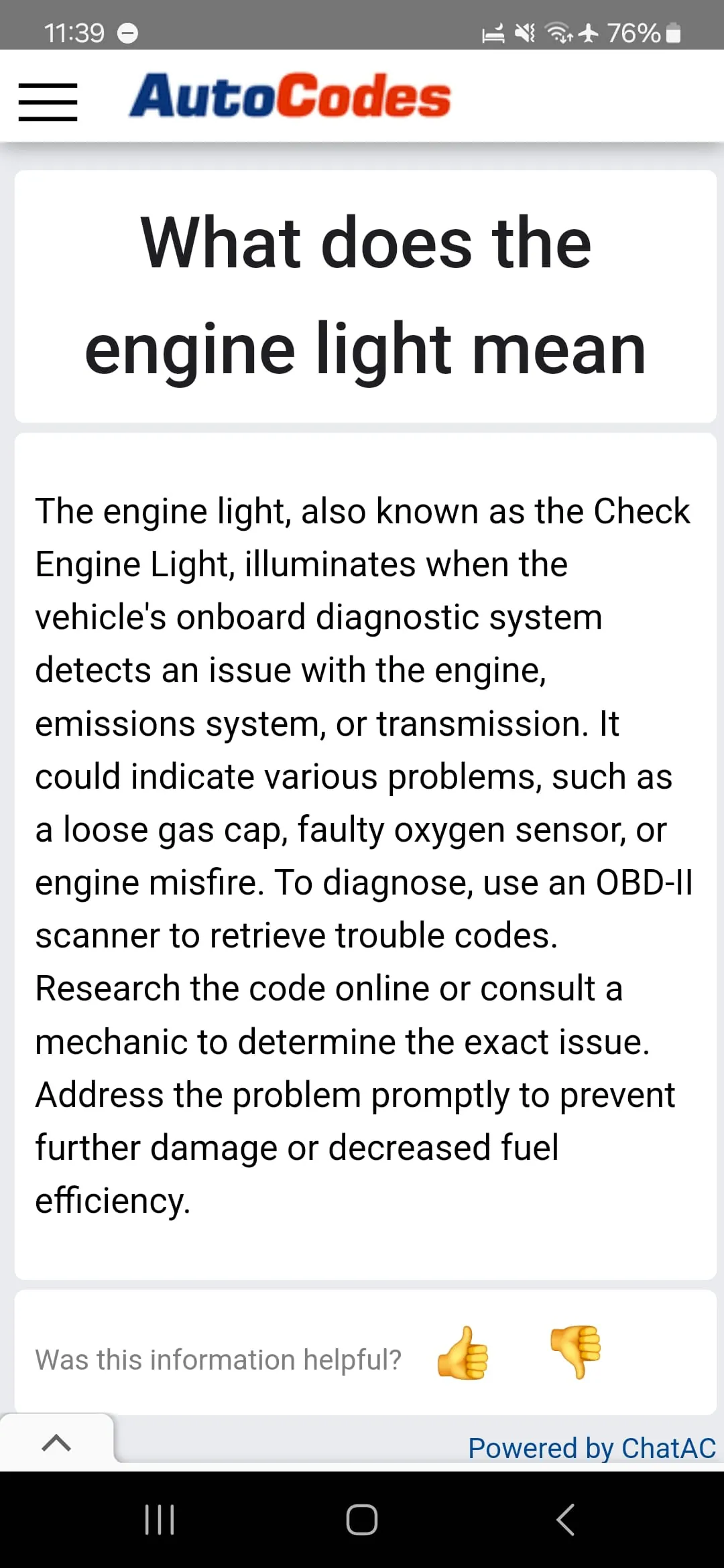
AutoCodes.com is a comprehensive database of OBDII (OBD2) codes, with over 50,000 descriptions for all makes and models. This makes it the largest database of its kind, providing technicians and enthusiasts with a wealth of information on how to diagnose and repair OBDII code problems. With the AutoCodes.com Android App, users can access this information on the go, making it the perfect complement to OBDII diagnostic tools that don't provide the full description and causes of code problems. The AutoCodes.com Android App is easy to use. Simply type in an OBDII code and get a full definition, description, possible causes, and repair information. The app also includes images, diagrams, and videos on how to fix code problems, making it a valuable resource for anyone looking to diagnose and repair OBDII code problems. With this app, users can quickly and easily access the information they need to get their vehicles back on the road. Overall, the AutoCodes.com Android App is an essential tool for anyone who works with OBDII diagnostic tools. With its comprehensive database of OBDII codes and easy-to-use interface, it provides users with the information they need to diagnose and repair code problems quickly and efficiently. Whether you're a professional technician or an enthusiast, this app is a must-have for anyone looking to keep their vehicles running smoothly.
3.20









 Home
 Apps
 Games
 Topics
 Google Play
 App Store