




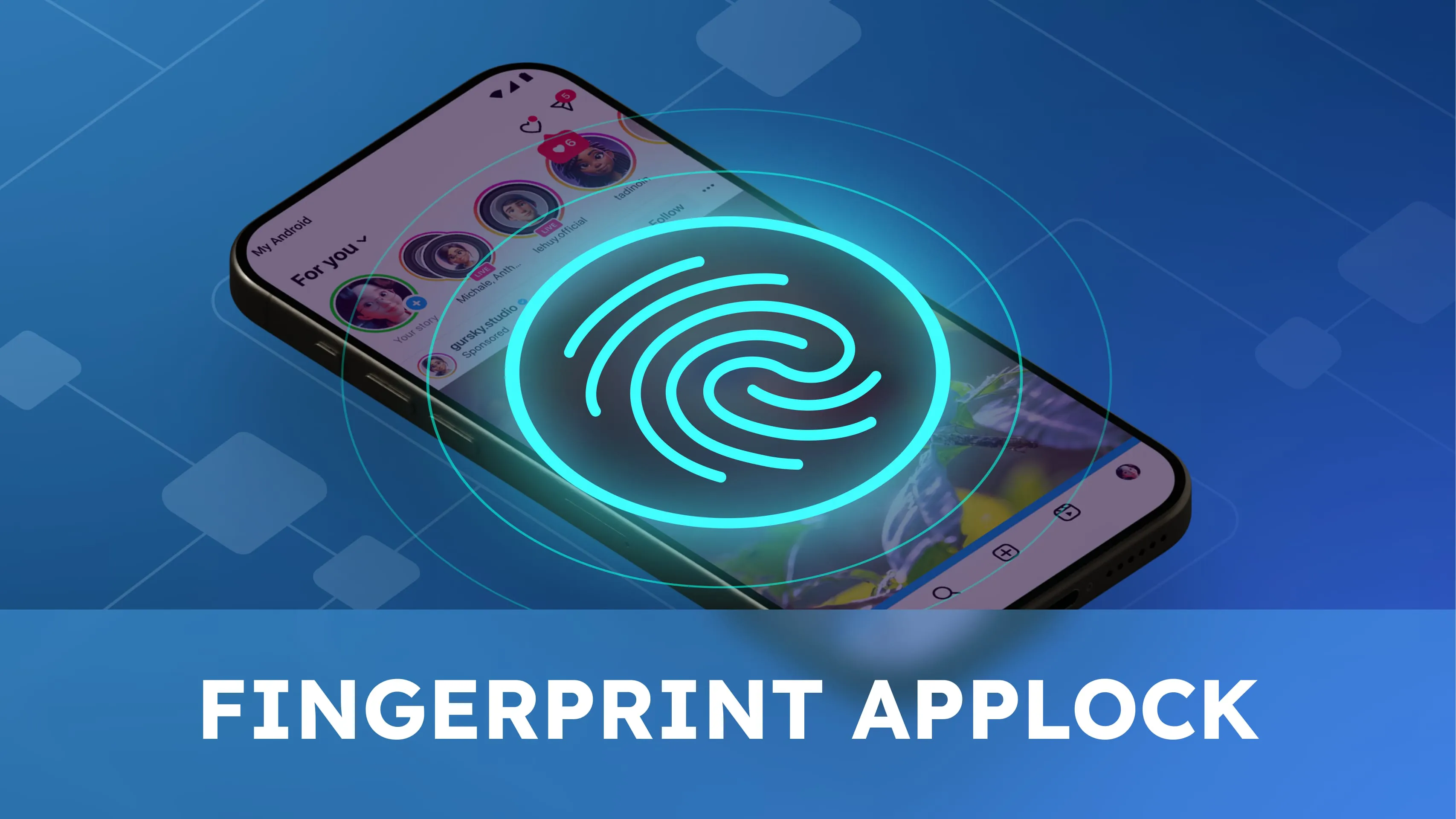
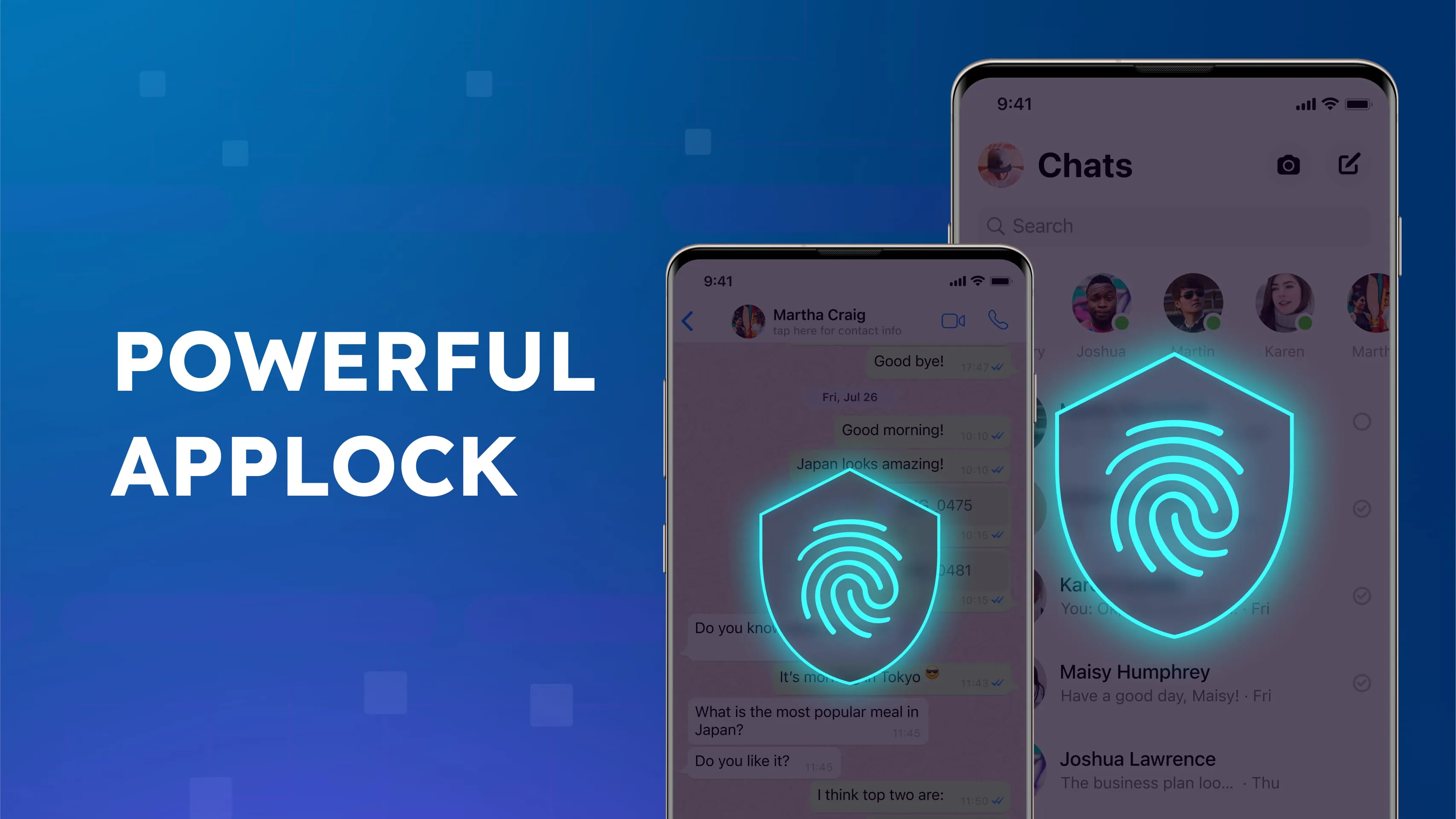
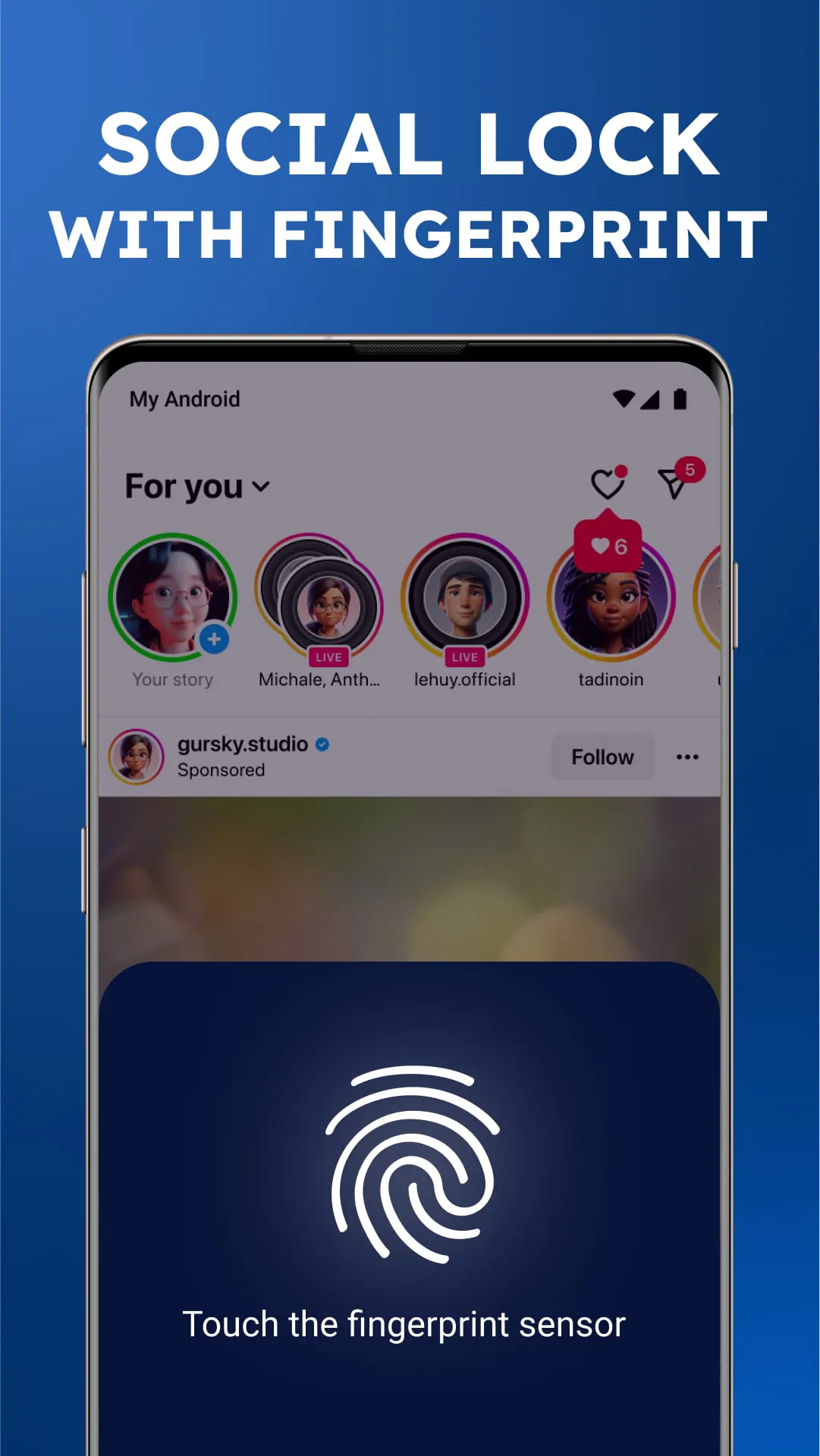
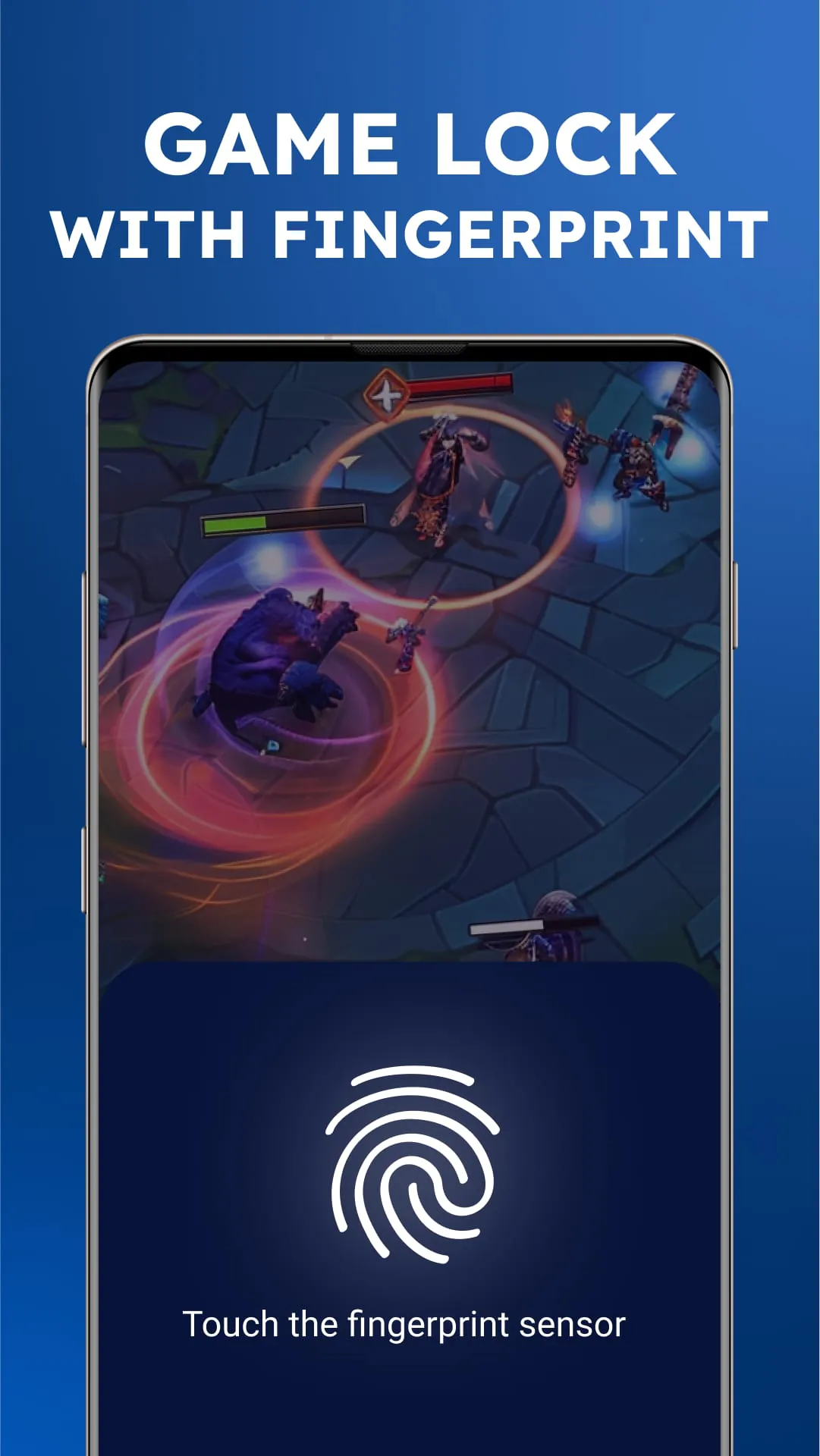
Secure personal information & lock all apps with App lock fingerprint - Lock apps. App lock password - Pattern pin password applock helps you to secure personal information when strangers access apps on your phone. Applock fingerprint for android is an application that protects your privacy with the most intuitive and easy-to-use interface. Our lock application is absolutely secure and always wants to bring you the best experience. With App lock, your apps are protected quickly. You can change the password whenever you want. Best of all, you no longer have to worry about your personal information being revealed when using Fingerprint applock. Features of the app App lock - fingerprint lock: Lock all apps on Android phone with fingerprint, pattern & pin password. In particular, with the fingerprint security feature, unlocking will be extremely convenient & fast. (However, Applock only supports fingerprints with Android version . and above. In addition, to use fingerprint, your Android device needs to have fingerprint sensor hardware and make sure this sensor is still working. App lock password will not be able to unlock with fingerprint if your device is Android version below . or doesn't have fingerprint sensor or device fingerprint sensor is damaged.). Quickly search for the apps you need to lock. Personalize the lock screen according to your taste with a variety of Themes updated every day. Statistics of locked apps. Apps you use often are suggested to lock. Easy and secure password change. Absolutely safe and the app is layered with security features: secure keyboard & intruder tracking. And many more features coming soon ... App lock fingerprint will help you secure all information by locking your apps: Lock all social apps: No one can compromise personal information without your permission. System app lock: Apps like contacts, messages, galleries, etc. can be locked easily. All banking and payment apps will have an extra layer of security when you use App Lock. Your photos and videos will only be visible after unlocking. Applock fingerprint & pattern is a smart application that gives you a great experience: The security system for the app will work or pause when you click the lock icon on the home screen. Fingerprint security feature is always updated with modern new technologies and perfected every day, to bring the fastest and most accurate unlocking experience. (Note: Fingerprint only works if your device is Android version . and above or has fingerprint sensor and make sure it is not damaged) Password is designed to ensure absolute security. Diverse lock screen themes suitable for all personalization preferences. Easily search for apps that need security. The application interface is designed to be intuitive and easy to use. App lock - fingerprint lock keeps your Android phone absolutely safe and you won't have to worry: Friends borrow their phones to play games. Children play with phone and change settings. Or anyone reading personal data in the app. Or maybe all of the other people using your phone without your permission. Download now App lock fingerprint - Lock apps to have a great lock app experience. Application applock fingerprint is in the development and completion process, so we would love to receive your feedback and suggestions via email: [email protected] . Your feedback is extremely valuable for us to improve the product. Sincerely thank you, best regards!
4.10









 Home
 Apps
 Games
 Topics
 Google Play
 App Store